

Canva for presentations and marketing design
Create branded presentations, social posts, posters and marketing assets in your browser, with templates, collaboration and supported AI integrations.
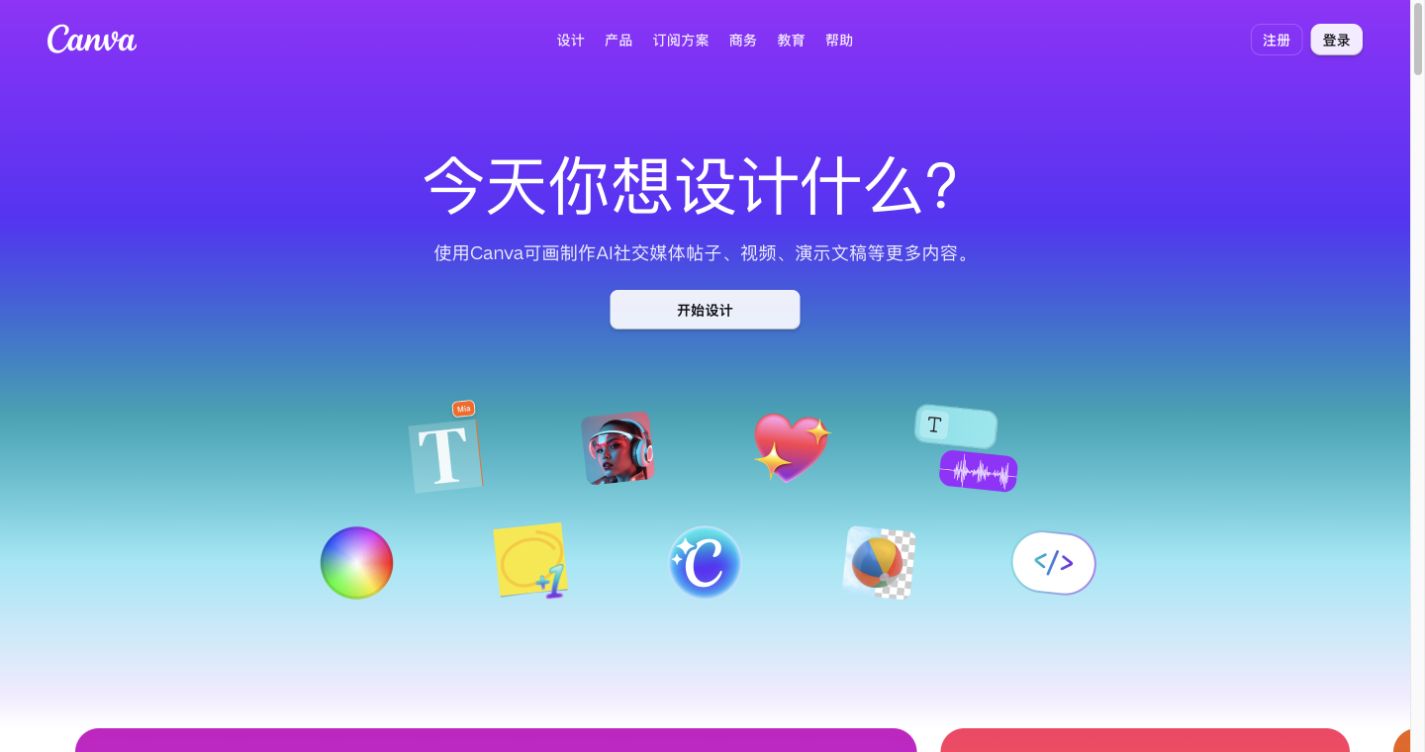
What is Canva?
Canva is a browser-based design workspace for presentations, social content and marketing assets. Users can start from templates, collaborate and prepare designs for different formats. Free access is available, while premium assets, brand features and AI allowances vary by plan.
How to use Canva
- Choose a design format and a suitable template.
- Edit text, images and brand elements with collaborators if needed.
- Review the layout and export or share the finished design.
Core features
Templates and editing
Creates slides, social graphics, posters and other visual content.
Brand workflows
Paid plans add tools for managing branded content.
AI assistant connection
Supported assistants can connect through Canva’s AI Connector.
Use cases
- Create a campaign’s social posts and presentation.
- Adapt a template to match a brand’s visual identity.
Who is it for?
Creators and teams producing presentations and recurring marketing content.
Related website guides
Have a website to share?
See how listing works ↗