
Compresto: Fast Offline Media and PDF Compression for macOS
Compress landing page videos, PNG/WebP screenshots, GIFs, and PDFs offline on macOS with watched folders and lifetime updates.
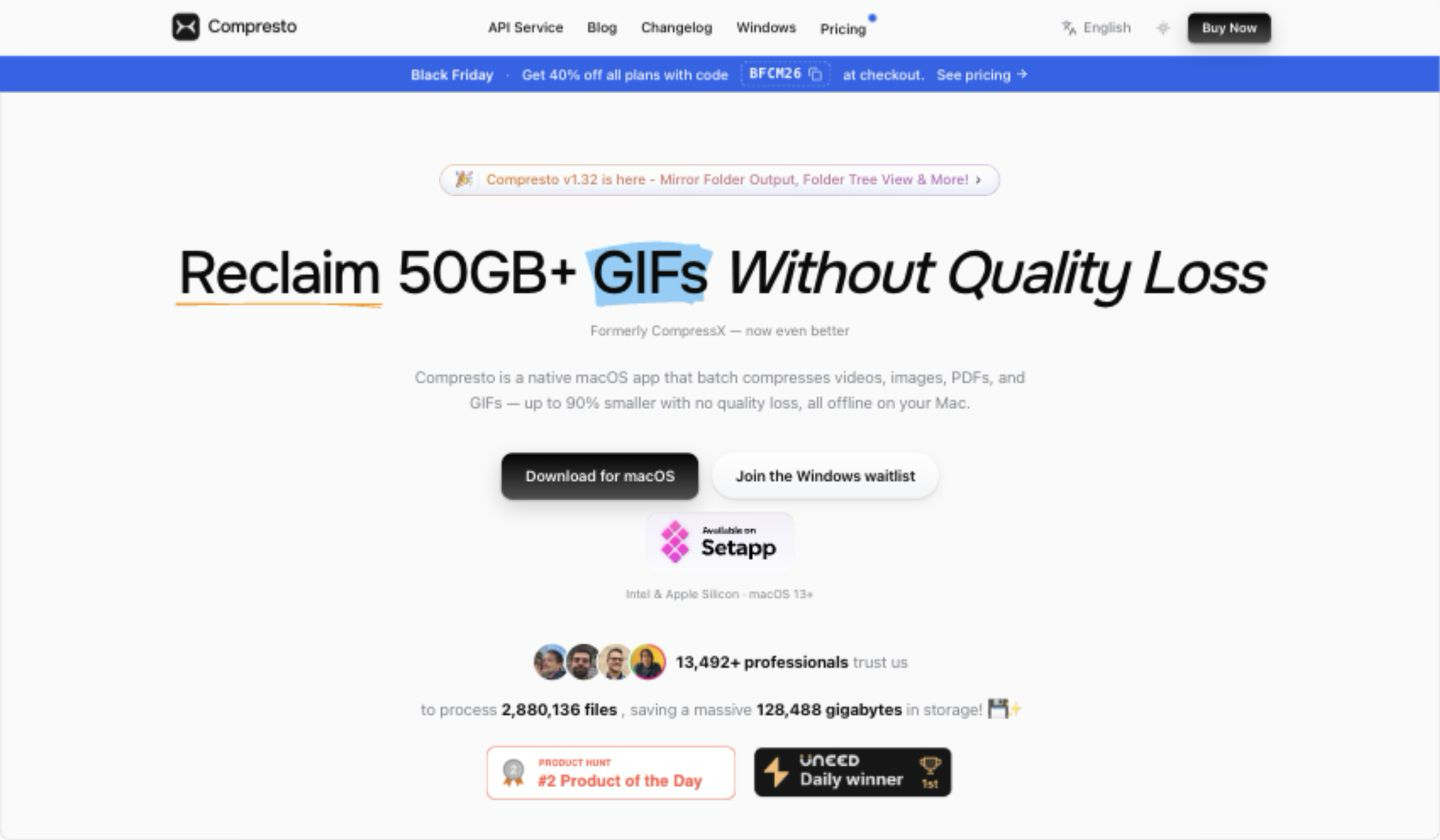
What is Compresto?
Built by Hieu Dinh, Compresto helps web builders and creators slash media file weights without uploading private videos to cloud converters. It compresses MP4/MOV recordings with results depending on input format and quality settings, PNG/JPEG/WebP images, GIFs, and PDFs natively on macOS, and can watch specific folders to auto-compress new screenshots in the background. Visitors can test single images up to 5 MB free on the site, while one-time Mac licenses start at $49 ($29.40 during Black Friday).
How to use Compresto
- Test a sample PNG/WebP in the free web box or launch Compresto on macOS
- Drag in MP4 demo videos, screenshots, GIFs, or PDFs—or set an auto-watched folder
- Export web-ready files locally in seconds to keep your page LCP fast
Core features
All-in-one format support
Handles MP4/WebM video, PNG/JPEG/WebP, GIF, and PDF in one app.
Watched folders & Drop Zone
Automatically shrinks new CleanShot or macOS screenshots as you take them.
Offline one-time license
Zero cloud uploads and lifetime updates on Personal ($49 list) and Standard ($69 list).
Use cases
- Compress Screen Studio hero videos before web delivery, checking output quality and file size.
- Batch-compress blog screenshots as one part of improving page loading performance
- Reduce oversized pitch deck PDFs so they fit email attachment limits
Who is it for?
macOS indie developers, bloggers, and designers shipping media-rich landing pages.
Related website guides
Have a website to share?
See how listing works ↗