
Dabbit: Color-Managed macOS Picker and Scale Builder for Developers
Sample any pixel on macOS, copy exact OKLCH or Tailwind formats, generate color scales with WCAG contrast checks, and push variables to Figma.
What is Dabbit?
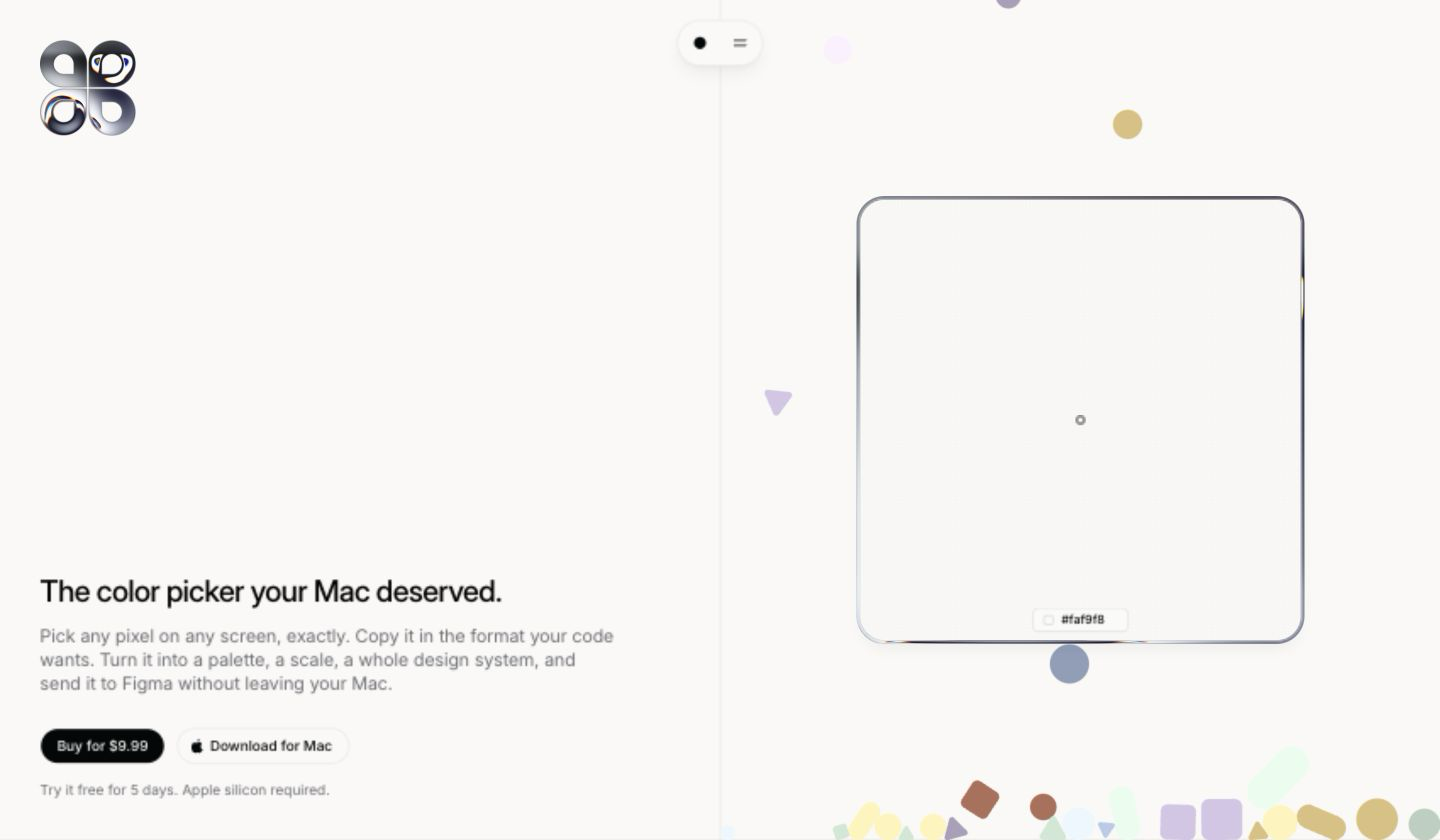
Built for Apple Silicon Macs, Dabbit goes beyond basic hex eyedroppers by remembering which color syntax each app expects—whether Tailwind CSS, OKLCH, Display P3, RGB, or SwiftUI. Pick one seed color from any reference site and Dabbit generates a balanced perceptual scale in OKLCH complete with WCAG AA/AAA black-and-white contrast scores, plus a free plugin to send Light and Dark mode variables straight into Figma. Includes a 5-day free trial and a $9.99 one-time license.
How to use Dabbit
- Download Dabbit on an Apple Silicon Mac (5-day free trial included)
- Sample any screen pixel and copy directly as OKLCH, Tailwind, Hex, or SwiftUI
- Expand one color into a perceptual contrast-checked scale and sync to Figma
Core features
30+ developer color formats
Outputs OKLCH, Tailwind, CSS variables, Display P3, Hex, and SwiftUI.
OKLCH scale & WCAG checks
Builds color scales with live AA/AAA readability badges.
$9.99 one-time price
Low single payment (~$6.99 on Black Friday) with free Figma variable sync.
Use cases
- Turn a brand accent color into a perceptual color scale for CSS variables.
- Verify dark-mode button and text contrast ratios while redesigning a web app
- Extract exact P3/OKLCH colors from inspiration galleries into Figma variables
Who is it for?
Frontend engineers and UI designers on Apple Silicon Macs building Tailwind or SwiftUI apps.
Related website guides
Have a website to share?
See how listing works ↗