
Excel Exercises: Practice Excel in your browser
Practice formulas, VLOOKUP, pivot tables, and keyboard shortcuts in an interactive browser spreadsheet.
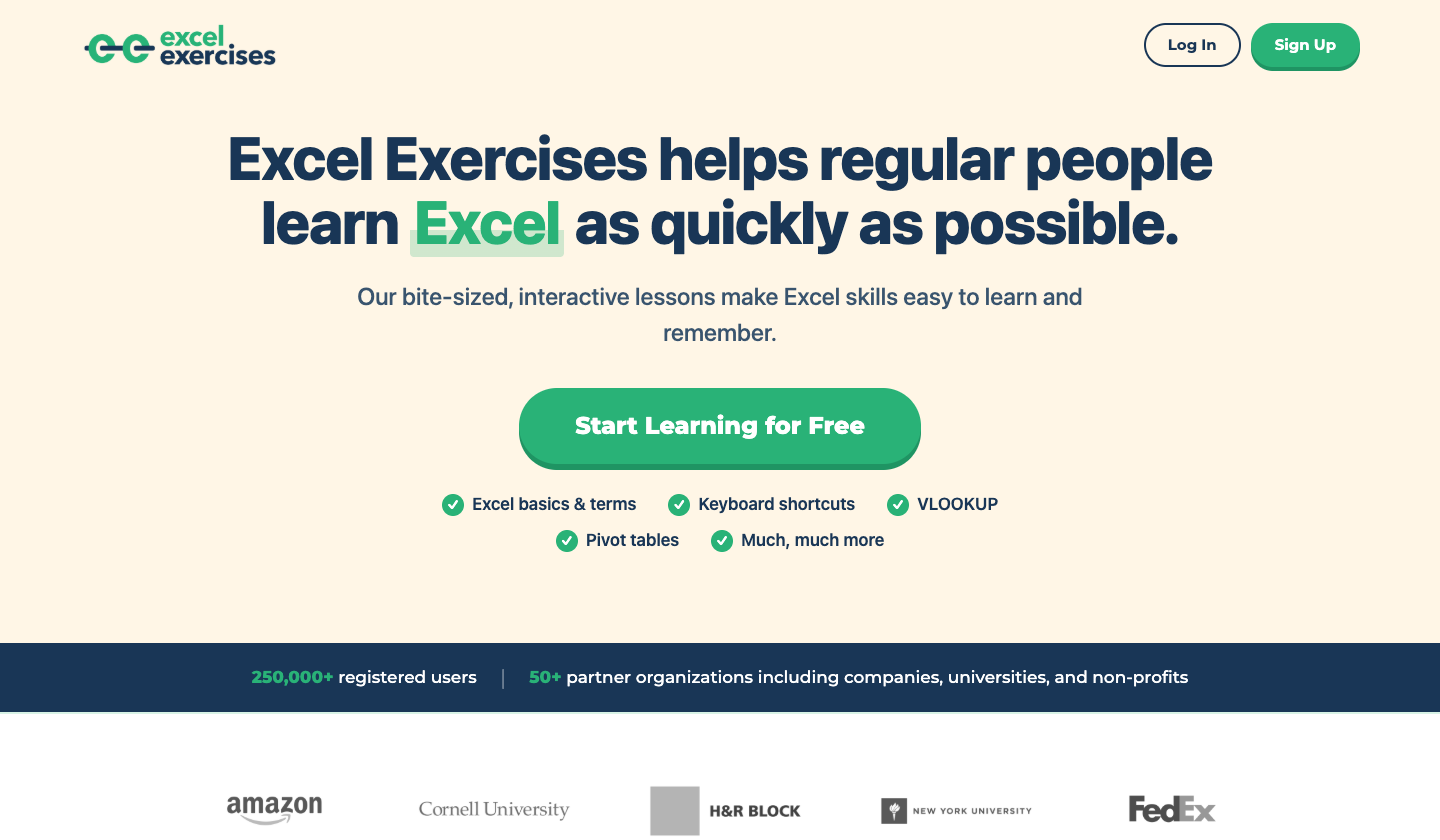
What is Excel Exercises?
Excel Exercises puts a spreadsheet beside each lesson so you can practice as you learn with no desktop software needed. Its curriculum covers basic navigation, formulas, lookups, and pivot tables. Introductory exercises are free in the browser; advanced lessons and more practice come with paid plans.
How to use Excel Exercises
- Choose a lesson from the curriculum
- Complete the task in the spreadsheet simulator
- Use feedback to correct your formula and continue
Core features
Interactive cells
Enter formulas into a browser spreadsheet.
Practical curriculum
Practice lookups, pivot tables, and keyboard shortcuts.
Progressive lessons
Begin with basics before moving to more involved workbook tasks.
Use cases
- Refresh formulas before a spreadsheet assessment
- Practice keyboard shortcuts without opening desktop Excel
Who is it for?
Beginners and office workers who learn spreadsheets by doing.
Related website guides
Have a website to share?
See how listing works ↗