

Figma for collaborative interface design
Design interfaces, maintain component libraries, prototype user flows and provide structured design context to AI coding agents through MCP.
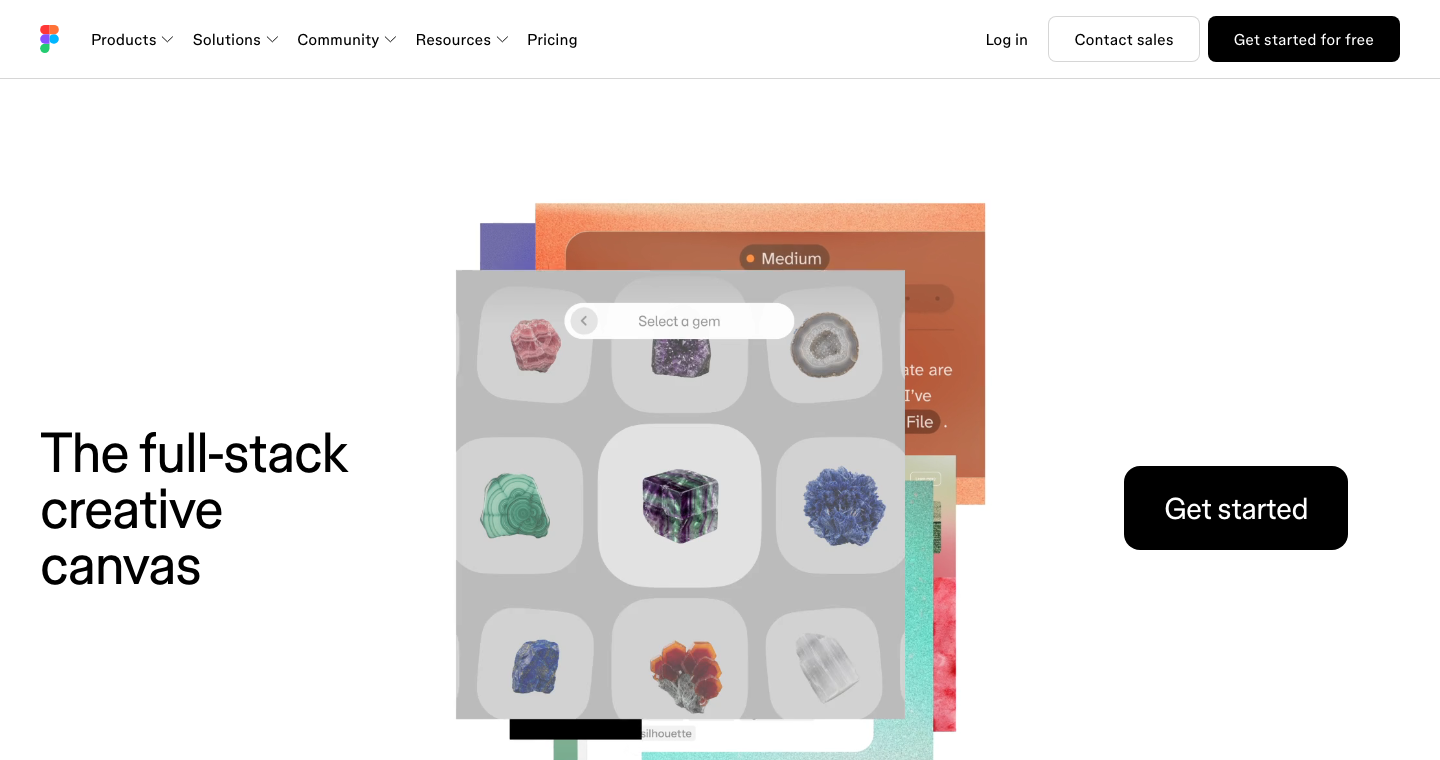
What is Figma?
Figma provides a shared workspace for interface design and prototyping. Teams can build reusable components and hand design context to developers or supported AI coding agents. A free Starter plan is available; shared libraries, advanced workflows and usage allowances depend on the selected plan and seat.
How to use Figma
- Create a design file and lay out the interface.
- Reuse components and connect frames into a prototype.
- Share the design or connect a supported MCP client for implementation context.
Core features
Collaborative canvas
Keeps interface work and team feedback together.
Components and prototypes
Supports reusable interface elements and interactive flows.
MCP design context
Exposes selected layers, layouts and variables to coding agents.
Use cases
- Review an onboarding flow before development.
- Share component and layout context with a coding agent.
Who is it for?
Product teams designing interfaces and coordinating implementation.
Related website guides
Have a website to share?
See how listing works ↗