

Google Keyword Planner: Keyword Demand and Ad Forecasts
Discover keyword ideas and search estimates, then forecast advertising costs inside Google Ads.
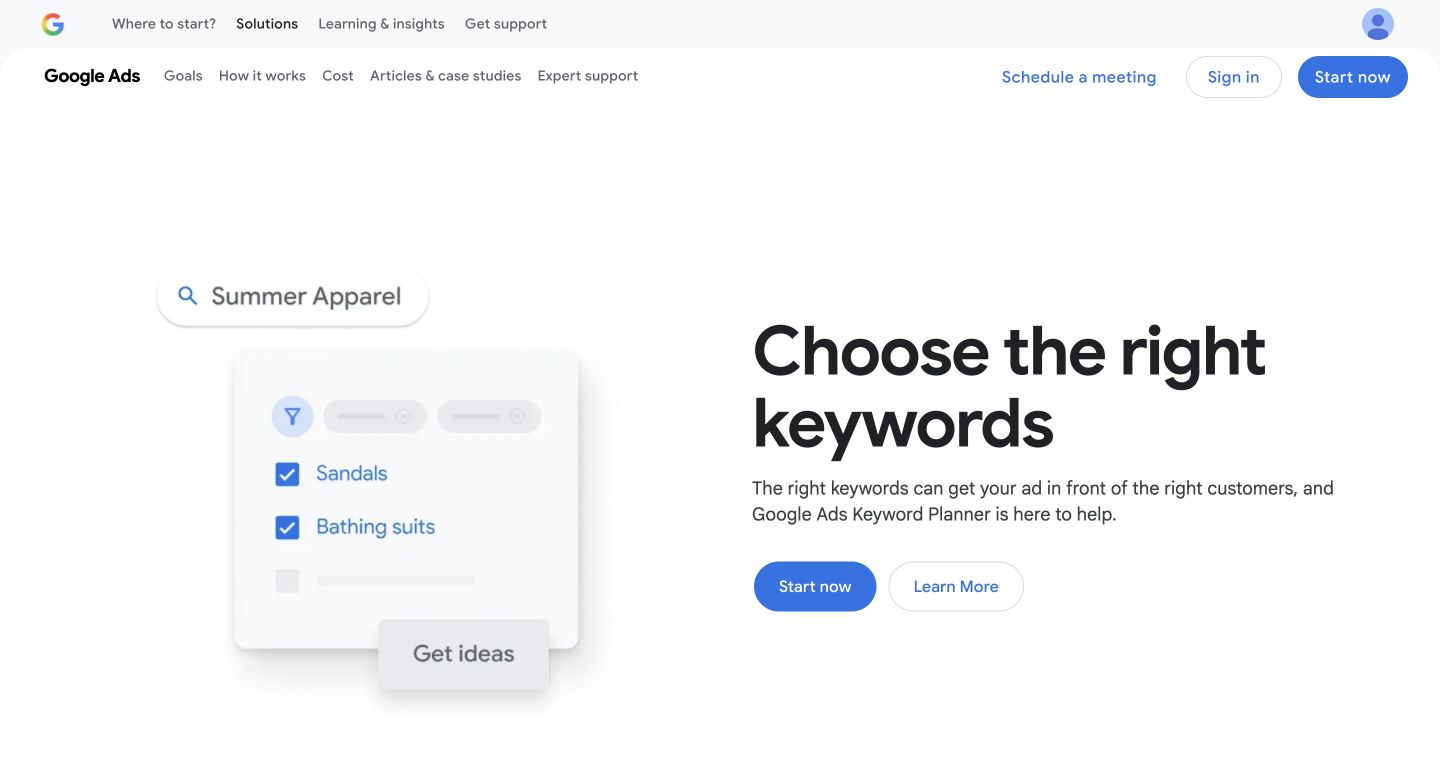
What is Google Keyword Planner?
Keyword Planner is part of Google Ads. It suggests keywords related to a business, estimates search activity and helps forecast advertising costs and results.
How to use Google Keyword Planner
- Complete Google Ads account setup; Google’s help page requires billing information for basic access.
- Open Keyword Planner and enter seed terms or a website.
- Choose market settings and compare ideas, demand and advertising forecasts.
Core features
Keyword discovery
Find ideas from a topic or website.
Search estimates
Review demand within the selected market settings.
Ad forecasts
Estimate campaign costs and results for a keyword plan.
Use cases
- Compare advertising cost forecasts before setting a campaign budget.
- Build a first keyword shortlist or plan a search-ad budget.
Who is it for?
Useful for initial demand checks and advertising plans. The tool is free, but access involves a Google Ads account; publishing an ad campaign is a separate paid action. Its advertiser competition metric should not substitute for an organic SEO difficulty assessment.
Related website guides



Have a website to share?
See how listing works ↗