
Liinks: Build a link-in-bio mini website
Build a link-in-bio mini website with tabs, forms, QR codes, and optional custom-domain publishing.
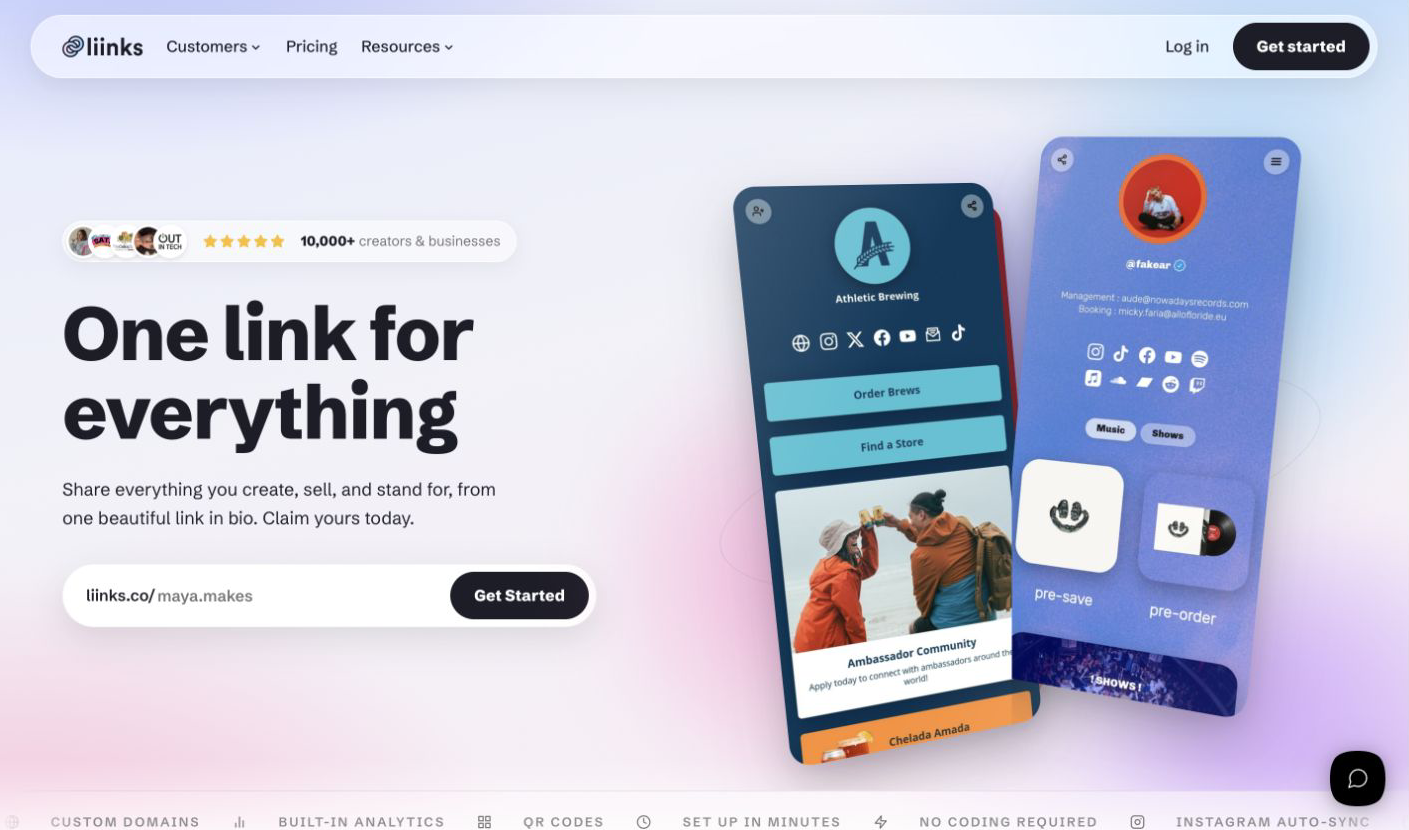
What is Liinks?
Liinks turns a single profile link into a small website for your work, products, and contact routes. Tabs and folders organize larger link collections, while forms, QR codes, and custom domains support different sharing scenarios. You can build in the editor at no cost and start with a free trial; keeping a public page and custom domain requires a paid plan.
How to use Liinks
- Create a page and add your main links
- Arrange blocks, tabs, and visual styling
- Pick a publishing plan and share the page URL
Core features
Organized pages
Group links into tabs and folders.
Migration and sync
Import an existing Linktree page or connect supported content sources.
Sharing tools
Use forms, QR codes, and custom-domain options.
Use cases
- Collect portfolio and contact links
- Create a compact page for an event or launch
Who is it for?
Creators and small businesses looking for a flexible destination for a profile link.
Related website guides
Have a website to share?
See how listing works ↗