
Proxyman: Native HTTP/HTTPS Debugging Proxy With AI Agent MCP
Capture, inspect, and mock HTTP/HTTPS requests across desktop and mobile devices, complete with MCP integration for AI coding agents.
What is Proxyman?
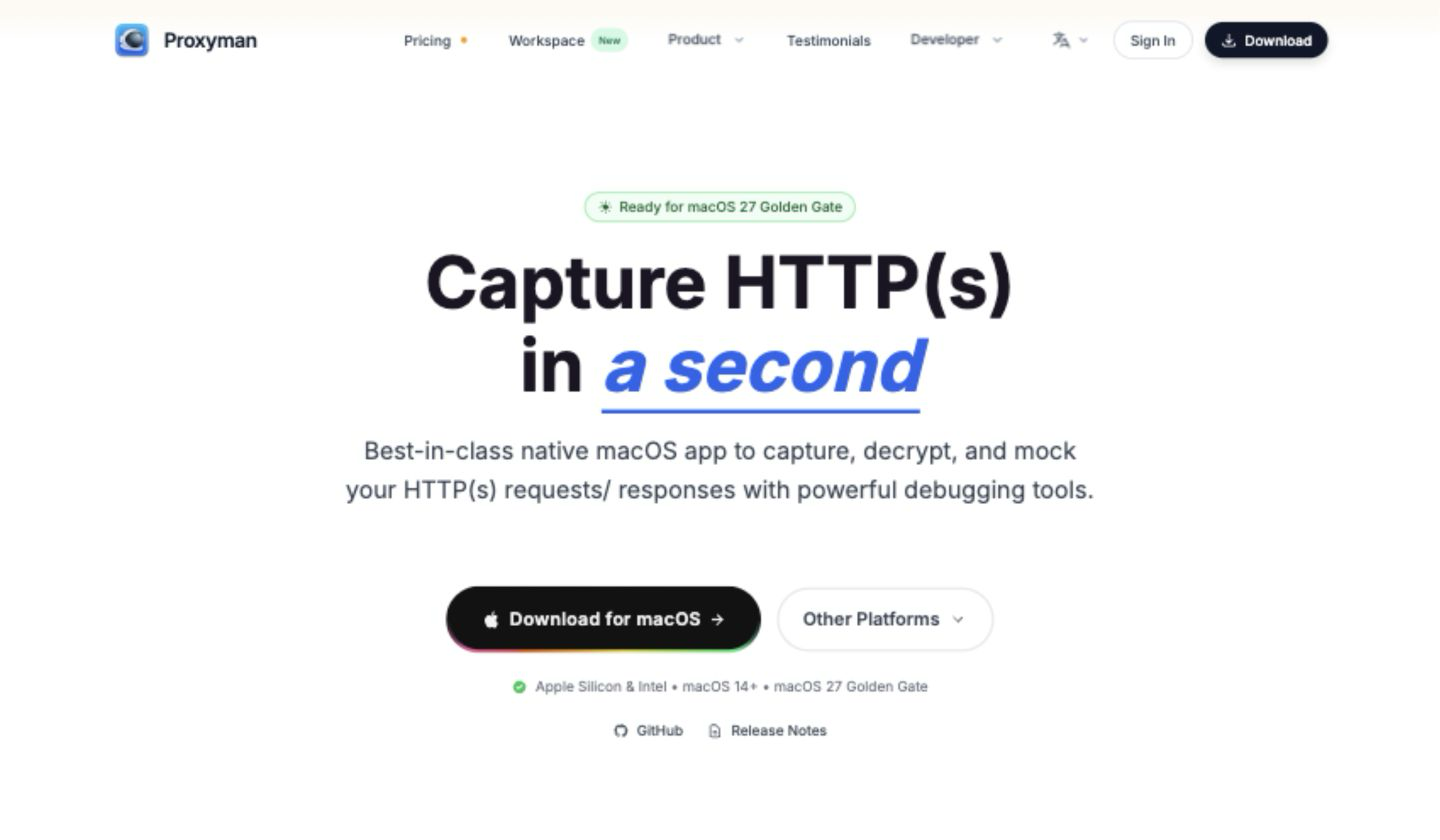
Proxyman makes inspecting encrypted HTTPS calls, Stripe webhooks, and mobile app requests painless through a native interface on macOS, Windows, and Linux. Developers can set breakpoints, map local JSON responses over live endpoints, throttle network speeds, and connect AI coding agents like Claude Code or Cursor via its built-in MCP server. A free version covers core traffic capture, while the $89 Standard perpetual license unlocks unlimited rules and MCP tools.
How to use Proxyman
- Install Proxyman and trust its local SSL certificate in one click
- Filter live HTTP/HTTPS requests by domain and inspect headers or JSON bodies
- Mock responses with Map Local or connect Claude Code/Cursor via Proxyman MCP
Core features
Map Local & Breakpoints
Test edge-case API responses without redeploying your backend.
Built-in MCP server
Lets Claude Code, Cursor, and Gemini inspect captured traffic flows.
Cross-platform perpetual key
One $89 seat activates on macOS, Windows, or Linux with zero monthly fees.
Use cases
- Debug OAuth callbacks, webhooks, and third-party API payloads locally
- Capture real iPhone or Android browser network calls on your Mac
- Feed failing HTTP traces straight into Claude Code via MCP
Who is it for?
Web, API, and mobile developers who want a clean modern alternative to Charles Proxy.
Related website guides
Have a website to share?
See how listing works ↗