

Readlang: Read, Translate and Review Vocabulary
Translate words while reading and turn the vocabulary you encounter into flashcard practice.
What is Readlang?
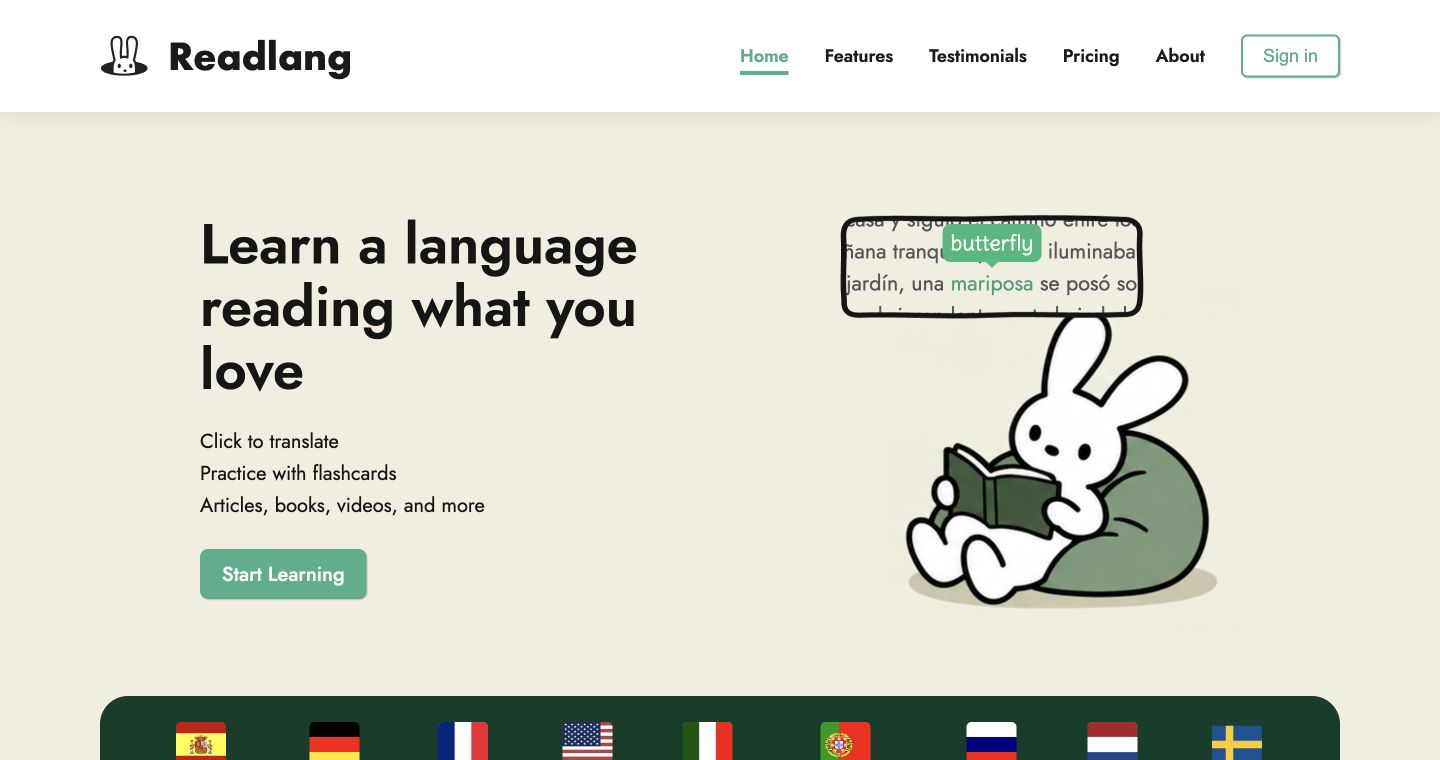
Readlang helps language learners read articles and books by clicking unfamiliar words or phrases for translations. Translated vocabulary is saved for flashcards, and a Web Reader supports reading on other websites.
How to use Readlang
- Select your learning language and choose or import a text.
- Click unfamiliar words or phrases while reading.
- Review the saved vocabulary with flashcards.
Core features
Reading translation
Translate words in context without abandoning the text.
Flashcard review
Return to words saved from reading.
Context explanations
AI explanations help distinguish a phrase’s meaning in its sentence.
Use cases
- Review words collected from an article in a later study session.
- Read an article at your own pace and review its key vocabulary.
Who is it for?
A practical alternative to a subtitle extension if most of your learning time goes into reading. Free access lists unlimited single-word translations, 10 phrase translations and 10 context explanations per day. Premium is listed at USD 6/month or USD 48/year and expands these limits; check the current plan for the features you need.
Have a website to share?
See how listing works ↗