
58th Floor COLORS AI
Trade a line. Share the spotlight.
Two performers, one hanging microphone, and a teal studio. The 58th Floor format recasts a COLORS performance as a shared moment for you and a friend.
- Photo-based remix
- ~15-second example
- 2 website references
Checked
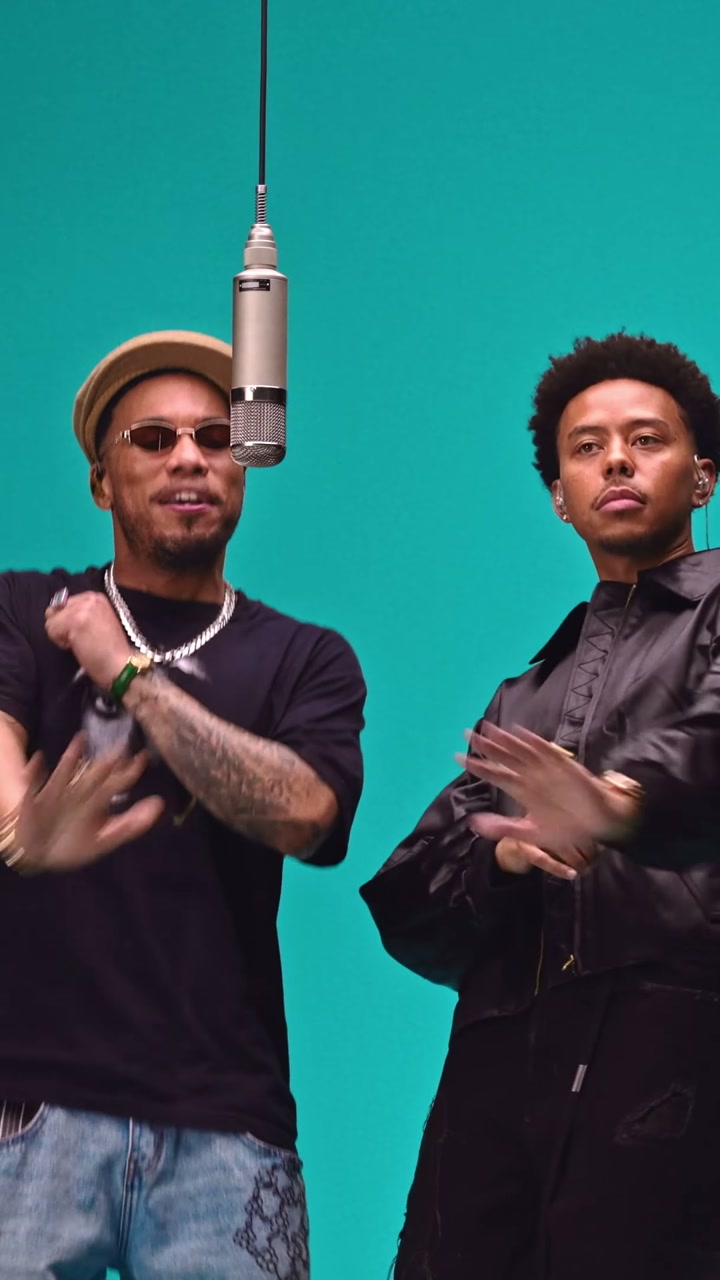
The exchange makes the performance.
Understand the structure before making your own version.
Establish the pair
Show both faces and the microphone early so the shared performance reads immediately.
Lead and respond
Vary the energy: one person gestures while the other nods or turns toward them.
Use the close-up
Keep identity and movement consistent when the camera moves closer to one partner.
End on shared timing
End with the sense that both partners are still on the same beat, without an elaborate transition.
A set that frames the people
A simple backdrop lets eye contact, gestures and positioning carry the scene.
A relationship before a script
Viewers see how the pair works together before following every word.
A partner gives context
Even a one-person recast can keep the sense of a shared event through the other performer’s response.
Where does the meme come from?
What it means
58th Floor is a song by Anderson .Paak and Cordae; this AI format references their duo performance for COLORS.
The video reference
The official COLORS YouTube page is titled “Anderson .Paak & Cordae - 58th Floor | A COLORS SHOW.” The teal set and shared hanging microphone identify the performance.
How it gets remixed
Related sites turn the performance into a recasting template with a photo for each partner; their edits and lengths differ.
The musical performance is identified; the earliest AI remix is not. This is distinct from a green-lit, two-microphone studio format with custom lyrics.
Same idea. Different leads.
Template examples from related websites, credited separately from creator posts.
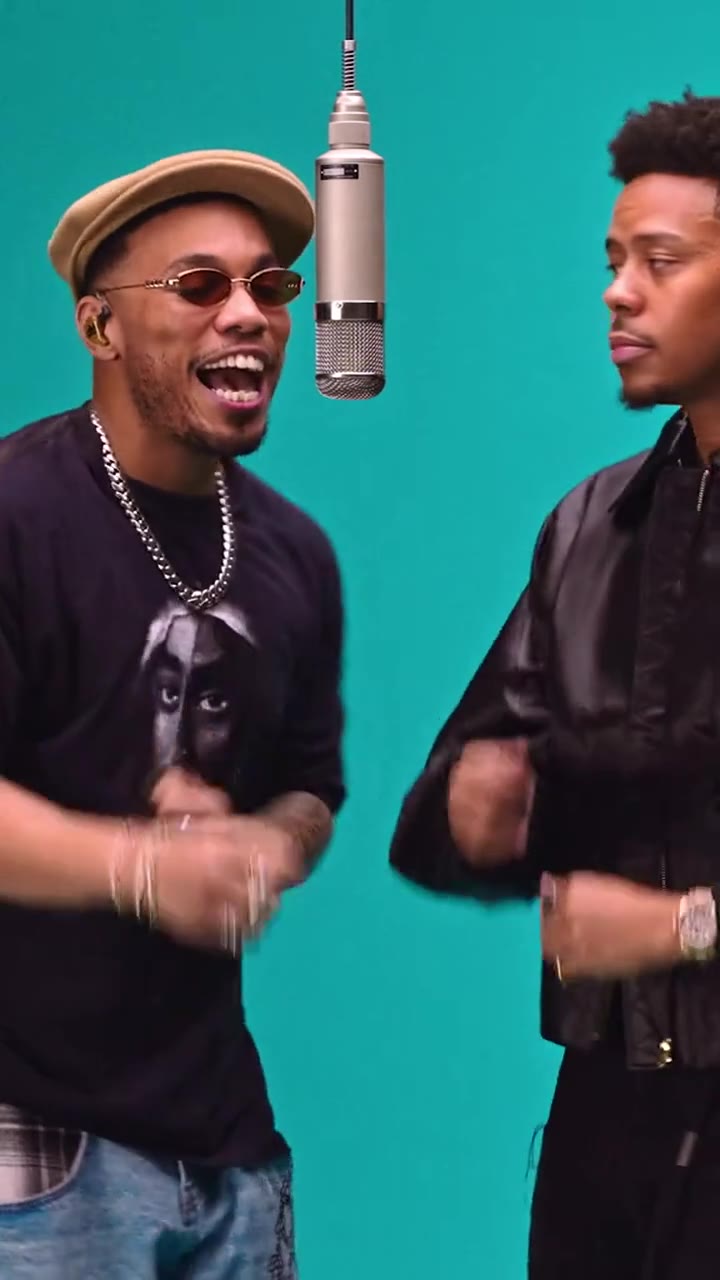
An alternative edit and cast setup
A roughly five-second Videosi preview; the site describes a 13-second generated version. Compare positions and close-up roles rather than assuming the same upload order.
Example source: VideosiGo back to the creator.
A creator, a direct link, and a date for every observation.
Explore the tools behind the idea

videosi
Create AI videos and image effects from photos, prompts, or trending templates.
Websites built around the idea.
Explore dedicated websites and the way broader platforms package the same idea.
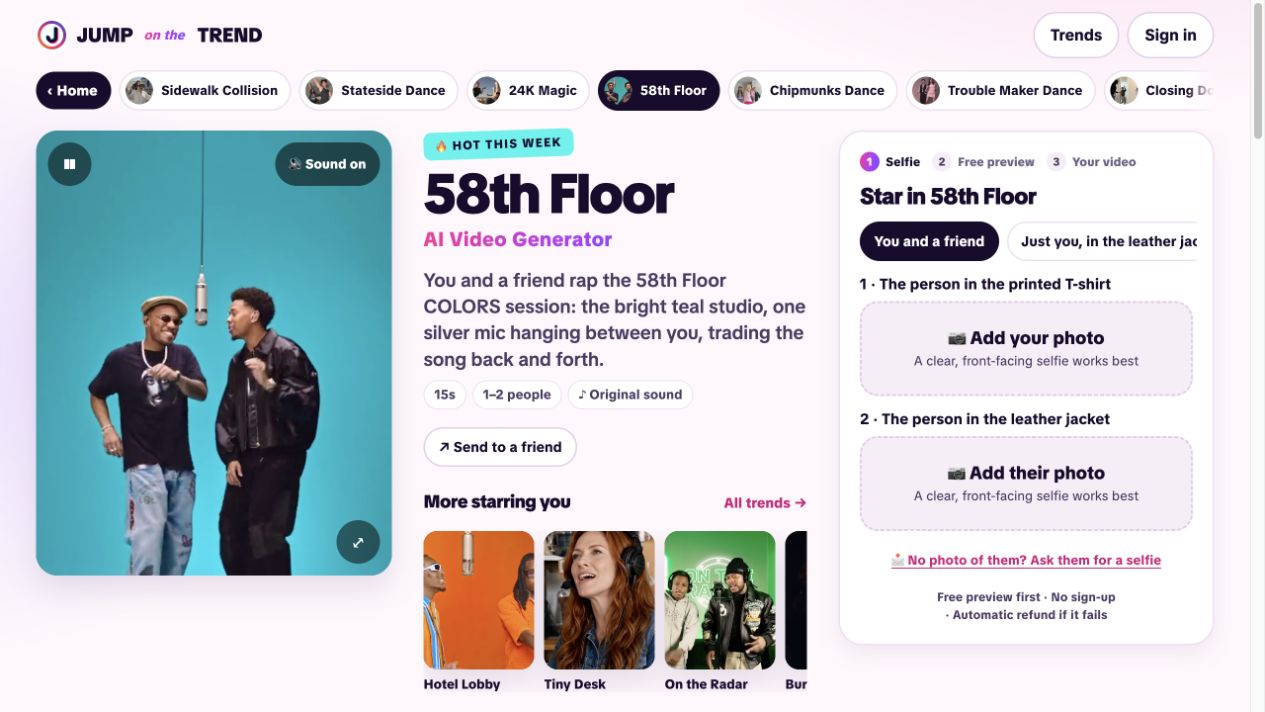
Jump on the Trend
Shows an approximately 15-second COLORS scene and describes recasting one or both performers.
Check the casting options before preparing photos.
Page captured / 2026-11-04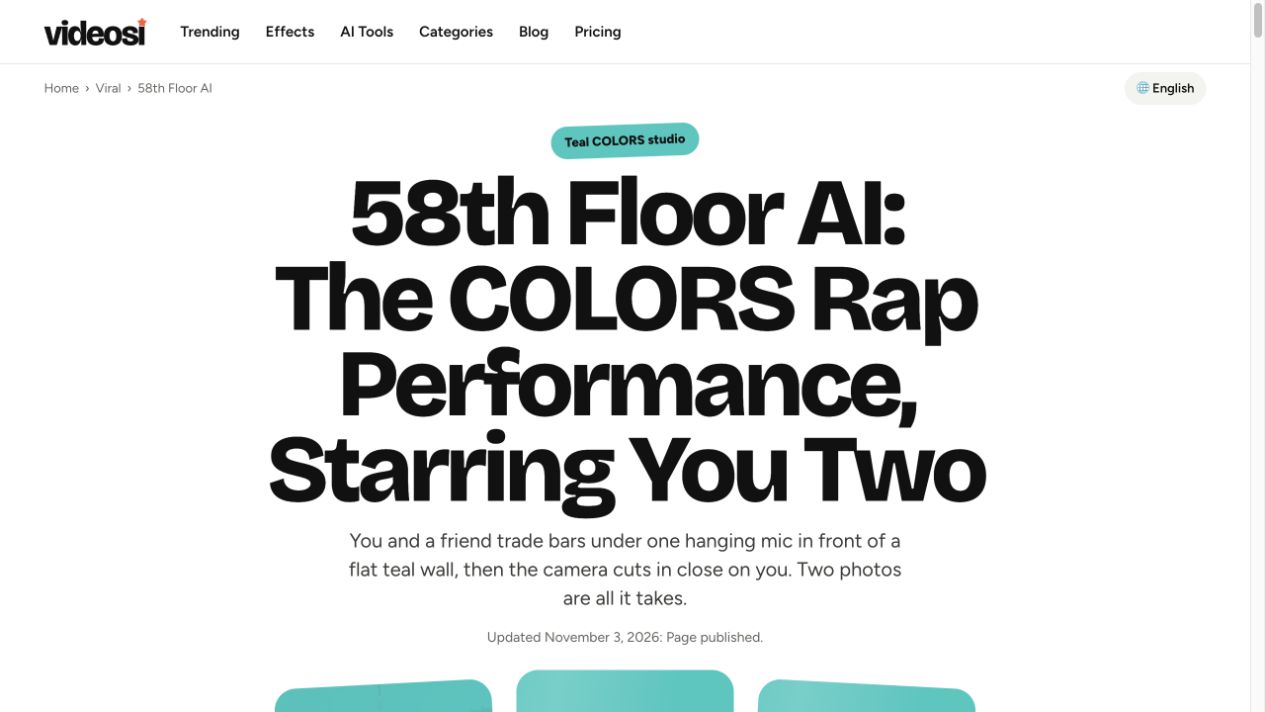
Videosi
Offers a roughly 13-second version with separate portraits or a duo photo, and labels the close-up role.
Compare the role order to see who gets the close-up.
Page captured / 2026-11-04Screenshots and descriptions reflect public pages. Related products are not official endorsements; paid generation has not been tested by Reemo.
Make the idea your own.
Choose the story you want to tell, then choose a tool.
Before you start
- Two distinct portraits, assigned to separate roles.
- Choose the lead and responding partner, then check the tool’s role order.
- Watch the preview and confirm that you want this COLORS performance rather than a custom-lyrics rap tool.
- Prepare a photo for each partner and decide who takes the main shot and who responds.
- Follow that tool’s role labels and check for the teal set and single hanging microphone in the preview.
- Watch both the wide shot and close-up for mixed identities and natural timing between the performers.
Three directions to explore
Your regular partner
Base the caption on your everyday roles: one opens, the other finishes.
A band introduction
Use the performance setting to introduce a duo, then link to your actual work.
A birthday entrance
Give the birthday person the close-up and let a friend be the responding partner.
These are Reemo editorial suggestions, not proven performance claims. Attribution alone does not grant reuse rights for video or music.
The dates behind the discovery.
Post time, first observation, and this review are recorded separately.
First local observation
The supplied research record spotted the template; this is not the performance or trend debut.
View the sourceA related template page
Videosi’s stated page publication date provides context for the alternative tool.
View the sourcePerformance and template review
Checked the COLORS page and separated the performance, recasting templates and custom-rap tools.
View the source
The official performance establishes the reference; tool pages compare recasting approaches. Neither template counts nor performance views establish the popularity of AI remakes.
A few useful answers
Can I write custom lyrics with this?
This guide covers photo recasting in a fixed performance. Custom lyrics or a new song require a tool that explicitly supports them.
How does it differ from Hotel Lobby?
Both use a COLORS-style monochrome set and hanging mic, but the song, color, gestures and edit differ.
Does photo one always get the same role?
No. Tools assign positions and close-ups differently; follow the role labels on the page you use.
Keep exploring

24K Magic: Your Cruise-Deck Dance
A collar tug, a cruise deck turned dance floor, and a friend reacting to all that confidence. 24K Magic turns a holiday setting into a photo-based dance with a comic audience.
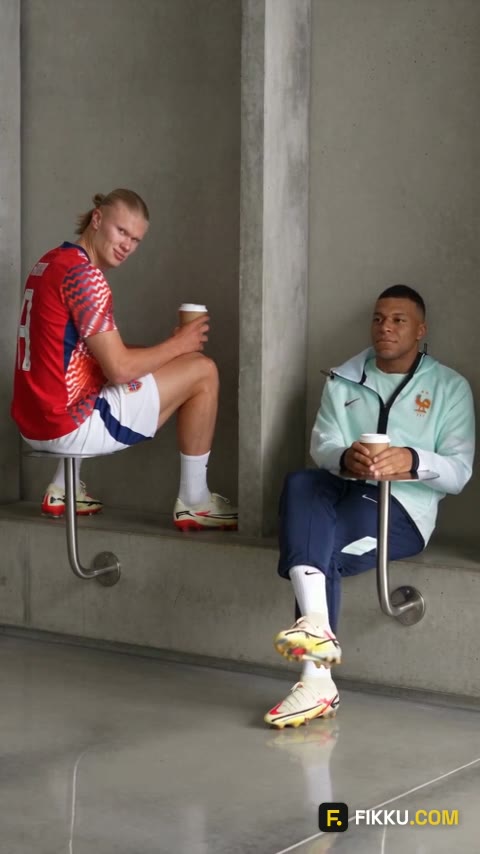
Fancy Cafe: That Was the Table
You settle into a minimalist cafe with confidence—until someone uses the little steel disc as a table. Fancy Cafe turns a furniture mix-up into a short comedy about trying to fit in.
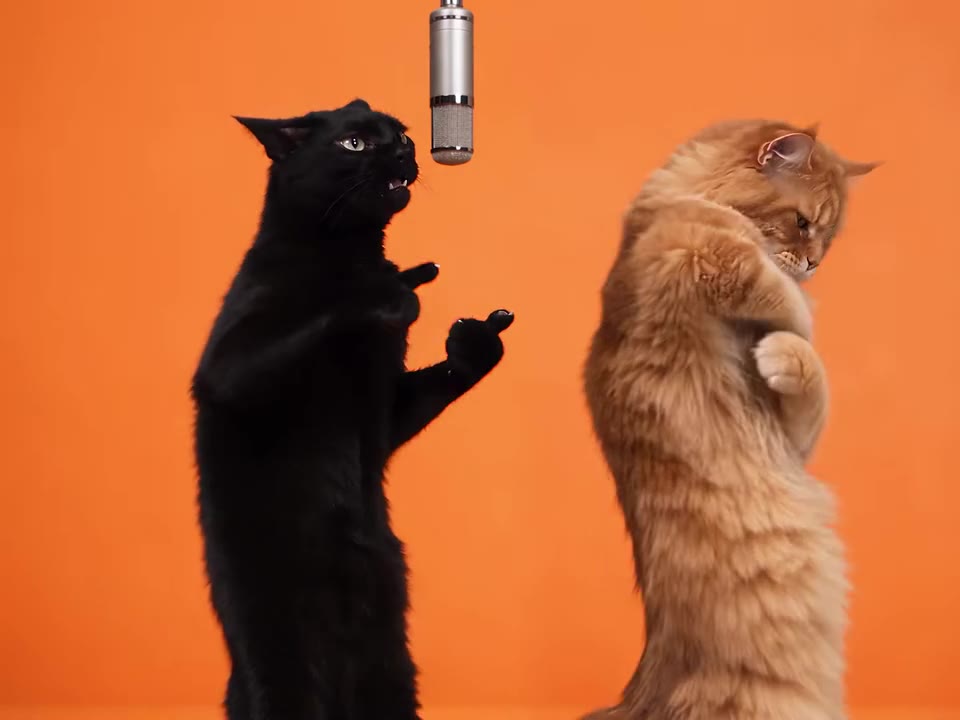
Hotel Lobby AI Trend
An orange backdrop, one hanging microphone, and a duo trading lines. Hotel Lobby keeps the recognizable stage while friends, couples, or pets become the new performers.
Edited by Reemo · Media is attributed; observations reflect the stated review dates.