
Sidewalk Collision / Bullet-Time Coffee
Coffee in the air. You, still composed.
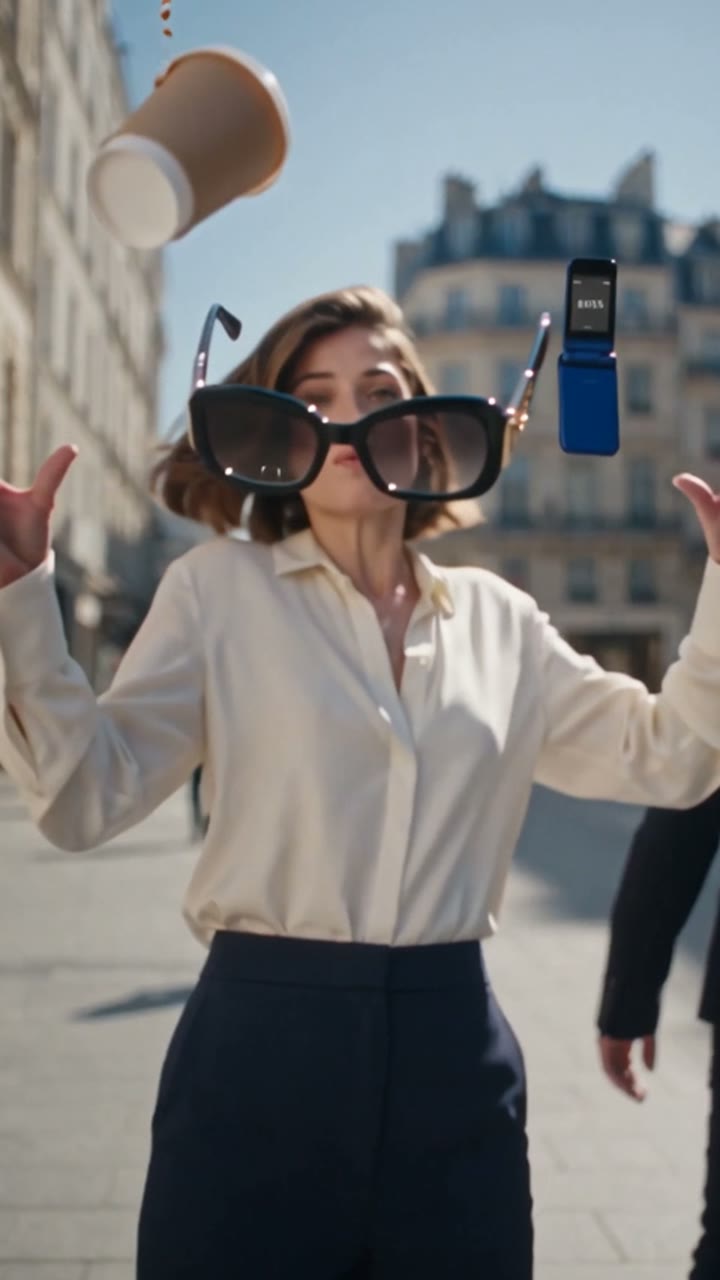
The coffee has not reached your lips when time almost stops. A street encounter sends glasses, a phone and coffee airborne; the camera inspects the chaos before returning to an unbothered lead.
- Photo-based remix
- 8.2-second public preview
- 3 website references
Checked
Turn one mishap into a scene.
Understand the structure before making your own version.
The walk
The lead walks toward the lens with coffee and a phone near the ear.
The interruption
After the encounter, the cup, folding phone and glasses hang in front of the lead.
Inspect the chaos
The preview inspects the glasses’ metal detail and the coffee splash before returning to the person.
An ordinary setup
Walking with a phone and coffee is familiar, making the interruption easy to read.
Objects take the lead
A glasses hinge and a coffee surface become close-up subjects in their own right.
End with a reaction
Returning to the composed lead gives the chaos a conclusion.
Where does the meme come from?
What it means
Here, bullet time means a contrast between nearly frozen objects and a camera that keeps moving. Coffee and glasses place the effect in an everyday setting.
The video reference
Kapwing’s AI Bullet-Time Coffee guide explains a related reference-image and camera workflow. It is a technique reference, not proof of authorship of the Jump sample shown here.
How it gets remixed
Jump and Media.io package this time-freeze narrative as portrait-based templates; their exact shots and endings may differ.
The first creator of this specific street template is unconfirmed. A guide’s date does not establish the effect’s first appearance.
Websites built around the idea.
Explore dedicated websites and the way broader platforms package the same idea.
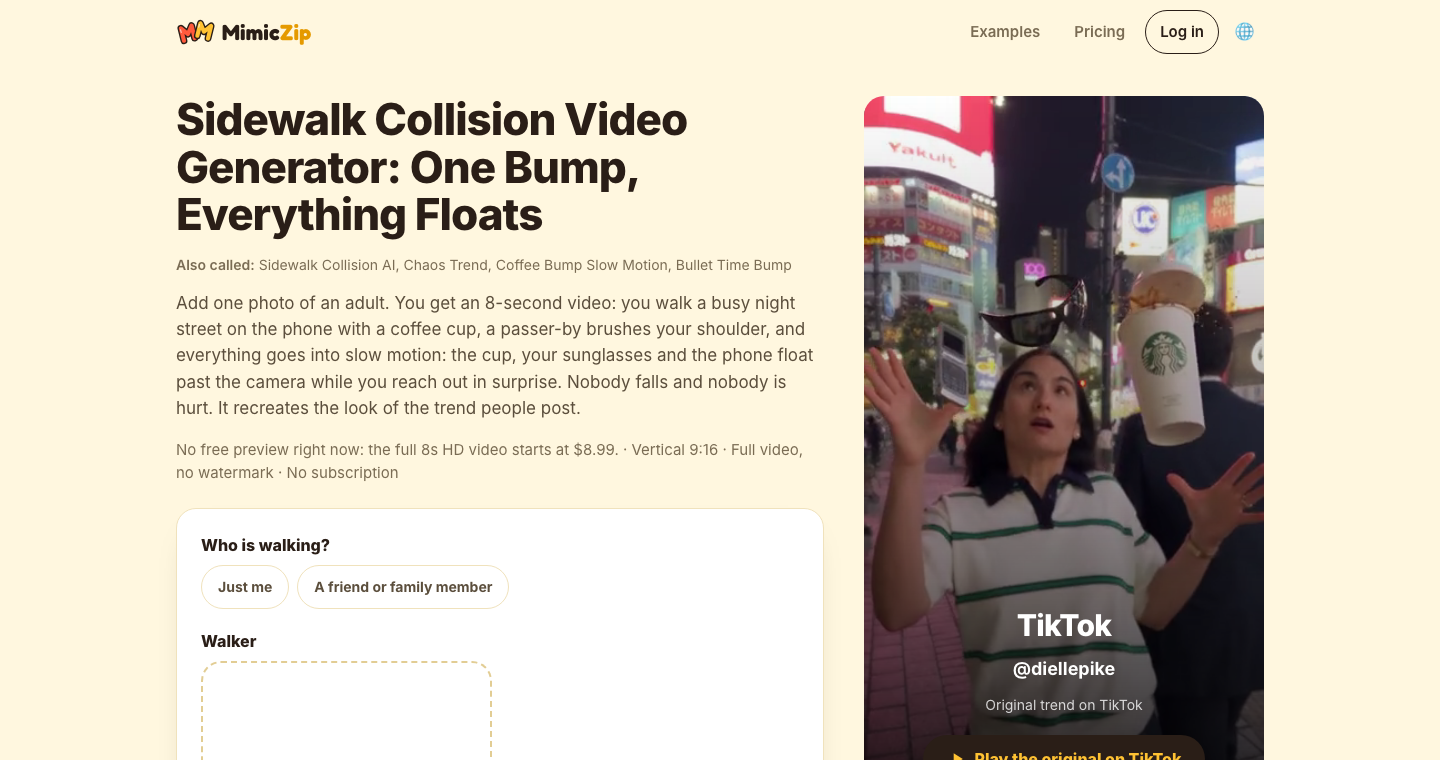
MimicZip
Describes an approximately eight-second night-street scene from one portrait, with floating coffee, sunglasses and a phone plus city, outfit and cup options.
Compare it with the daytime street version. Its cited creator post is not a generation test by Reemo.
Page captured / 2026-11-05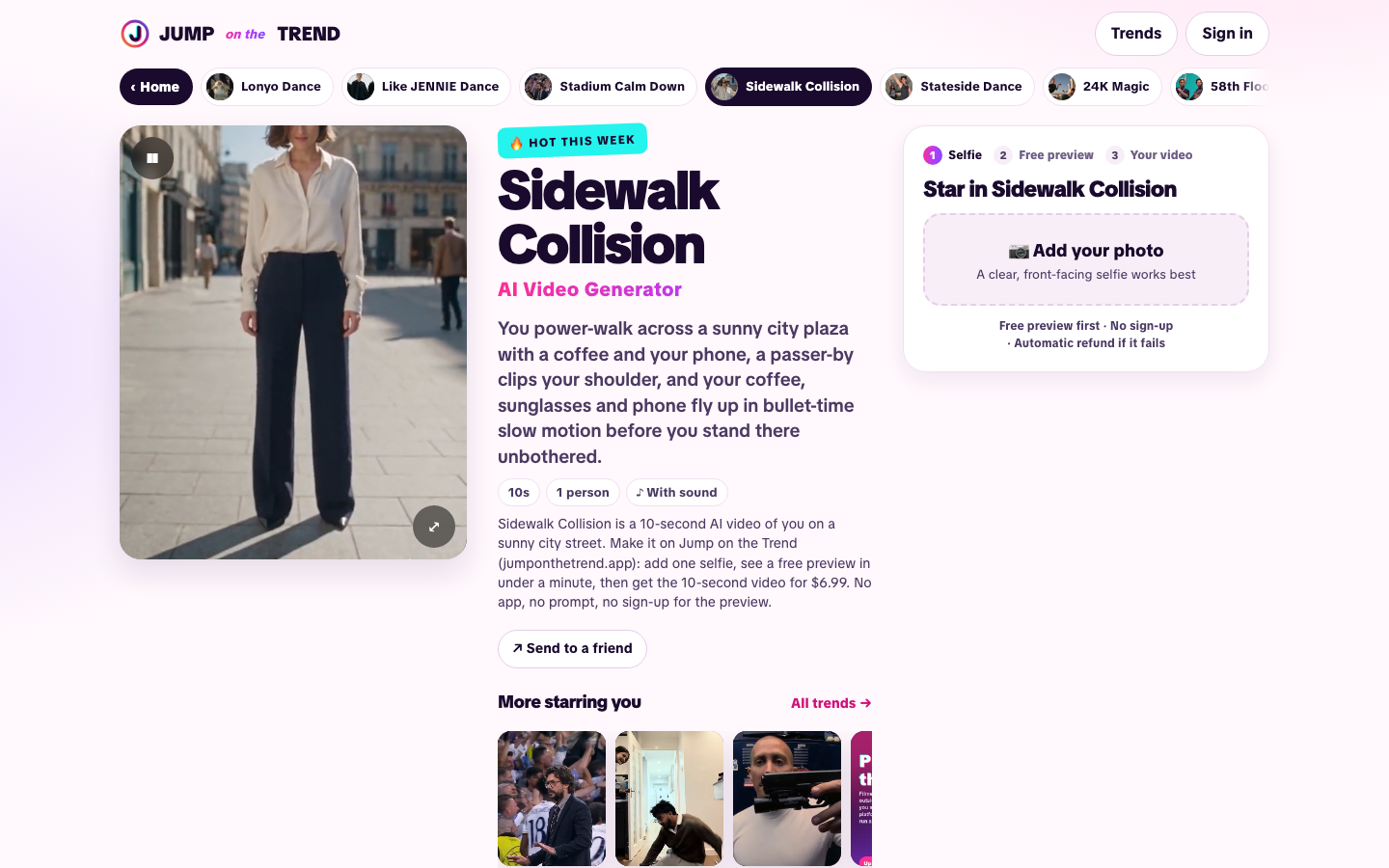
Jump on the Trend
Source of the public sample here, showing the walk, suspended props and closing reaction.
Watch through the ending after the prop close-ups.
Page captured / 2026-11-05Media.io
Describes a portrait-based street clip with suspended coffee and sunglasses. Included as an alternative tool entry.
Check actual output terms; marketing about quality, watermarks or speed is not a Reemo test.
Source checked / 2026-11-05Screenshots and descriptions reflect public pages. Related products are not official endorsements; paid generation has not been tested by Reemo.
Make the idea your own.
Choose the story you want to tell, then choose a tool.
Before you start
- A clear portrait and an easily understood setting.
- Choose the main focus: coffee, glasses or the person’s reaction.
- Watch the tool’s full preview; preview and generated-output lengths may differ.
- Prepare a clear portrait and decide whether your story is about a chaotic commute or a calm reaction.
- Compare complete previews for a readable encounter, airborne objects and a clear ending.
- Check object paths and camera movement; simply slowing the whole clip does not produce the same effect.
Three directions to explore
A commuting story
Editorial idea: open with one line about the commute and let the final expression answer it.
An object reveal
Editorial idea: where customization is supported, make one object the focal point. Fixed templates remain limited to their actual inputs.
These are Reemo editorial suggestions, not proven performance claims. Attribution alone does not grant reuse rights for video or music.
The dates behind the discovery.
Post time, first observation, and this review are recorded separately.
Public-preview review
Inspected the action and prop close-ups, separating preview duration from output claims.
View the source
Jump’s public preview plays for 8.2 seconds; its page separately describes a 10-second generated version. Generation and popularity claims were not independently tested.
A few useful answers
Why is this preview only eight seconds?
The embedded public preview measures 8.2 seconds. The tool describes a roughly 10-second output separately; we did not generate a paid result.
How is this different from slow motion?
The distinction is relative motion: objects change slowly while the camera approaches or passes them. Slowing everything equally creates a different effect.
Can I use my own cup?
Portrait replacement does not necessarily support custom props. Check for object-reference inputs rather than assuming an exact product match.
Do I need to film a collision?
Both pages describe photo-based workflows. You can develop the scene with a photo and template without staging a collision.
Keep exploring
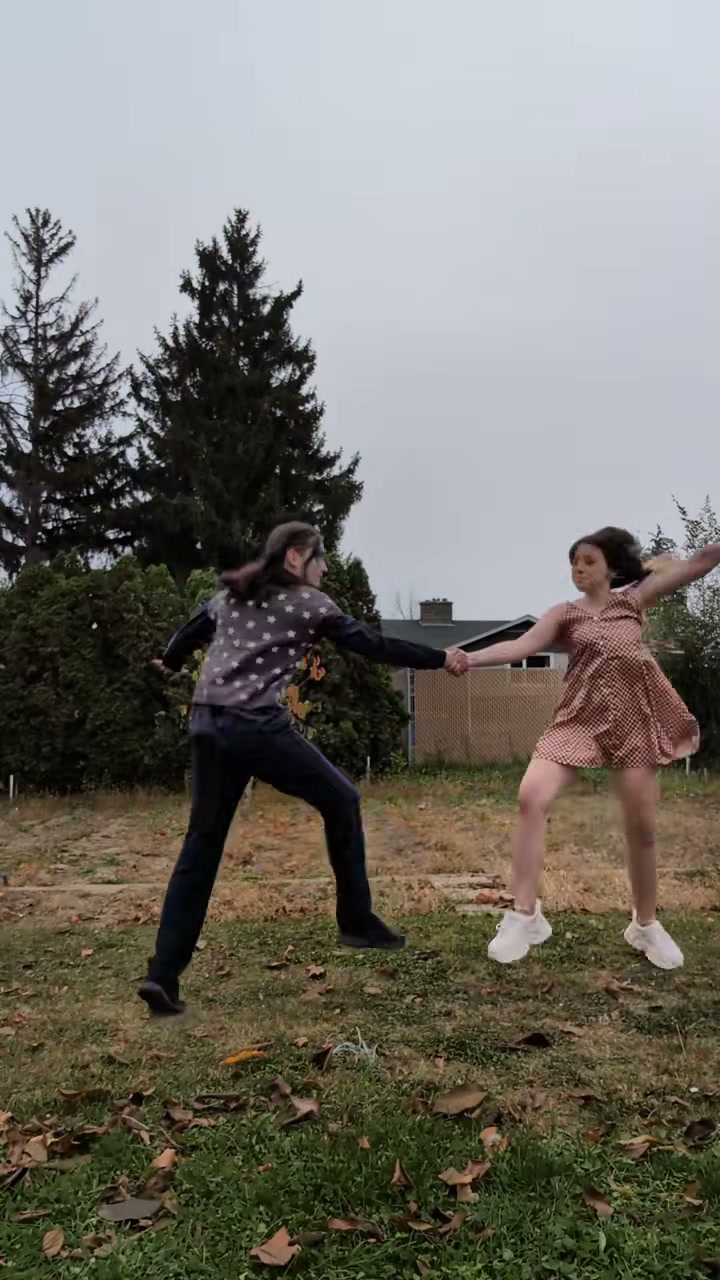
Last Dance: One More Spin Together
Lean toward the lens, step back onto the lawn, then take a hand and spin. Last Dance recasts a duet as a farewell, reunion or friendship clip starring you and someone you know.
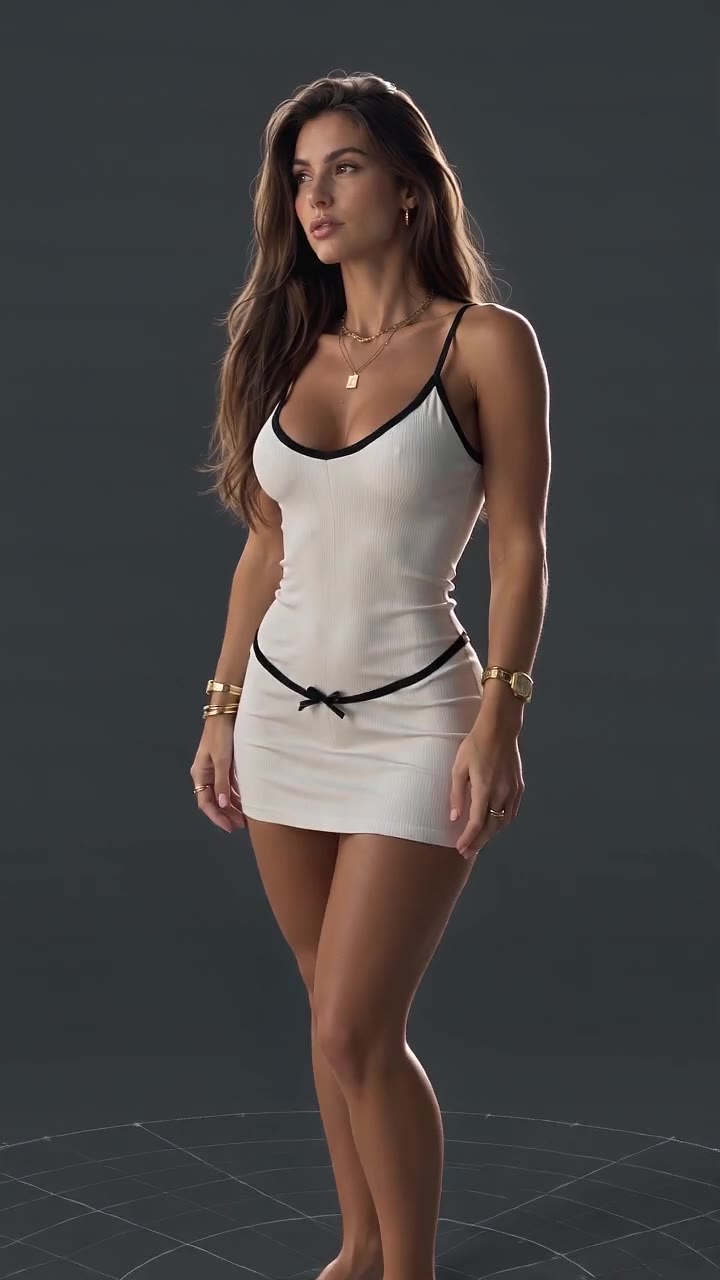
3D Character Modeling: Your Character Showcase
A character inspection in miniature: the camera moves from the full figure to fabric, hands and face, then back out. 3D Character Modeling gives a portrait the look of a digital character showcase.

24K Magic: Your Cruise-Deck Dance
A collar tug, a cruise deck turned dance floor, and a friend reacting to all that confidence. 24K Magic turns a holiday setting into a photo-based dance with a comic audience.
Edited by Reemo · Media is attributed; observations reflect the stated review dates.