

Language Reactor: Dual Subtitles & Vocabulary Tools for Netflix and YouTube
Study Netflix and YouTube with dual subtitles, pop-up dictionaries, sentence-by-sentence playback controls, and PhrasePump audio drills.
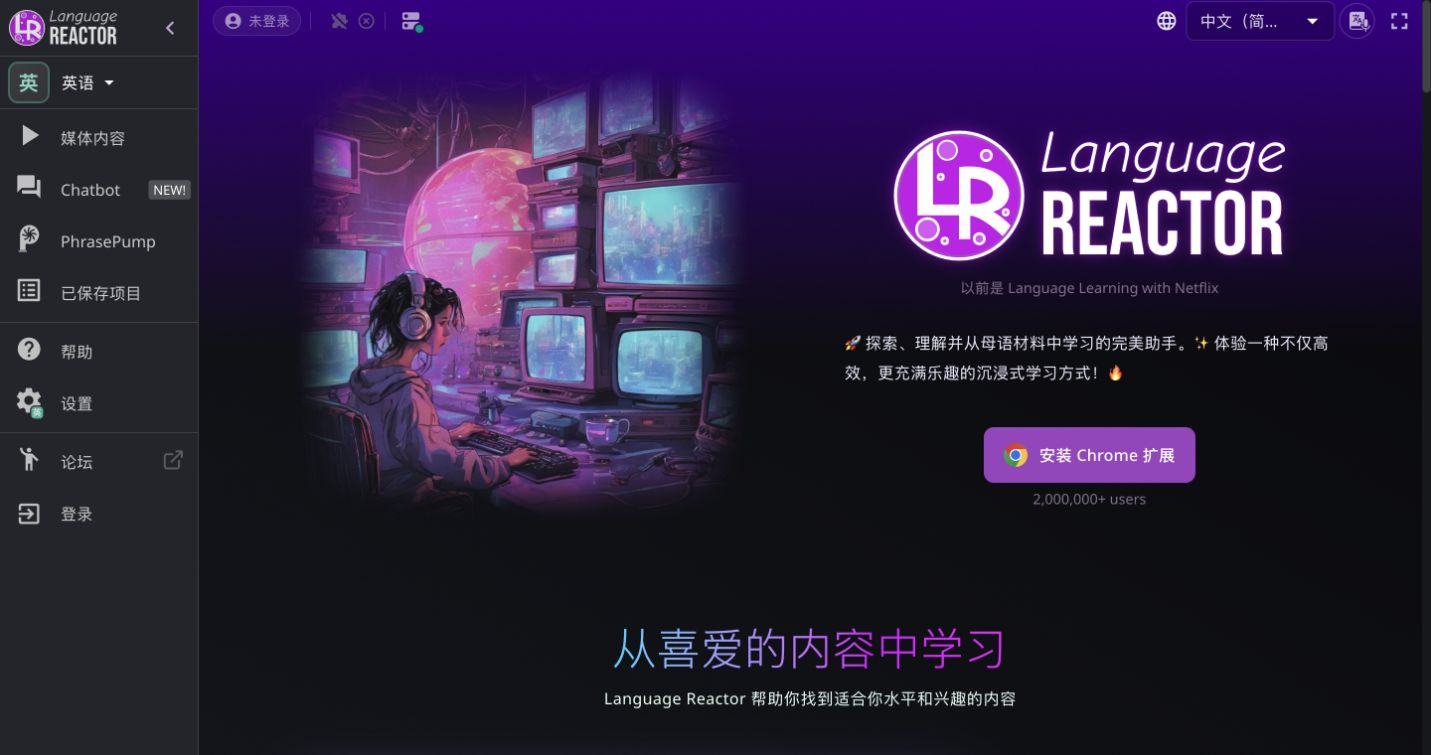
What is Language Reactor (formerly LLN)?
Language Reactor (originally launched as Language Learning with Netflix) is a desktop Chromium browser extension and companion web app that turns YouTube and Netflix into sentence-level language workspaces. While a video plays, it renders target-language and native-language dual subtitles simultaneously alongside a scrollable transcript sidebar, one-click contextual dictionary (Lexa AI), and keyboard shortcuts to auto-pause or replay individual lines. On its web dashboard, learners can also import articles or books into a text reader, drill audio clips in PhrasePump, or practice target-language dialogue with the Aria chatbot. Core dual-subtitle playback is free, whereas saving vocabulary outside PhrasePump, Netflix speech-recognition subtitles for dubbed audio, and Anki flashcard exports require Pro mode.
How to study Netflix & YouTube videos with Language Reactor
- Install the official Language Reactor Chrome extension on a desktop Chromium browser, then set your native language and target study language.
- Open a YouTube video or Netflix title with subtitle tracks, toggle dual subtitles, and use keyboard shortcuts (A / S / D) to step back, replay, or auto-pause after each sentence.
- Click unfamiliar words for dictionary definitions and practice free sentence drills inside PhrasePump—or activate Pro if you want saved words highlighted across videos and exported to Anki.
Dual subtitles, PhrasePump & AI study tools
Netflix & YouTube dual subtitles with auto-pause
Display human and machine translations side by side, scrub line by line in the vertical transcript panel, slow playback speed, and pause automatically at the end of every subtitle.
Pop-up dictionary & Lexa AI grammar explanations
Click any subtitle token to inspect dictionary meanings, usage examples, and AI-generated explanations of idioms or inflected forms inside the current sentence.
PhrasePump audio drills, text reader & Aria chat
Practice listening comprehension with short video-backed sentence cards in PhrasePump, import web articles or EPUB/text passages, and converse in your target language with Aria.
Pro speech-recognition subs ("subs for dubs") & Anki export
Pro generates accurate speech-recognition subtitles when Netflix dubbed audio diverges from official closed captions, tracks vocabulary everywhere, and exports screenshot-and-audio flashcards to Anki.
Language Reactor Free vs Pro mode limits
On narrow screens, scroll the table sideways, or focus it and use the arrow keys.
| Feature / boundary | Free mode | Pro mode |
|---|---|---|
| Price & billing options | USD 0 (Netflix subscription separate) | USD 5.95 / 1 month, USD 13.95 / 3 months, or USD 39.95 / 1 year (cancel anytime); non-renewing Bitcoin pass from USD 7/mo |
| YouTube & Netflix dual subtitles | Included on YouTube captions and standard Netflix subtitle tracks | Adds speech-recognition subtitles across all Netflix audio tracks ("subs for dubs") + literal machine translations |
| Saving words, highlighting & Anki | Free word and phrase saving is restricted to PhrasePump only | Save words & phrases across videos, reader, and chat; highlight saved words everywhere; export to Anki |
| Lexa AI dictionary & Aria chatbot | Basic AI explanations + stateless target-language chat with Aria | Upgraded Lexa AI model for complex grammar + persistent editable memory in Aria across sessions |
Use cases
- Watch Netflix shows or YouTube vlogs with auto-pausing dual subtitles to shadow native pronunciation sentence by sentence.
- Generate accurate speech-recognition subtitles on dubbed Netflix series where official captions do not match spoken dialogue.
- Drill high-frequency spoken sentences with real video context inside PhrasePump.
- Mine unfamiliar sentences from foreign videos and export audio-plus-screenshot decks into Anki.
Who is it for?
Self-directed language learners studying on a desktop computer who treat YouTube and Netflix as active listening drills rather than background entertainment. Free mode is plenty if you mainly want dual subtitles, line-by-line replay shortcuts, and pop-up lookups; Pro pays off when Anki sentence mining, cross-video vocabulary tracking, or dubbed Netflix audio accuracy is central to your routine.
Before you choose
- What to bring
- A desktop Chrome or Chromium browser, plus YouTube videos with captions or your own active Netflix account.
- What you get
- Interactive dual-language subtitles, clickable word lookups, PhrasePump drills, and (on Pro) cross-feature saved vocabulary with Anki exports.
- What to check
- Confirm whether PhrasePump-only free word saving fits your habit before installing—if you want free video word bookmarking without paying right away, compare Trancy first.
Compare Trancy if you want in-page webpage bilingual translation and a small free video vocabulary allowance (100 words / 50 sentences) in one extension. If most of your study comes from written articles and books rather than video, Readlang is a lighter reader-first alternative, while Sing with Canary focuses specifically on song lyrics inside our learning tools collection.
Limitations & platform boundaries to know first
- Free tier blocks saving words directly on YouTube or Netflix: Unlike extensions with a small free word cap, saving vocabulary while watching videos requires upgrading to Pro (free saving works only inside PhrasePump).
- Desktop browser workflow—not for native Netflix TV or mobile apps: Language Reactor runs inside desktop Chrome/Edge extensions and cannot overlay dual subtitles inside smart-TV or iOS/Android Netflix apps.
- Free mode depends on existing video captions: On YouTube videos with no creator or auto captions—or dubbed Netflix tracks that rewrite lines—free users will see missing or mismatched text unless using Pro speech recognition.
- Streaming subscriptions are separate: Language Reactor does not include Netflix access or bypass regional streaming catalogs.
Questions about Language Reactor
Is Language Reactor completely free for Netflix and YouTube?
Watching YouTube and Netflix with dual subtitles, clicking words for dictionary definitions, using sentence-replay shortcuts, and saving items inside PhrasePump are all free with no time limit. You only need Pro (from USD 5.95/month or USD 39.95/year) if you want to save vocabulary directly from videos, export flashcards to Anki, or unlock speech-recognition subtitles on dubbed Netflix audio.
Language Reactor vs Trancy: which subtitle extension should I choose?
Choose Language Reactor if your priority is Anki sentence-mining exports, PhrasePump audio drills, or Pro speech-recognition "subs for dubs" on Netflix. Choose Trancy if you want a free allowance to save up to 100 words and 50 sentences directly from videos, broader streaming platform support (such as Disney+, Coursera, and TED), and built-in bilingual webpage reading.
Does Language Reactor work on iPhone, iPad, or Android?
The dual-subtitle video overlay is built as a desktop Chrome/Chromium browser extension, so it does not run inside mobile Netflix or YouTube apps. While parts of the Language Reactor web app (such as PhrasePump or imported text) can open in mobile browsers, serious video study requires a Mac, Windows, Linux, or Chromebook desktop browser.
Can I pay for Language Reactor Pro without an auto-renewing subscription?
Yes. Alongside standard recurring card plans (USD 5.95 monthly, USD 13.95 quarterly, or USD 39.95 yearly, which can be canceled anytime after payment), the official Pro page offers a non-renewing Bitcoin payment option starting at USD 7 per month.
Official & primary sources: Language Reactor homepage & Chrome link ↗ · Language Reactor Pro features & pricing ↗ · Official user guide & keyboard shortcuts ↗ · Checked Nov 21, 2026
Have a website to share?
See how listing works ↗