

Video Gen Now Overview
Generate short videos from text or images, choose a model, and review the credit cost before rendering.
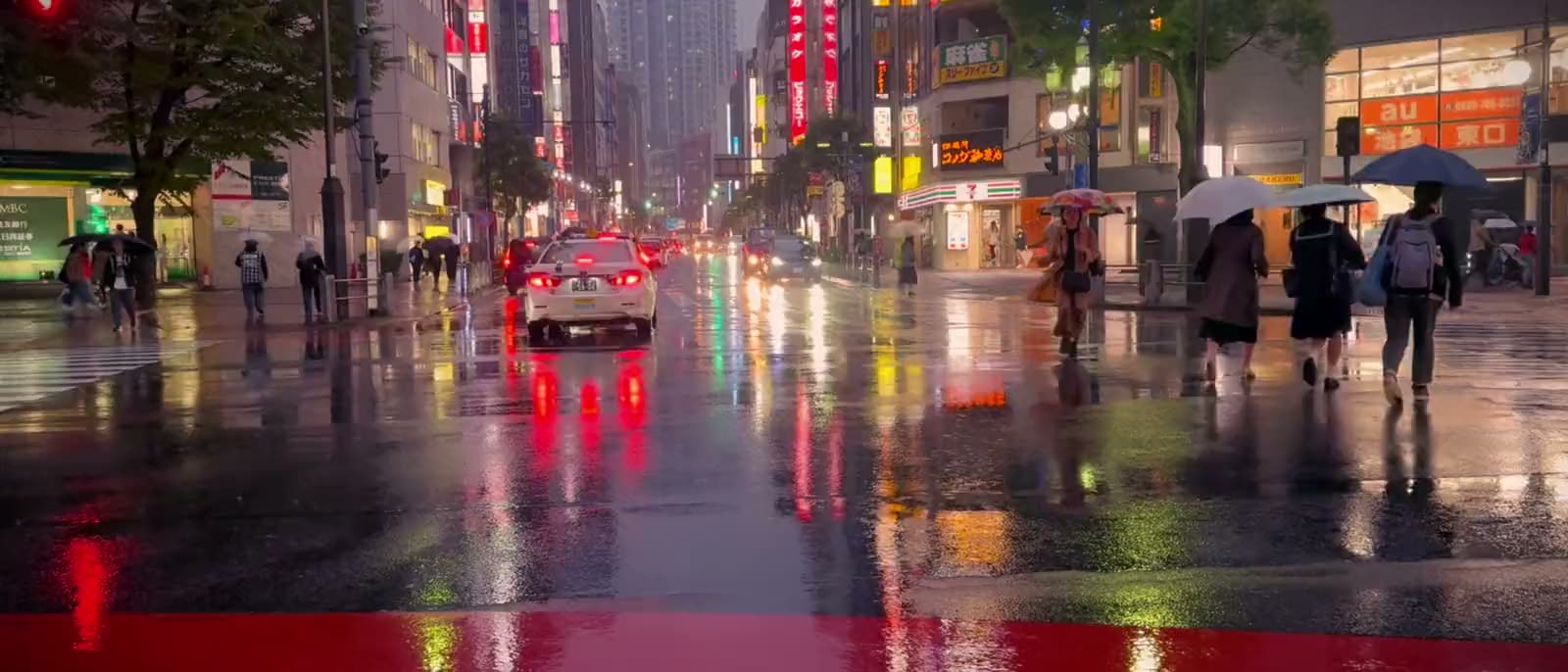
What is Video Gen Now?
Video Gen Now brings several video models into one browser workspace. Start with a written scene or a reference image, choose output settings, and keep generated clips alongside their prompts in a library.
How to use Video Gen Now
- Write a scene or upload a reference image.
- Choose a model and output settings, then check the credit quote.
- Generate, review the result, and download the MP4.
Core features
Multiple models
Choose between available Seedance and MiniMax models.
Output formats
Create landscape, portrait or square clips.
Prompt library
Saved prompts make it easier to revisit a shot.
Use cases
- Animate a product image for a social post.
- Explore a scene before planning a full shoot.
- Compare different models using the same creative brief.
Who is it for?
Creators and small teams making video drafts. Model access, resolution and credit requirements vary by plan.
Before you choose
- What to bring
- A written scene or reference image.
- What you get
- A generated short video in your selected format.
- What to check
- Review model availability, resolution and the credit quote before generation.
For a fixed concert-style template rather than a custom scene, explore TinyDesk AI and the Tiny Desk video idea. The image and video guide compares the starting workflows.

























Have a website to share?
See how listing works ↗