
Voicy: AI dictation across your apps
Dictate text with punctuation and formatting across supported apps, with broad language support and a limited free trial.
What is Voicy?
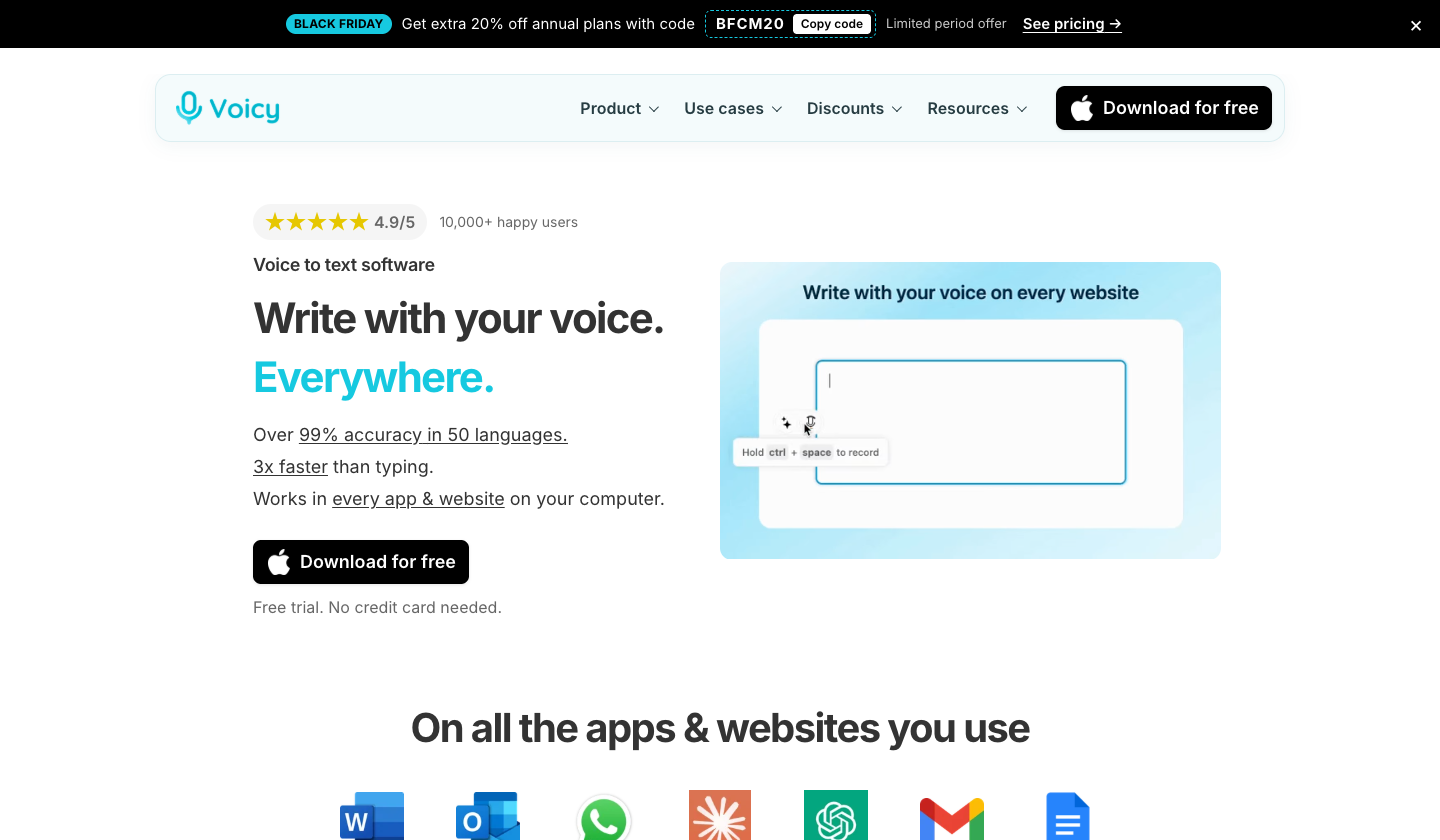
Voicy is a dictation tool for writing where you already work across desktop, mobile, and browser apps. It converts speech into text with punctuation and formatting rather than requiring you to type each sentence. Trial access is limited, with paid plans or a lifetime option for continued use.
How to use Voicy
- Install the supported version for your device
- Place the cursor in the text field and activate dictation
- Review the transcription before using the text
Core features
Speech-to-text
Draft text by speaking.
Multilingual input
Dictate in supported languages without changing your writing workflow.
Auto-punctuation
Produce more readable drafts with automatic punctuation and formatting.
Use cases
- Dictate a long email draft
- Capture a thought while working in a document
Who is it for?
People who prefer speaking to typing for messages, notes, and first drafts.
Related website guides

Have a website to share?
See how listing works ↗