
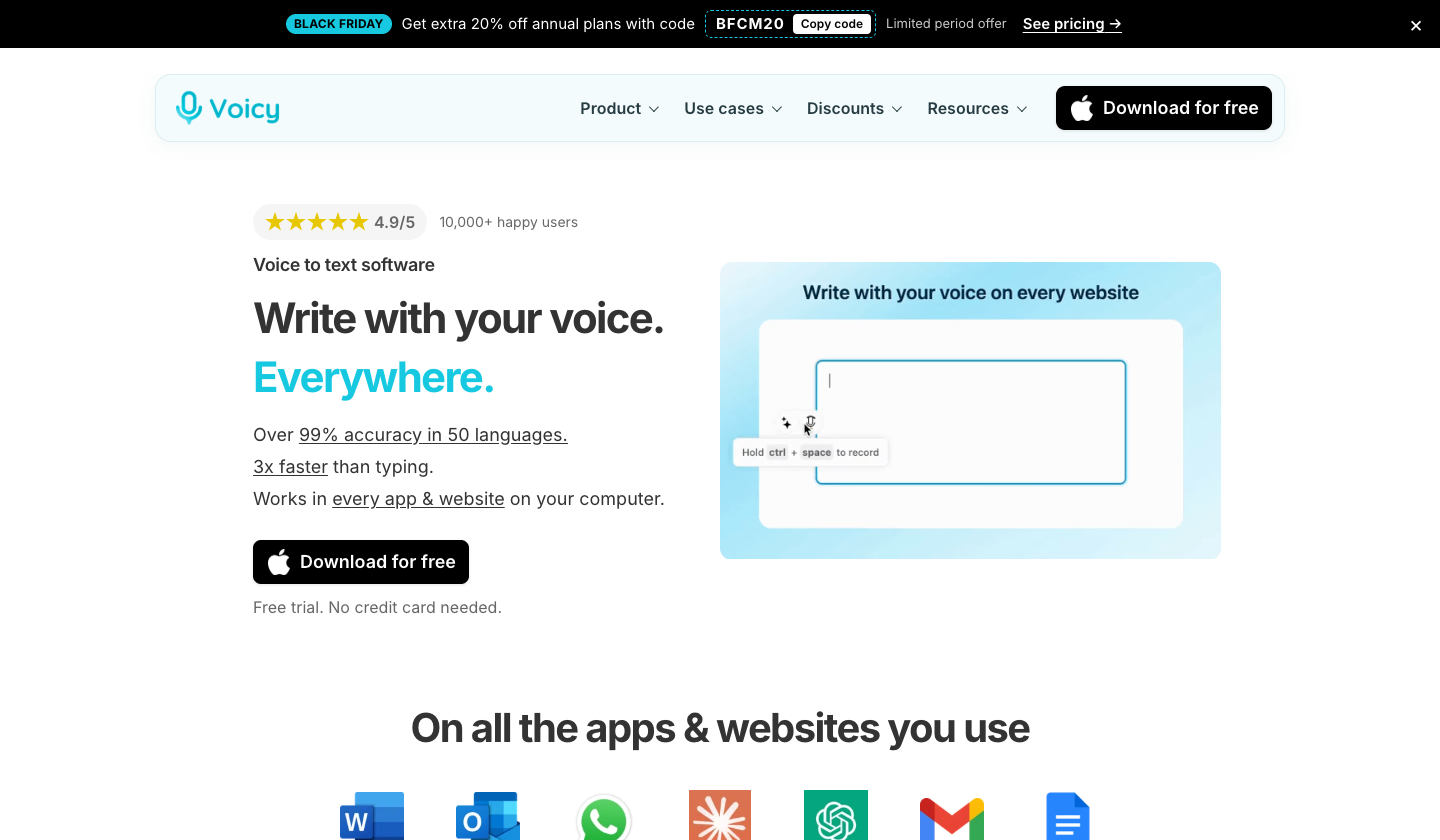
Built-in computer dictation still feels stuck in 2014. Pause for half a second to think, and it types literal "umms," drops periods, and mangles capital letters. Voicy (usevoicy.com), rated 4.9/5 by 10,000+ users, fixes that anywhere your cursor blinks. Click into Gmail, Google Docs, Word, Slack, Notion, Claude, or 20,000+ other apps, talk naturally, and get clean, punctuated text up to 3x faster than typing across 50+ languages. Even better, you aren't locked to Macs. Native builds cover macOS, Windows, Linux, Chrome, iOS, and Android. You get a free 30-minute trial with no card required, then simple plans at $8.49/month, $82/year, or $260 Lifetime.
Voicy at a Glance
| Attribute | Verified Details |
|---|---|
| Official Website | usevoicy.com |
| Supported Platforms (6) | macOS, Windows, Linux, Chrome / Chromium Extension, iPhone (iOS), and Android |
| Language Coverage | 50+ languages with >99% reported speech recognition accuracy |
| Free Trial | Free download & 30-minute full-feature trial (no credit card required) |
| Standard Pricing | $8.49 / month, $82 / year (~$6.83/mo), or $260 Lifetime (one-time payment) |
| Accessibility Discounts | Dedicated Disability Discount (for RSI, carpal tunnel, dyslexia, mobility needs) and Student Discount programs |
Built Because Typing Emails Exhausted the Founder's Dad
Lots of AI voice startups build flashy developer command bars that confuse normal office workers. Voicy started from the opposite problem.
In Starter Story's interview on how Voicy grew to $18K/month, the founder explained that his dad spent days stressing over formal work emails. Standard OS dictation only created more cleanup work.
Voicy keeps the daily habit dead simple instead:
- Talk Wherever Your Cursor Sits: Hit one shortcut inside any desktop box or browser tab—Gmail, HubSpot notes, Slack, Word, or a long Cursor prompt. Speak at normal speed and let go.
- Smart Cleanup Without "Period, New Line": AI post-processing strips verbal fillers, fixes grammar slips, and formats clean paragraphs or bullet lists on its own.
- True Six-Platform Support (Even Linux & Chrome): Most rivals stop at Mac and iPhone. Voicy ships native installers for Mac, Windows, and Linux, plus a Chrome extension and iOS/Android keyboards.
Pricing, Lifetime Buyout, and Accessibility Discounts
Old-school tools like Dragon NaturallySpeaking charge $500+, while newer AI apps push $15/month subscriptions with no buyout. On usevoicy.com/pricing, you get three clear options:
| Tier | Cost | Best For |
|---|---|---|
| Free Trial | $0 (no card needed) | Testing microphone accuracy, accents, and app injection for 30 minutes of dictation |
| Monthly Pro | $8.49 / month | Short-term heavy writing sprints (thesis drafting, book chapters, or injury recovery) |
| Annual Pro | $82 / year (~$6.83/mo) | Daily email, CRM notes, and AI prompting across desktop + mobile (seasonal promos often take 20% off) |
| Lifetime License | $260 one-time | Users who dislike recurring SaaS subscriptions and want permanent cross-OS dictation |
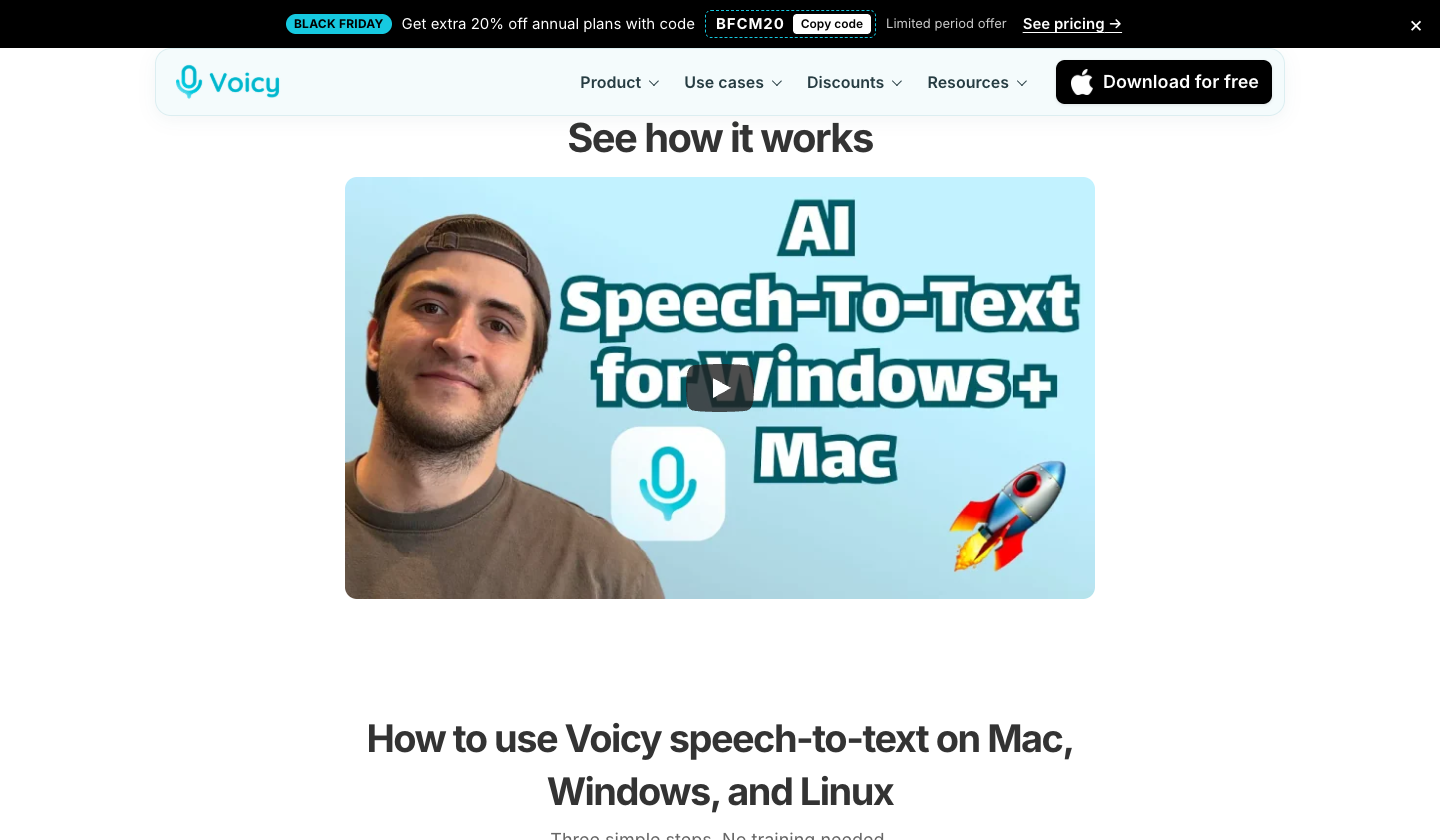
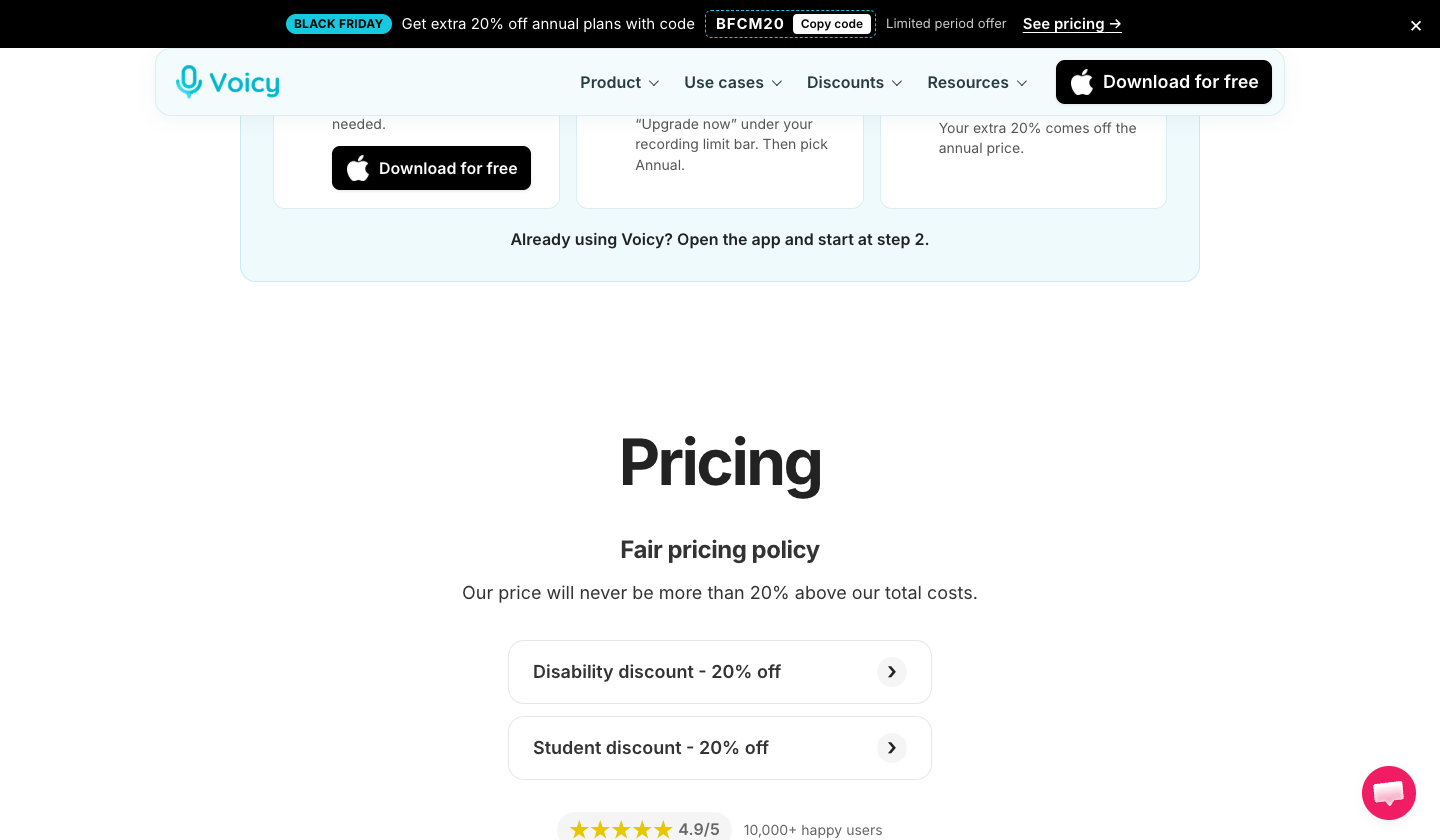
Voicy also runs dedicated Student Discount and Disability Discount pages—a thoughtful touch for anyone dealing with carpal tunnel, tendonitis, RSI, or dyslexia.
Practical Limitations to Know First
- Needs an Internet Connection: Hitting 99%+ accuracy across 50 languages relies on cloud speech and language models. Offline airplane mode isn't supported.
- No Forever-Free Monthly Quota: Once your 30-minute free trial runs out, daily dictation requires a paid plan. Built-in Mac or Windows voice typing stays free, just with rougher formatting.
- Use a Headset in Loud Rooms: Whispering in a busy café works much better through AirPods or a boom mic than a laptop's built-in mic.
Voicy vs. Wispr Flow, Superwhisper, and OS Dictation
| Tool | Supported OS / Platforms | Offline Local Model Option? | Pricing |
|---|---|---|---|
Voicy (usevoicy.com) |
Mac, Windows, Linux, Chrome Extension, iOS, Android | Cloud AI | Free trial; $8.49/mo, $82/yr, or $260 Lifetime |
Wispr Flow (wisprflow.ai) |
Mac, Windows, iOS (no Linux or standalone Chrome-only mode) | Cloud AI | Free weekly word cap; ~$12–$15/mo |
Superwhisper (superwhisper.com) |
macOS & iOS only | Yes (local Whisper models on Apple Silicon + cloud) | Free basic; ~$8.49/mo or ~$249 Lifetime |
| Built-In Apple / Windows Dictation | Native OS | Yes (on-device for major languages) | 100% Free (no smart AI cleanup/formatting) |
Pick Superwhisper if you only use a Mac and need 100% offline local Whisper models for strict medical or legal files. Go with Voicy if you bounce between Windows, Linux, Chrome, Mac, and Android, or just want an $8.49/month voice keyboard that takes two minutes to learn.
Questions About Voicy (usevoicy.com)
Does Voicy work in Brave, Arc, and Microsoft Edge?
Alongside its Mac, Windows, and Linux desktop apps, the Chrome extension runs smoothly across Chromium browsers including Brave, Arc, Edge, and Vivaldi.
How is Voicy better than free Mac or Windows dictation?
Built-in dictation types every "uh" literally and makes you say "comma" and "new paragraph" out loud. Voicy cleans up filler words and adds punctuation and paragraphs automatically.
Is there a one-time Lifetime buyout?
If you hate recurring SaaS bills, you can pay $260 once instead of subscribing at $8.49/month or $82/year. Student and disability discounts are also available on the site.
How many languages does Voicy handle?
Over 50 languages at 99%+ accuracy, so bilingual writers can switch between English, Spanish, German, French, and Asian languages smoothly.
Source review: This guide is based on Voicy's official website (usevoicy.com and /pricing), supported OS/extension pages, and founder case-study details shared on Starter Story, checked on November 16, 2026. We verified platform installers and published pricing tiers publicly without exhausting a live trial account.
Websites in this guide
Open each Reemo listing for its purpose, access details, and official website.
- VoicyDictate text with punctuation and formatting across supported apps, with broad language support and a limited free trial.