
AI coding agents can build a SaaS backend before lunch, yet most solo landing pages still scream "AI template." You know the look: Inter everywhere, purple-to-blue gradients, and three identical icon cards. GitHub design skills fix that gap. They load strict art direction, real brand tokens, motion rules, and browser checks into Claude Code, Cursor, Codex, Windsurf, Copilot, and Antigravity. The open-source skill repositories below are free to install; Figma and Canva connectors also depend on account permissions and plan limits. Your coding agent or image-generation service may charge separately. The GSAP skills repository and the GSAP animation library have different licenses, explained below.
Compare the 8 GitHub Design Skill Packs
Star counts and the 84-file collection size are snapshots from the November 17, 2026 source review, not live counters.
| Skill Pack & Official Repo | Stars & License | Best Task ("Pick by Goal") | One-Line Install / Setup |
|---|---|---|---|
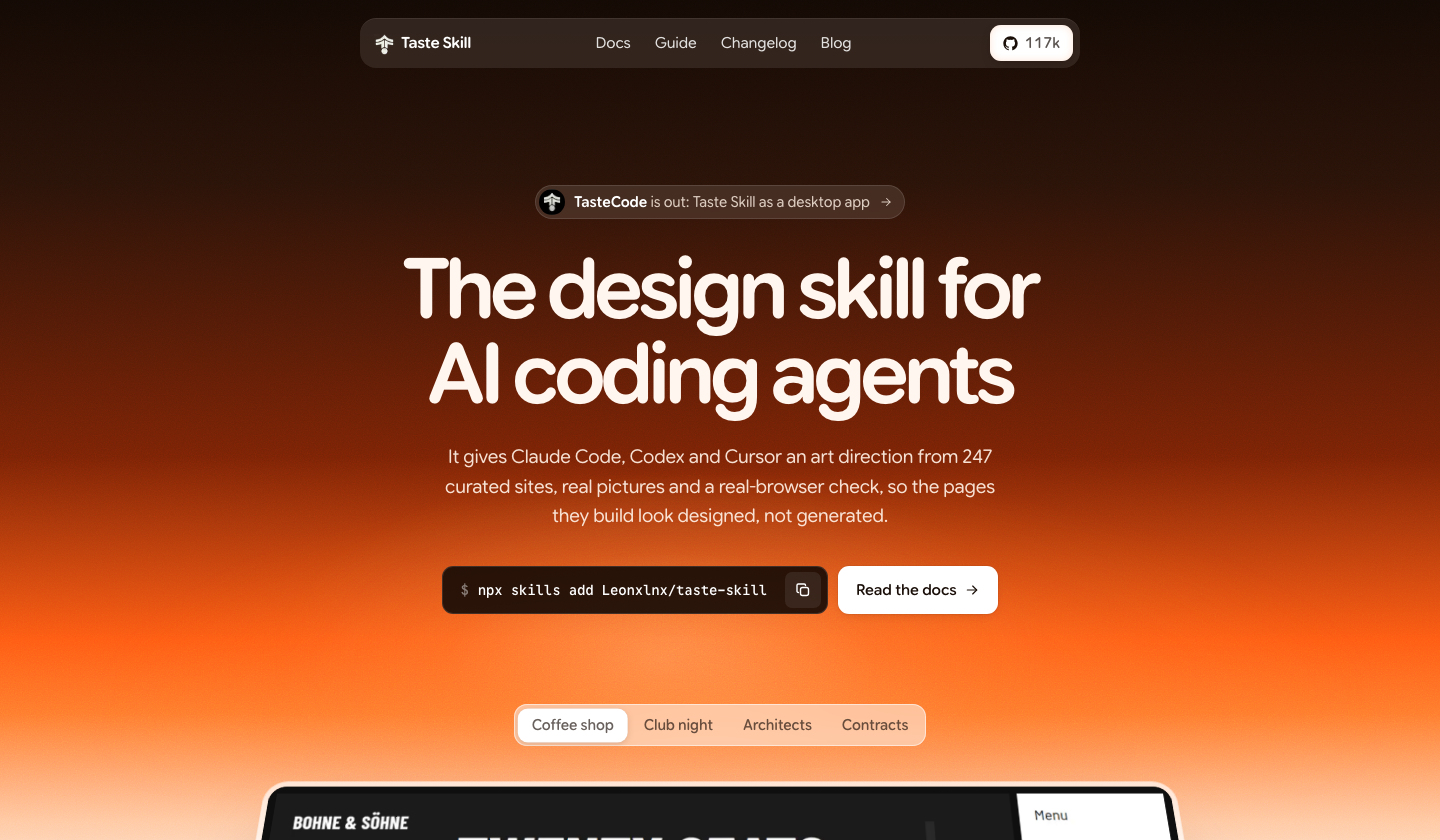
1. Taste Skill (design-taste-frontend) — Leonxlnx/taste-skill |
116.9K+ · MIT |
Build or redesign landing pages, brand sites & portfolios without AI clichés | npx skills add https://github.com/Leonxlnx/taste-skill --skill "design-taste-frontend" |
| 2. Taste Skill Classics — Leonxlnx/taste-skill-classics | Split from taste-skill · MIT |
Lock in a specific style: luxury agency, warm minimal, brutalist ops, or Stitch DESIGN.md |
npx skills add https://github.com/Leonxlnx/taste-skill-classics --skill "high-end-visual-design" |
| 3. Imagegen & Screenshot Skills — Leonxlnx/imagegen-skills | Split from taste-skill · MIT |
Generate per-section web comps, mobile flows, brand boards, or turn screenshots into code | npx skills add https://github.com/Leonxlnx/imagegen-skills --skill "image-to-code" |
4. Impeccable (+ typeset) — pbakaus/impeccable |
111.4K+ · Apache-2.0 |
Critique and polish product UI, dashboards, forms, type hierarchy & accessibility | npx impeccable install (then /impeccable init) |
| 5. Awesome DESIGN.md (getdesign.md) — VoltAgent/awesome-design-md | 127.8K+ · MIT |
Borrow tested token systems from 84 real brands (Stripe, Linear, Apple, Vercel) | Drop any DESIGN.md file into your repo root |
| 6. Official GSAP Skills — greensock/gsap-skills | 18.5K+ · MIT |
Build scroll motion, timelines & React animations with cleanup and performance checks | npx skills add https://github.com/greensock/gsap-skills |
| 7. Official Figma MCP & Skills — figma/mcp-server-guide | 2.2K+ · Figma Dev Terms |
Read Figma design context or capture live web UI as editable design layers | Connect Figma MCP Server |
| 8. Official Canva Agent Skills — canva-sdks/canva-skills | 165+ · Apache-2.0 |
Ship launch pitch decks, social carousels & multi-size promo graphics safely | Add canva-sdks/canva-skills plugin via Claude, Cursor, Codex, or Antigravity |
Forget Skill Names: Pick by What You Need to Ship
Indie developers don't need thirty slash commands memorized. Match your immediate bottleneck to one primary tool:
- "My landing page looks like a generic AI SaaS template." Start with
design-taste-frontendfromLeonxlnx/taste-skill. - "My app dashboard, settings form, or table feels cluttered." Run
impeccable(pbakaus/impeccable) instead of a marketing styler. - "The layout works, but the text looks cramped and cheap." Trigger
impeccable typesetto fix font pairings, line widths, and button labels. - "I want to test 6 visual concepts before writing React." Use
imagegen-frontend-webto render one wide mockup per page section. - "I have a clean screenshot whose layout rhythm I want to match." Use
image-to-codewith your own copy and brand assets. - "I don't know what color or spacing rules my app should follow." Pull a spec from
awesome-design-md(Linearfor dev tools,Stripefor fintech,Notionfor docs).
1. Leonxlnx/taste-skill: The Default Anti-Slop Website Builder
If you install one frontend skill this year, make it design-taste-frontend from Taste Skill (Leonxlnx/taste-skill, v2.5.1). It had 116,900+ GitHub stars at the source review. Its practical distinction is that it replaces vague prompt adjectives with explicit design rules. Instead, it runs local Node 22+ scripts and a headless Chrome finish gate (scripts/gate.mjs) before returning code.
Every build starts by sorting your brief into one of six trades: software, gaming, tech, product, service, or place. Next, scripts/start.mjs picks a matched color palette, Google Fonts pair, and one of eleven tested hero layouts. Tech and gaming pages can use up to four WebGL shader contexts with mobile fallbacks. Coffee shops, studios, and consulting pages get zero WebGL. They lean on sharp type and credited open-archive photos instead.
Older guides mention a separate redesign-existing-projects skill. In v2.5, that browser audit lives right inside design-taste-frontend. Point it at a React, Vue, Svelte, Astro, or static Next.js build. It checks five viewports (1440px down to 390px) to catch bad contrast, nested card soup, and mobile overflow before editing code.
Install & starter prompt:
npx skills add https://github.com/Leonxlnx/taste-skill --skill "design-taste-frontend"
"Use
design-taste-frontendto redesign this homepage without breaking routes. Cut the purple gradients and three-column icon cards. Give it a warm B2B feel."
Need your agent to stop cutting files short with "// rest unchanged"? Creator Leonxlnx replaced the old full-output-enforcement helper with Leonxlnx/unlazy, an MIT skill that forces complete file output.
2. Leonxlnx/taste-skill-classics: Five Opinionated Style Modes
The current core repository keeps one primary skill. Leonxlnx/taste-skill-classics preserves five named style packs plus two older Taste Skill variants. Here are the five style modes to consider when you want a stronger visual stance:
high-end-visual-design: Built for high-ticket B2B, consulting, coaching, and boutique studios. It tightens white space, card borders, soft shadows, and quiet motion, so pages earn trust fast.minimalist-ui: Warm grayscale palettes and editorial calm built for docs tools, personal sites, and focused work apps.industrial-brutalist-ui: Dense Swiss grids, monospaced tables, and terminal contrast made for security dashboards, dev tools, and ops telemetry.gpt-taste: Bold type, wide spacing, and scroll drama built for creative studios and launch pages. Skip it on serious back-office software.stitch-design-taste: Rather than writing HTML, it turns your taste rules into a cleanDESIGN.mdspec for Google Stitch.
Install any classic mode:
npx skills add https://github.com/Leonxlnx/taste-skill-classics --skill "high-end-visual-design"
3. Leonxlnx/imagegen-skills: Visual Comps, Brand Kits & Image-to-Code
Jumping straight into Tailwind often locks solo founders into the first bland layout that compiles. The four skills inside Leonxlnx/imagegen-skills split visual exploration from code writing:
imagegen-frontend-web: Renders one wide horizontal concept image per page section (6 sections = 6 images). It never squashes an entire site into one tiny board, and it varies layouts from section to section.imagegen-frontend-mobile: Maps out iOS and Android screen flows (onboarding, home, tracker, stats, profile) with proper safe areas and phone mockups.brandkit: Builds full identity boards covering logo metaphors, type scales, color systems, and web mockups instead of isolated icons.image-to-code: Generates fresh reference comps first or studies a high-res screenshot you supply. Then it recreates the grid, spacing, and colors cleanly in HTML, CSS, or React.
Install & starter prompt:
npx skills add https://github.com/Leonxlnx/imagegen-skills --skill "image-to-code"
"Use
imagegen-frontend-webto generate 5 section concepts for my analytics homepage. Hold off on code until we pick a direction."
4. pbakaus/impeccable: Product UI Critique, Polish & Typography
Taste Skill excels at marketing sites. For real app interfaces and pre-launch audits, grab Paul Bakaus's Impeccable (pbakaus/impeccable, 111,400+ stars, Apache-2.0).
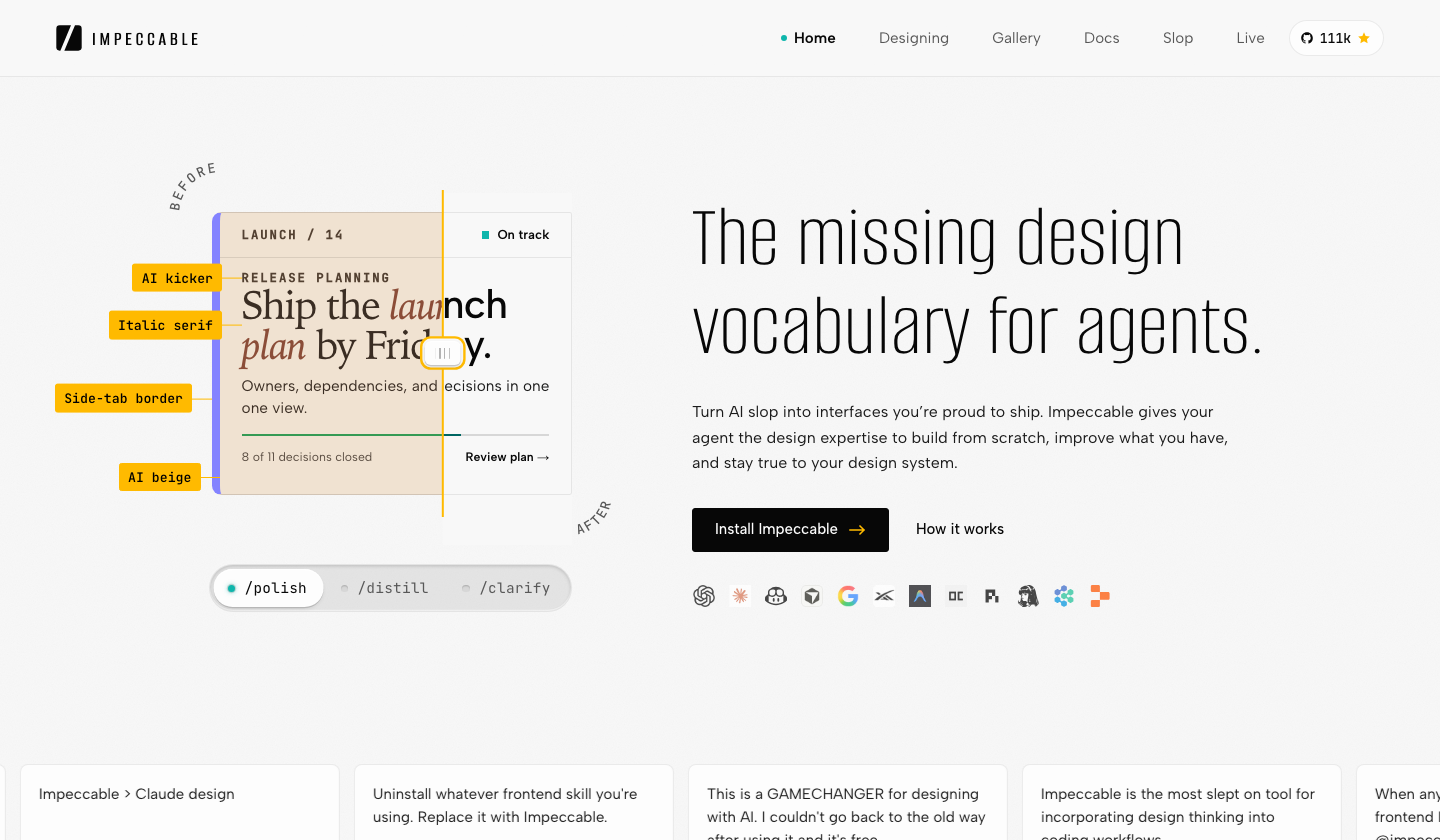
Impeccable supports 18+ coding tools, including Claude Code, Cursor, Codex, Gemini CLI, and Antigravity. After setup, commands like critique, audit, polish, bolder, quieter, and clarify review your app's hierarchy, empty states, forms, keyboard focus, and contrast.
Pair it with impeccable typeset whenever a blog, docs site, or consulting page looks like raw system text. The typeset skill swaps flat font stacks for fluid type scales, comfortable 65-character line widths, and crisp button labels.
Install & starter prompt:
npx impeccable install
"Run
impeccableandimpeccable typeseton/src/app/dashboard. Fix the cramped table spacing, sharpen the type scale, and clarify primary buttons on mobile."
5. VoltAgent/awesome-design-md: 84 Brand Token Systems in One File
Tell an AI agent to "make it clean and modern," and you'll get a coin toss. Drop a DESIGN.md file into your repo root, and the agent gets exact hex codes, radii, shadows, spacing steps, and clear guardrails.
VoltAgent/awesome-design-md (getdesign.md, 127,800+ stars, MIT) isn't a CLI plugin. It curates 84 reverse-engineered DESIGN.md files from top tech brands, so solo builders can set UI tokens fast:
- Dev & AI Tools:
Vercel,Linear,Supabase,Raycast - Fintech & B2B:
Stripe,Wise,Mercury - Docs & Editorial:
Notion,The Verge,Substack - Consumer Brands:
Apple,Airbnb,Nike
Use each DESIGN.md as a layout and token reference. Never copy logos, brand names, custom art, or proprietary sales copy.
6. greensock/gsap-skills: Scroll Motion and Animation Performance
Sloppy AI motion ruins good pages. Left alone, models animate slow CSS top values or hide hero text behind opacity: 0 scripts that stall on mobile Safari.
GreenSock's official greensock/gsap-skills repo (18,500+ stars, MIT) teaches 40+ agents fast GSAP transform animations across eight focused packs. You get gsap-core, gsap-scrolltrigger, gsap-timeline, gsap-react (with useGSAP cleanup), gsap-frameworks, gsap-plugins, gsap-performance, and gsap-utils.
Even better, Webflow acquired GSAP and made every former Club GSAP plugin (SplitText, MorphSVG, ScrollSmoother, Flip) 100% free for commercial work. The plugins install from the public gsap package on npm without a Club membership token. The skills repository is MIT-licensed, while the animation library uses the separate GSAP Standard License. That license allows commercial websites at no charge but restricts certain competing visual animation builders. A skill cannot guarantee a particular frame rate on every device.
Install & starter prompt:
npx skills add https://github.com/greensock/gsap-skills
"Use
gsap-reactandgsap-scrolltriggerfor subtle section reveals and a pinned product tour. Respectprefers-reduced-motionand keep text visible before JS loads."
7. Official Figma MCP & Skills: Design Context and Code-to-Canvas Workflows
Many indie hackers write code first and open Figma later for contractor handoffs or App Store graphics. Figma's official figma/mcp-server-guide documents MCP workflows for reading design context and writing to the canvas. These are explicit operations, not continuous two-way synchronization:
- Figma → Code: Pull auto-layout spacing, variables, and Code Connect snippets straight into React or SwiftUI (
figma-design-to-code,figma-swiftui). - Code → Figma: Capture live web UI as editable design layers with
generate_figma_design, or use canvas and FigJam tools where available. Review the imported result; this does not promise automatic synchronization of your codebase and Figma variables. See the official tool reference.
8. Official Canva Agent Skills: Launch Decks & Social Graphics
Shipping your web app is only half of launch week. You also require Product Hunt slides, LinkedIn carousels, and X promo banners that match your site.
Canva's official canva-sdks/canva-skills (Apache-2.0) brings safe editing skills to Claude, Cursor, Codex, and Antigravity. The current active skills include brand-check, resize-for-social-media, bulk-create, and edit-design. The repository keeps branded-presentation under inactive skills, so it is not currently exposed by the plugin. Existing-design edits use a transaction and require approval before commit; this is not a promise that every Canva operation uses the same draft flow. Template autofill through bulk-create requires Canva Enterprise. Once exported, an open-source scheduler like Postiz can queue your multichannel launch posts.
3 Proven Multi-Skill Combos for Real Projects
Stacking two or three focused skills in order beats stuffing everything into one giant prompt:
- Anti-Slop SaaS Landing Page (
awesome-design-md→design-taste-frontend→impeccable) Pick aLinearorStripetoken reference first. Letdesign-taste-frontendbuild and browser-test the page, then runimpeccablefor final polish. - High-Trust Studio or Consulting Site (
high-end-visual-design→gsap-skills→impeccable typeset) Set restrained surfaces and spacing first. Layer quiet scroll pacing next, then tune serif and body readability last. - Reference-First Rebuild (
imagegen-frontend-web→image-to-code→impeccable) Generate section comps before writing React. Convert your favorite mockup withimage-to-code, then audit contrast and keyboard focus before launch.
Practical Trade-Offs & Setup Gotchas
- Local Runtime Needs for
taste-skillv2.5: Its finish gate runs local scripts with zero paid API keys. You still need Node 22+ and local Chrome, Edge, or Chromium installed (ffmpegis optional for WebP crops). - Figma Seat Limits: The current rate-limit documentation lists up to 20 read tool calls per month for Starter and View/Collab access, while an older GitHub README still says six. Full or Dev seats on paid plans have higher daily limits. Some write tools are exempt from read limits, but plan permissions and separate AI-credit charges can still apply.
- Canva API Limits: Supported edits depend on the selected tool and design; the current
edit-designdocumentation includes text formatting and supported element changes, and flags unsupported requests. Check the available operations before promising a particular edit. For a separate workflow involving 3D render concepts, see Visualizee. - UI Taste Won't Save a Weak Idea: Clean type builds trust, yet AI makes polished UIs easy for rivals to copy too. Before polishing your landing page, check your SaaS niche on Can I Vibecode It?.
Questions About GitHub Design Skills
How do I install GitHub design skills in Claude Code, Cursor, or Antigravity?
Most open-source packs follow the agentskills.io folder spec and install in one line via npx skills add <github-repo-url>. The CLI detects Claude Code (~/.claude/skills/), Cursor (~/.cursor/skills/), Codex, Windsurf, Copilot, and Antigravity automatically. Impeccable uses npx impeccable install, while awesome-design-md just needs one DESIGN.md file copied into your project root.
What is the difference between Leonxlnx/taste-skill and pbakaus/impeccable?
Taste Skill works like an art director for marketing sites, company homepages, and portfolios, dealing palettes, archive photos, and headless-Chrome layout checks. Impeccable works like a product UI reviewer, shining on SaaS dashboards, app shells, forms, type scales (typeset), and WCAG contrast audits.
Why did high-end-visual-design and image-to-code move out of taste-skill?
The current tasteskill 2.5.1 core keeps design-taste-frontend and its browser redesign audit, with optional packs in separate repositories. Classic styles now live in Leonxlnx/taste-skill-classics, visual comp tools live in Leonxlnx/imagegen-skills, and full-file output enforcement moved to Leonxlnx/unlazy.
Are all 8 GitHub design skill packs free for commercial client work?
The skill repositories use the licenses shown in the comparison table. The GSAP skill instructions use MIT, but the GSAP library and former Club plugins use the separate GSAP Standard License. Figma and Canva access depends on their service terms, permissions, and plans. Free skill installation does not remove model, image-generation, or platform costs.
Source & Editorial Review
Checked directly against official GitHub repositories and live documentation on November 17, 2026: Leonxlnx/taste-skill (v2.5.1 and tasteskill.dev), Leonxlnx/taste-skill-classics, Leonxlnx/imagegen-skills, Leonxlnx/unlazy, pbakaus/impeccable (impeccable.style), VoltAgent/awesome-design-md (getdesign.md), greensock/gsap-skills (gsap.com), figma/mcp-server-guide (developers.figma.com), and canva-sdks/canva-skills.
Websites in this guide
Open each Reemo listing for its purpose, access details, and official website.
- Taste SkillGive Claude Code, Cursor and Codex curated art direction, real photography and automated browser checks for building distinctive websites.
- ImpeccableAudit, critique and polish AI-generated interfaces with design guidance for typography, accessibility and visual consistency across supported coding agents.
- getdesign.mdBrowse independent DESIGN.md analyses of familiar websites, giving coding agents reusable references for colors, typography, spacing and interface consistency.
- GSAPBuild website animations, coordinated timelines, SVG effects and scroll interactions with GSAP, a free JavaScript library for frontend developers.
- FigmaDesign interfaces, maintain component libraries, prototype user flows and provide structured design context to AI coding agents through MCP.
- CanvaCreate branded presentations, social posts, posters and marketing assets in your browser, with templates, collaboration and supported AI integrations.