
Pippit AI Overview
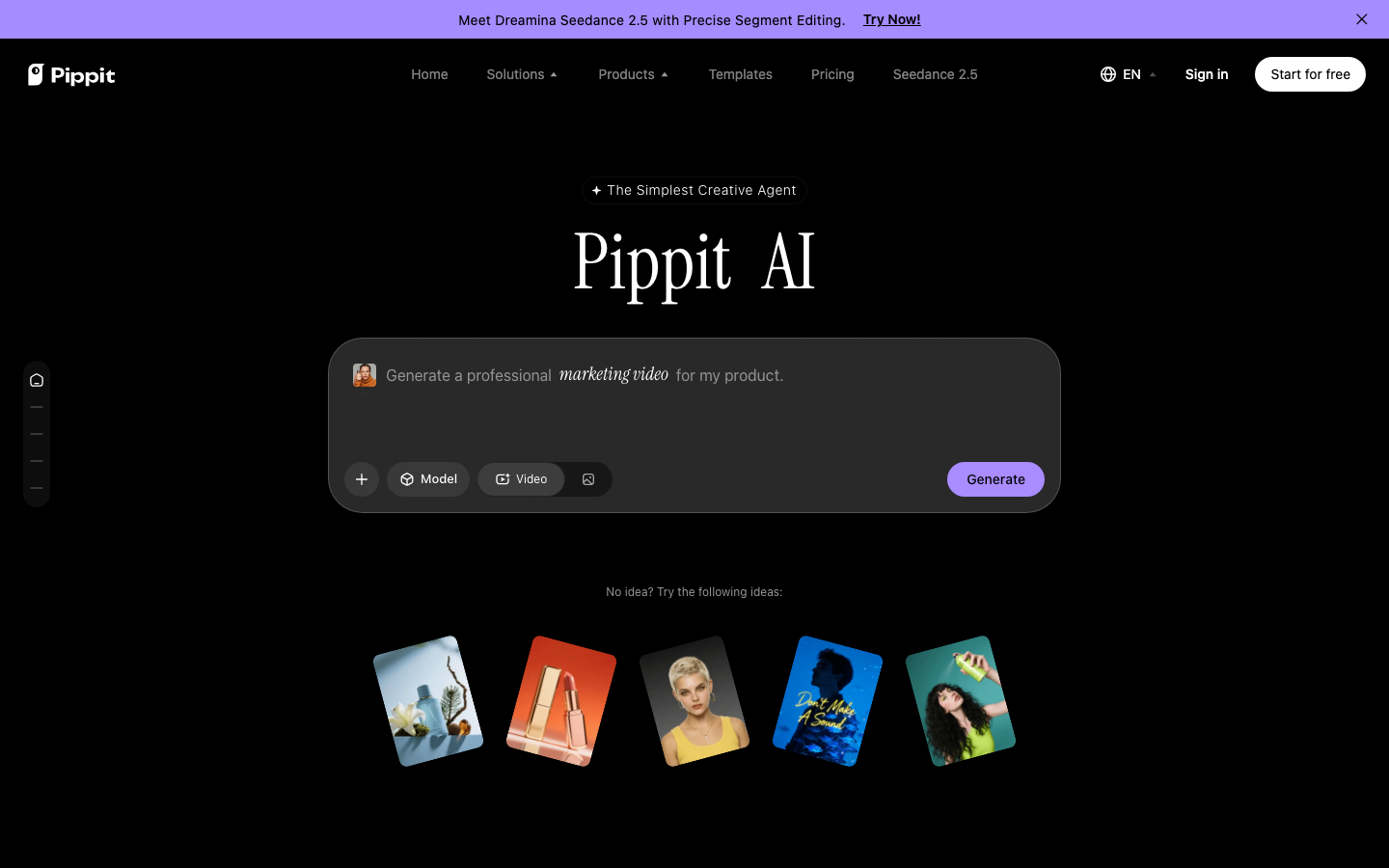
Create marketing videos, product images and avatar content from prompts, links or uploaded media in one workspace.
What is Pippit AI?
Pippit AI brings video and image creation together with digital avatars for marketing and social content. Start from a prompt, product link or reference media, then choose a creation tool and adjust the output. The platform also offers publishing and analytics tools for supported channels.
How to use Pippit AI
- Choose video, image or avatar creation and add a prompt, link or reference material.
- Adjust the available model, format and language options, then review the generated draft.
- Edit and export the result, or use supported publishing tools after checking your plan’s limits.
Core features
Video creation
Develop videos from text, links or media and adapt supported videos to another language.
Product visuals
Create posters and social images, change backgrounds and edit images in batches.
Digital avatars
Use available avatars or authorized reference photos to create presenter-style content.
Use cases
- Turn product information into a first draft of a promotional video.
- Prepare product posters and social visuals for a campaign.
- Create avatar-led introductions or explainers for an online store.
Who is it for?
Creators, online sellers and marketing teams producing recurring visual content. A free plan includes limited credits; paid plans expand access to models and generation features. Check current credit, watermark and publishing limits.
























Have a website to share?
See how listing works ↗