
Quizizz (Wayground): Self-Paced Classroom Quizzes, QR Paper Mode & Plan Limits
Deliver student-paced or live classroom assessments, interactive lessons, and printable QR Paper Mode polls for up to 100 free participants.
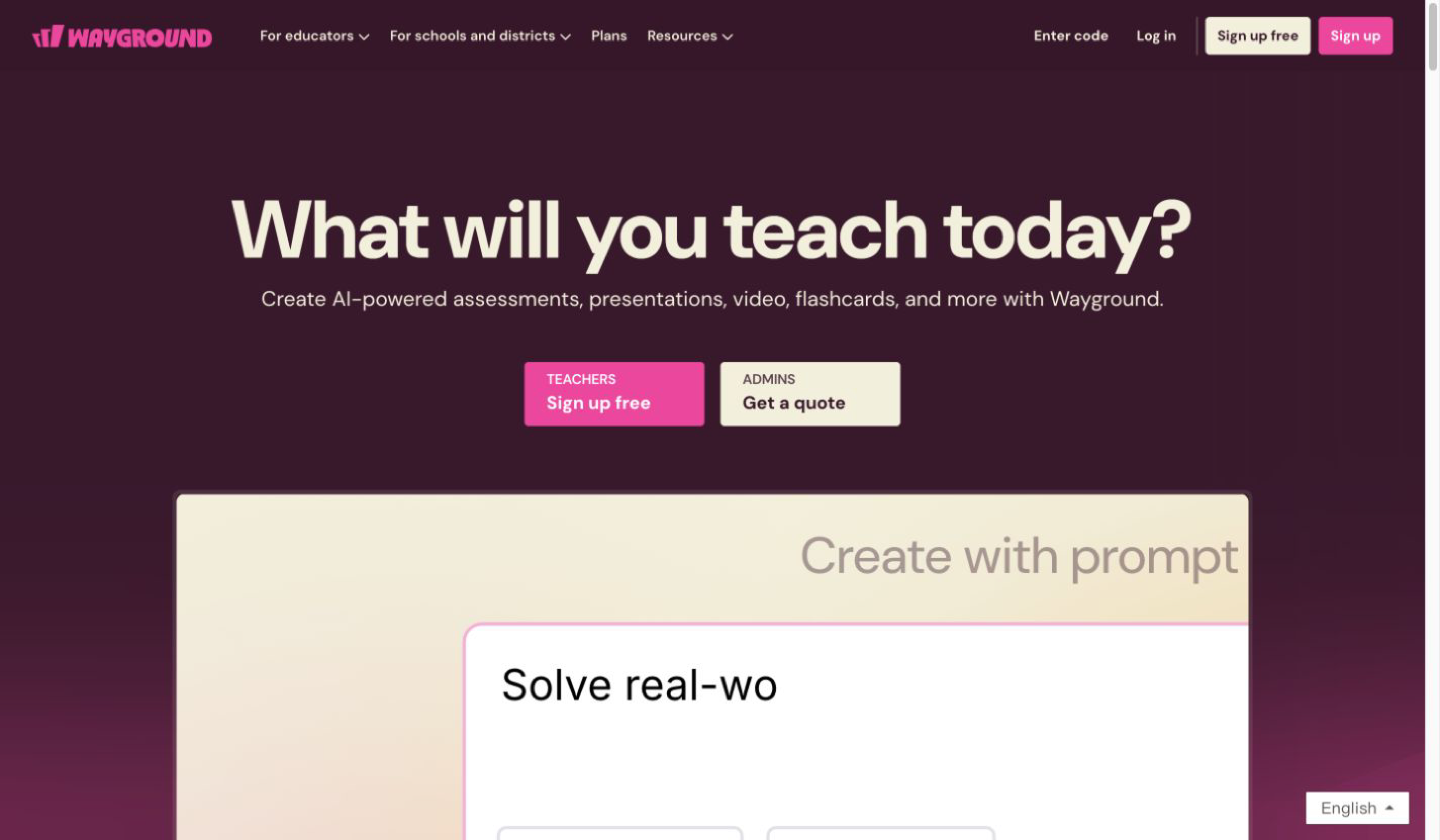
What is Quizizz (now Wayground)?
Quizizz—now operating under its expanded K–12 instructional brand Wayground at wayground.com—is a formative assessment and interactive lesson platform designed around calm, student-paced screen reading rather than frantic projector speed-clicking. Every question and answer choice appears directly on each student's device (via joinmyquiz.com or wayground.com/join), complete with built-in Read Aloud audio accommodations, redemption retries for missed items, interactive slides, video checks, and AI import from existing PDFs, Google Slides, or Docs. For device-free classrooms, its built-in Paper Mode lets students hold up reusable printed QR 'Q-cards' rotated to A, B, C, or D while the teacher scans the room with one smartphone camera. Free Starter accounts support up to 100 participants per session and store up to 20 active resources (archiving frees space), while paid Individual and School/District plans vary by region and unlock unlimited storage and advanced question types.
How to run a Quizizz / Wayground quiz or QR Paper Mode
- Sign in at wayground.com (existing Quizizz accounts carry over), then search millions of teacher-vetted quizzes, upload an existing PDF worksheet/slide deck for AI conversion, or build questions manually.
- Select your delivery format: Instructor-Paced for guided whole-class walkthroughs, Classic Student-Paced for quiet independent completion, Homework for asynchronous deadlines, or Paper Mode for device-free QR scanning.
- Toggle accommodations—such as Read Aloud text-to-speech, timer off, shuffled options, or Redemption retries—and share the join code (joinmyquiz.com / wayground.com/join) or push directly to Google Classroom.
- Inspect the live accuracy matrix while students work to spot class-wide misconceptions immediately, then export or sync final per-student scores.
Student-paced assessments, QR Paper Mode & AI worksheet import
Calm student-paced quizzes & accommodations (100 free seats)
Lets up to 100 students per Starter session work quietly at their own reading speed with optional timer removal, Read Aloud speech support, and second-chance Redemption questions.
Printable QR Paper Mode for zero-device classrooms
Print one set of reusable numbered QR Q-cards; students rotate their card to show A, B, C, or D for projected questions while the teacher's mobile app scans 30+ cards across the room in seconds.
AI quiz import from PDFs, Google Slides, Docs & YouTube
Converts legacy Word/PDF worksheets, slide decks, or instructional videos into auto-graded digital checks in under two minutes, with teacher editing before launch.
Interactive Lessons, LMS roster sync & accuracy heatmaps
Combines instructional slides and multimedia embeds with embedded polls and formative checks, backed by question-by-question class accuracy grids and Google Classroom syncing.
Quizizz (Wayground) Starter (Free) vs Individual & School plans
On narrow screens, scroll the table sideways, or focus it and use the arrow keys.
| Capability / limit | Student / QR Card Player | Starter (Free teacher) | Individual / School & District |
|---|---|---|---|
| Price & regional availability | USD 0 (joinmyquiz.com / wayground.com/join or printed QR card) | USD 0 | Varies by country & tier on wayground.com (Individual teacher plans typically ~USD 12–18/mo billed annually; School/District custom quotes) |
| Participants per live / HW session | Joins up to host's cap | Up to 100 participants per session | Expanded class & lecture capacities + school-wide cohorts |
| Saved library storage limit | Optional student history | Up to 20 active resources stored in My Library (archiving older items frees slots for new ones) | Unlimited active quizzes, lessons & private folders |
| Question types & public library | Answers on device or QR card | Core multiple-choice, open-ended & Paper Mode + free community sets; premium-tagged sets & higher-order math/graphing items gated | Unlocks all interactive assessment item types, audio/video responses & premium library |
| AI credits & LMS integrations | Built-in Read Aloud support | Limited monthly AI generation/enhancement credits + basic Google Classroom sync | Expanded/unlimited AI credits + Canvas, Schoology, Clever & district standards analytics |
Use cases
- Run quiet 5-minute formative exit tickets with timers turned off so careful readers earn full credit alongside fast clickers
- Check whole-class comprehension in device-free elementary or exam-prep rooms using printed Paper Mode QR cards and one teacher phone
- Digitize existing unit review PDFs into self-grading homework assignments linked to Google Classroom
Who is it for?
K–12 teachers and instructors who prioritize serious formative assessment data, student-paced accommodations, or QR Paper Mode over chaotic arcade mini-games.
Before you choose
- What to bring
- Existing quiz questions or a PDF/Slides file to convert, plus either 1:1 student browsers OR one printed set of Paper Mode QR cards and the teacher mobile app.
- What you get
- Auto-graded student-paced or live formative checks with a per-student, per-question accuracy matrix ready right after the bell.
- What to check
- Watch the 20-active-resource cap on free Starter accounts (archive old sets when full), and double-check local plan pricing and premium-tagged community sets in your region.
Pick Quizizz (Wayground) when accurate formative grading, accommodations, or QR Paper Mode matter more than arcade mini-games. When you want high-energy game loops instead, switch to Blooket or Gimkit. For single-projector oral team games without QR cards, use Baamboozle, or pair assessments with full reading passages on ReadWorks via our learning tools guide.
Limitations & the 20-resource library cap to know first
- Free Starter accounts hold at most 20 active activities in My Library at a time; once you hit 20, you must archive older quizzes (pausing live links on archived items) or upgrade.
- Searching the community library surfaces many Super/paid-tagged quizzes and advanced question types (such as graphing, drag-and-drop hotspot, or audio response) that cannot be hosted unmodified on Starter.
- The Ongoing Quizizz-to-Wayground domain transition means teachers and students encounter both `wayground.com` and legacy `quizizz.com` / `joinmyquiz.com` URLs, and plan names/prices differ across countries.
- Paper Mode supports single-select multiple-choice (A/B/C/D) scanning only—multi-select, typed, or diagram questions still require student devices.
Questions about Quizizz (Wayground)
Why does Quizizz redirect to Wayground (wayground.com)?
Quizizz rebranded its broader K–12 platform as Wayground (`wayground.com`) as it expanded beyond standalone quizzes into interactive lessons, passages, and AI prep tools. Existing Quizizz teacher logins, saved libraries, and `joinmyquiz.com` student join codes continue to work.
What are the free limits on Quizizz / Wayground Starter?
Starter costs USD 0 and supports up to 100 participants per live or homework session, core question types, Read Aloud accommodations, and QR Paper Mode. The main cap is library storage: you can keep up to 20 active resources at once, though archiving older activities frees slots.
How does Quizizz Paper Mode work without student tablets?
Download and print the free set of numbered QR Q-cards once. During class, project the question on your whiteboard; each student holds up their card rotated so A, B, C, or D faces the top, and you sweep your phone camera across the classroom using the Wayground/Quizizz mobile app to record every response instantly.
Quizizz (Wayground) vs Blooket: which fits classroom review better?
Choose Quizizz (Wayground) for calm daily exit tickets, serious formative data, 100-student free capacity, accommodations, or device-free QR scanning. Choose Blooket when your priority is high-excitement arcade game loops like Gold Quest or Tower Defense.
Official & primary sources: Wayground (Quizizz) official platform ↗ · Wayground / Quizizz student join portal ↗ · Official guide to Wayground plans & 20-item limit ↗ · Checked Nov 22, 2026
Related website guides
Have a website to share?
See how listing works ↗