
Vugola: Prompt-Driven AI Video Editor, Clip Maker & Studio Timeline
Prompt an AI video editor and clip maker for cuts and auto subtitles, then fine-tune edits on a 1080p Studio timeline.
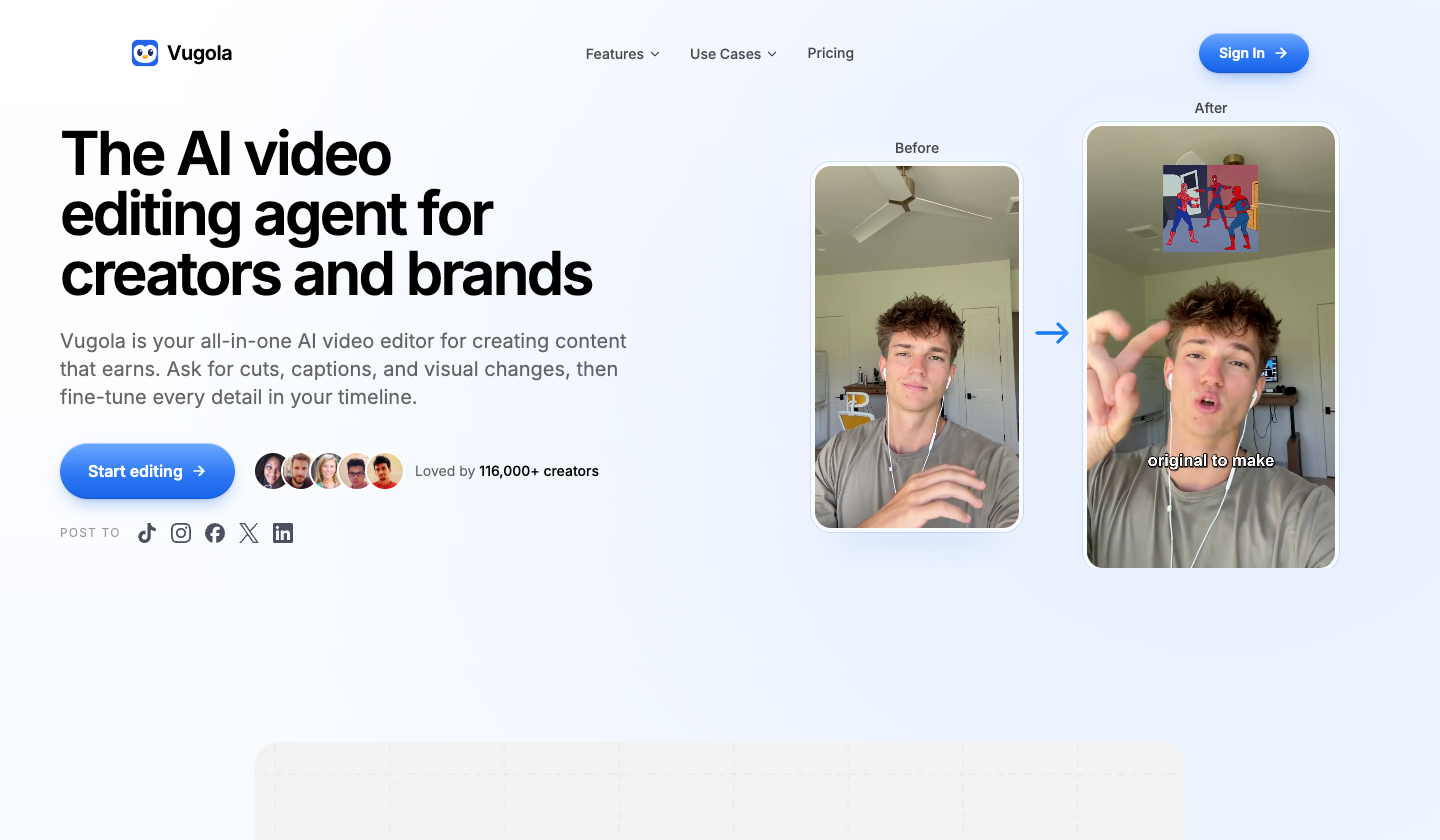
What is Vugola?
Vugola is a paid AI video editor and AI clip maker that pairs a chat-driven editing agent with a manual 1080p browser timeline. Upload raw talking-head footage, podcasts, or Twitch streams, then ask the agent in plain words to cut dead air and add styled subtitles. Unlike black-box clippers, Vugola opens every draft inside its Studio timeline. That lets you trim cut points frame by frame before exporting or scheduling to five social platforms. Subscriptions start at $19.99 per month with no permanent free tier, and every plan includes REST API and MCP server access.
How to use Vugola
- Upload raw video footage, a podcast recording, or a Twitch stream into your workspace
- Prompt the AI agent for highlight cuts, pacing trims, and auto subtitles
- Fine-tune timing on the 1080p Studio timeline, then export or schedule clips directly
Core features
AI clip maker & stream cuts
Extract short vertical highlights from long recordings and Twitch streams using plain-English prompts.
Auto subtitle generator & timeline
Pair automated caption styling with a multi-track browser timeline for manual frame edits.
Social scheduling & MCP API
Publish finished 1080p clips to five networks or automate edits from Claude and Cursor via MCP.
Use cases
- Turn a long podcast or Twitch stream into captioned 1080p vertical shorts without losing manual cut control
- Trigger automated clip generation and social scheduling workflows through the built-in MCP server
Who is it for?
Content creators, streamers, and agencies turning long recordings into captioned short clips who still want manual timeline control.
Related website guides
Have a website to share?
See how listing works ↗