
Most one-click AI clipping apps share the same flaw. They chop a 40-minute podcast into ten vertical clips and burn neon captions across the speaker's chin. Worse, they give you zero control when a cut hits half a second too early.
Vugola (vugolaai.com), used by 116,000+ creators, fixes that split. It pairs a chat-driven Clipping & Editing Agent with a proper 1080p Studio timeline. You can tweak rough edges yourself instead of burning credits on blind re-rolls. Every paid plan also includes a REST API and MCP server, so you can trigger clips and post schedules straight from Claude, ChatGPT, or Cursor. Plans start at $19.99/month (with 20% off yearly).
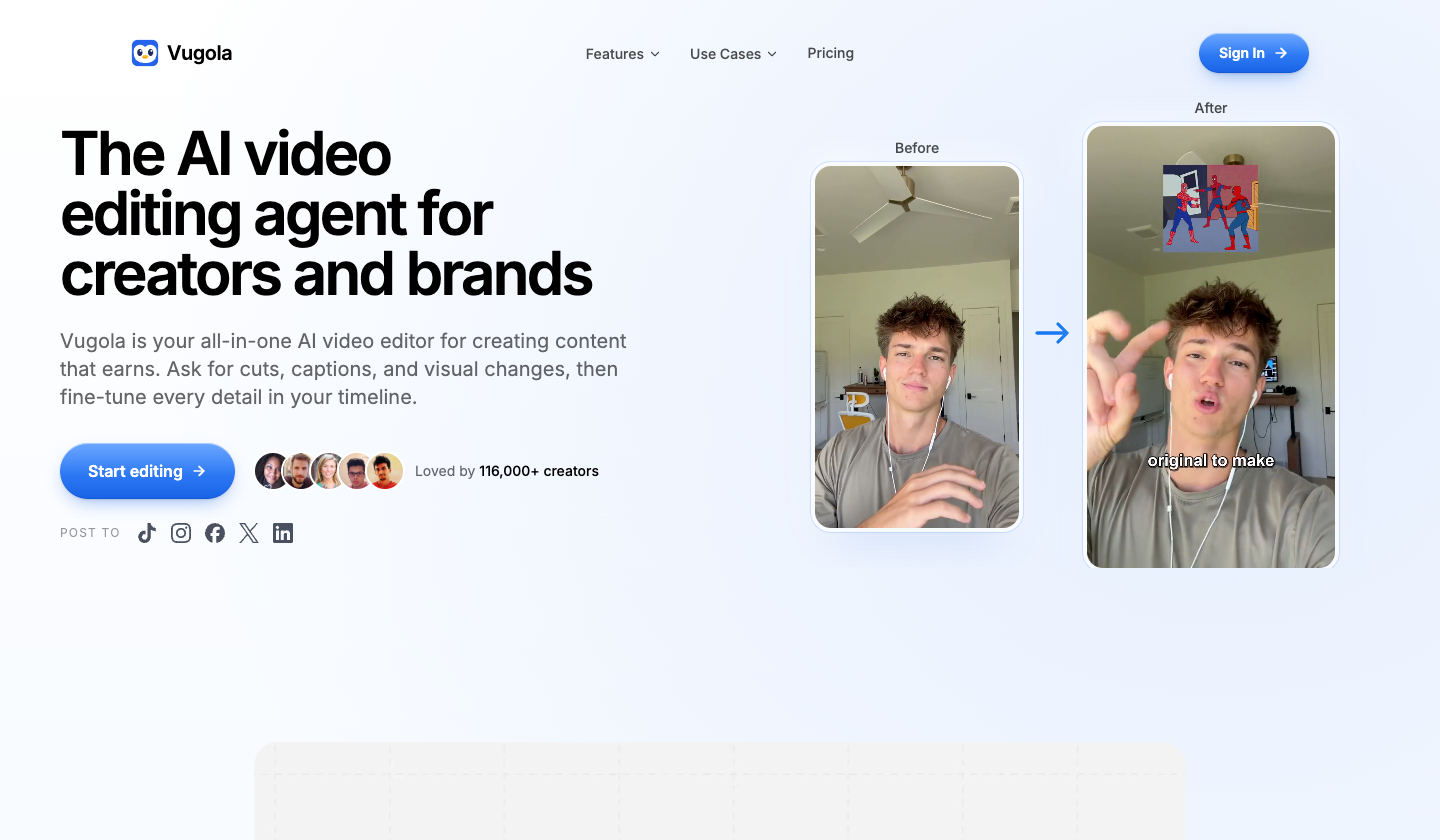
Vugola at a Glance
| Attribute | Verified Details |
|---|---|
| Official Website | vugolaai.com (MCP docs at vugolaai.com/mcp · Twitch clipper at /twitch-clip-maker) |
| Founder | Built by 19-year-old founder Vadim Strizheus (@VadimStrizheus) |
| Core Workflow | Upload video / Twitch VOD → prompt the AI agent for cuts, captions & visual edits → fine-tune in Studio → export 1080p or schedule to up to 5 platforms |
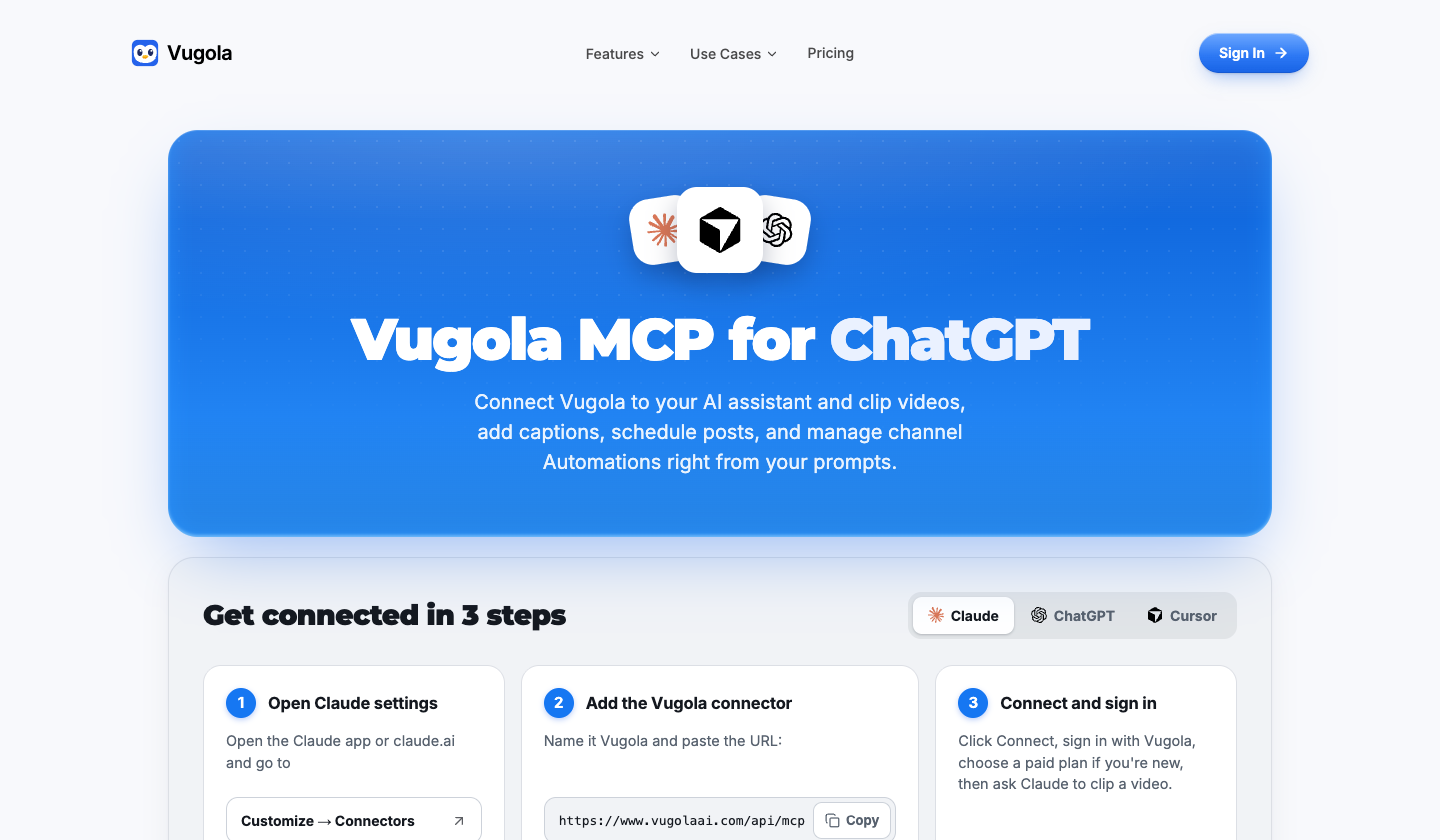
| Agent & API Access | REST API + MCP Server included on all paid plans (works with Claude, ChatGPT, and Cursor) |
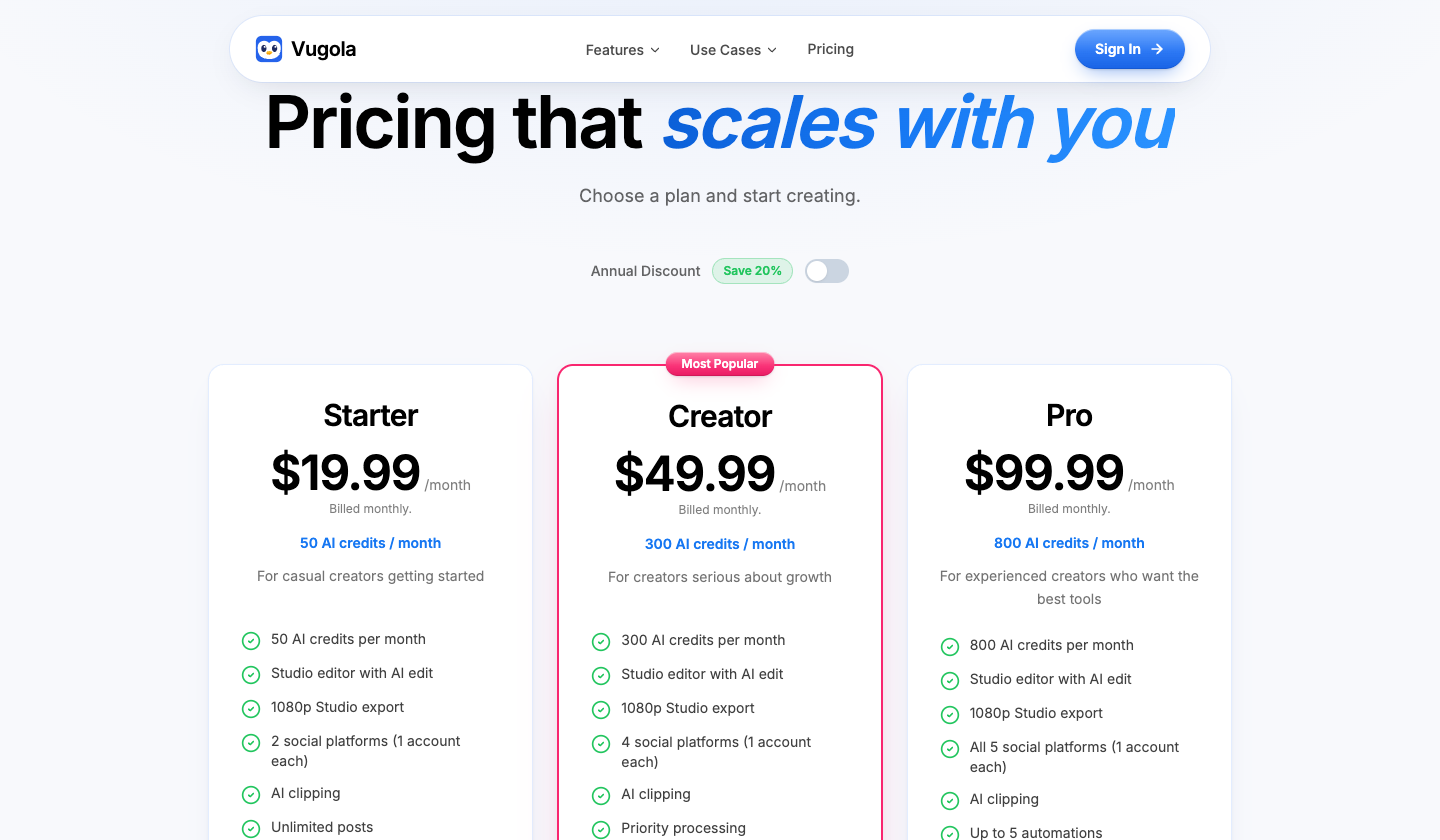
| Pricing | Starter: $19.99/mo (50 credits · 2 platforms) · Creator: $49.99/mo (300 credits · 4 platforms) · Pro: $99.99/mo (800 credits · 5 platforms) |
How Vugola Works in Practice
Vadim Strizheus built Vugola as his first SaaS, featured in Starter Story's interview on passing $11K/month early on. Instead of hiding everything behind a black box, it splits the job between AI rough cuts and human finishing.
First, upload a talking-head YouTube video, podcast episode, or Twitch VOD via /twitch-clip-maker. Skip scrubbing through dead air. Just type plain-English notes telling the Agentic Editor to pull strong hooks, add captions, or tighten pacing.
Once the AI lays down the first draft, Vugola opens it inside Studio. That step saves real headaches. If a caption misspells a guest's name or trims off a punchline, you drag the track right on the timeline. No exporting half-baked files into Premiere or CapCut. From there, export a 1080p MP4 or schedule it straight to your social feeds.
Unusual Bonus: MCP & API on the Entry Plan
Most video tools lock API access behind $200/month enterprise tiers. Vugola includes its REST API and MCP server right on the $19.99/month Starter plan. Developers and faceless-channel builders can wire it straight into Claude or Cursor alongside schedulers like Postiz or Post Bridge.
Pricing Tiers: Starter vs. Creator vs. Pro
Vugola doesn't list a permanent free plan on vugolaai.com/pricing. Subscriptions scale by monthly AI credits, connected platforms, and recurring automations (with 20% off billed annually):
| Plan | Monthly Price | AI Credits / Mo | Connected Social Platforms | Automations & Speed |
|---|---|---|---|---|
| Starter | $19.99 / mo | 50 credits | 2 platforms (1 account each) | Standard queue · Unlimited manual posts · API & MCP |
| Creator (Popular) | $49.99 / mo | 300 credits | 4 platforms (1 account each) | 1 automation · Priority processing · API & MCP |
| Pro | $99.99 / mo | 800 credits | All 5 platforms (1 account each) | Up to 5 automations · Priority support · API & MCP |
Three Quirks Worth Knowing First
- Keep Chrome Auto-Translate Turned Off: Vugola's editor UI is English-only right now. Its own page code warns that running Google Translate's DOM overlay inside the live React editor can break timeline state. Leave browser translation off while editing.
- One Account Per Social Network: Even the
$99.99/monthPro tier connects 1 account on each of 5 platforms (say, one TikTok, one YouTube, and one Instagram). Running ten separate TikTok pages? Export your 1080p clips and push them through Post Bridge instead. - 1080p Export Cap: Exports top out at crisp 1080p. That fits TikTok, Reels, and Shorts fine, though 4K documentary editors will still want a desktop editor.
Vugola vs. Opus Clip, Descript, and CapCut
| Tool | Editing Style | API / MCP Included? | Best For | Entry Paid Cost |
|---|---|---|---|---|
Vugola (vugolaai.com) |
Prompt-based AI agent + browser timeline + built-in social scheduler | Yes (from $19.99/mo) | Clippers, Twitch streamers & AI-automated short-form pipelines | $19.99/month |
Opus Clip (opus.pro) |
Automated virality-scored podcast/YouTube chopping | Enterprise API tiers | Hands-off batch clipping from talking-head podcasts | Free watermarked trial; ~$15–$29/mo |
Descript (descript.com) |
Edit video by deleting words in a text transcript | Limited | Podcasters & screen-recorded tutorials | Free limited; ~$16–$24+/mo |
CapCut (capcut.com) |
Manual multi-track timeline + trendy effects templates | No MCP | Hands-on editors who want manual keyframing on desktop/phone | Free tier; ~$9.99+/mo Pro |
Use Descript if you prefer editing long audio shows like a Word doc, or CapCut for manual effects under $10. Pick Vugola when you want prompt-based clipping backed by a real timeline—or when Claude and Cursor run your video pipeline over MCP.
Questions About Vugola
How is Vugola different from basic AI clippers?
Most clippers force you to accept whatever random timestamp an algorithm picks. Vugola lets you ask for specific cuts or caption styles in plain words, then fine-tune the result manually on its browser timeline.
Does the cheapest plan include API and MCP access?
Both the REST API and MCP server come standard right on the $19.99/month Starter tier, which is rare for video SaaS tools.
What video resolution does Vugola export?
Starter, Creator, and Pro all export finished Studio clips at 1080p.
Can I cancel anytime?
Monthly plans run month-to-month with zero lock-in unless you opt into annual billing for the 20% discount.
Source review: This guide is based on Vugola's live website (vugolaai.com, /pricing, /mcp, and /twitch-clip-maker), checked on November 16, 2026, alongside founder Vadim Strizheus's Starter Story interview.
Websites in this guide
Open each Reemo listing for its purpose, access details, and official website.
- VugolaPrompt an AI video editor and clip maker for cuts and auto subtitles, then fine-tune edits on a 1080p Studio timeline.