
Most teachers start the morning juggling five messy browser tabs. One tab runs a YouTube countdown timer, another holds a random name wheel, and a third shows the warmup prompt. Classroomscreen (classroomscreen.com) replaces that clutter with one calm whiteboard. Launch the workspace from the homepage, and all 26 classroom widgets open in your browser with zero student logins and zero ads. Using every widget costs $0 on Basic, while Pro ($3/month billed yearly at $36/year) saves custom boards from day to day.
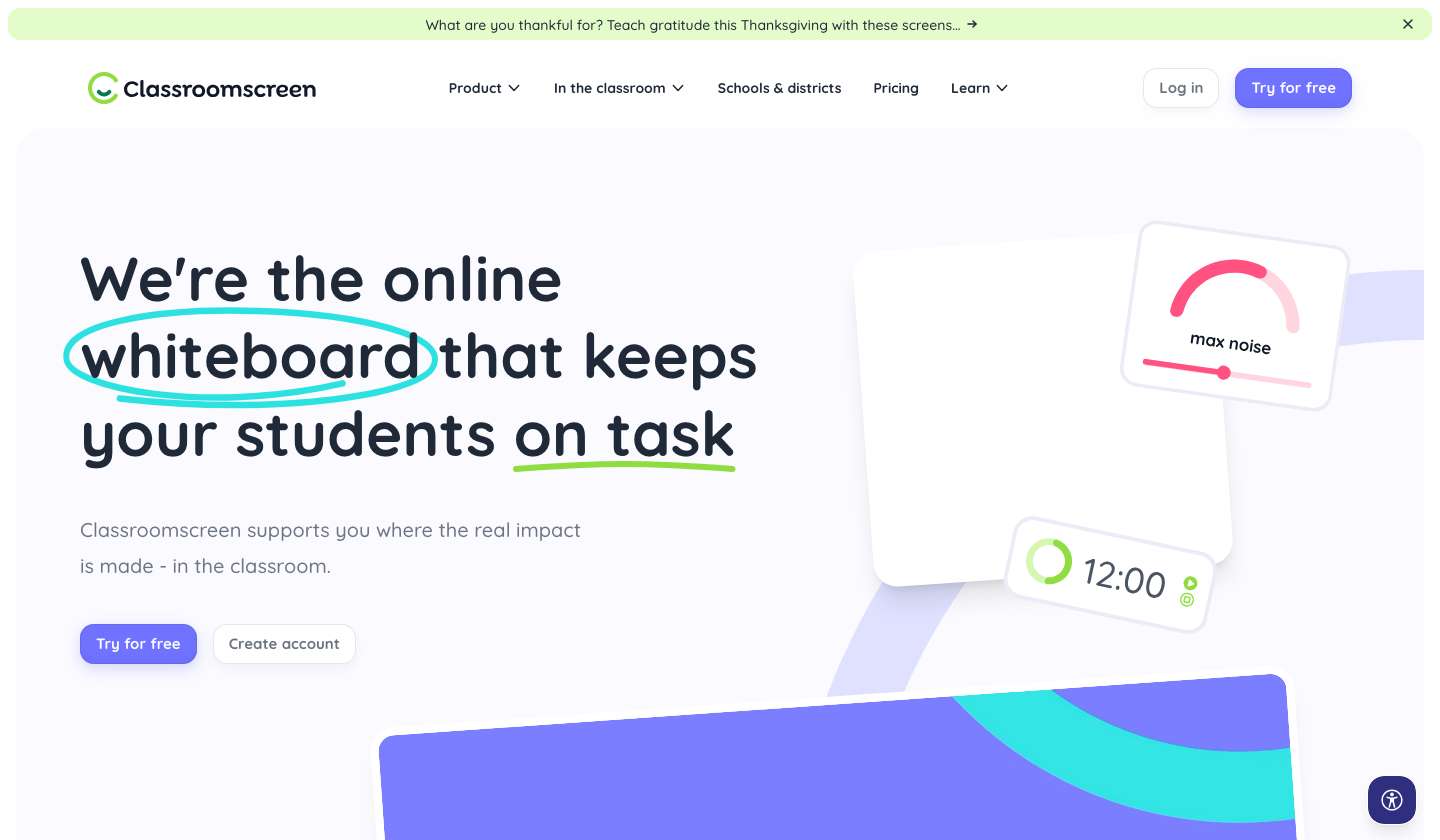
Classroomscreen at a Glance
| Attribute | Verified Details |
|---|---|
| Official Website | classroomscreen.com (live workspace at app.classroomscreen.com) |
| Category | Classroom Management & Projector Board (Learning) |
| Included Widgets | 26 drag-and-drop widgets (Timer, Sound level, Randomizer, Group maker, Traffic light, Work symbols, QR code, Poll, Scoreboard, and more) |
| Student Login Needed? | No (projected on a single front-of-room screen) |
| Teacher Account Needed? | Optional to launch a live board; Basic account saves up to 3 name lists |
| Pricing Model | Freemium: Basic $0/month (all 26 widgets, unsaved boards) · Pro $3/month billed yearly ($36/year for saved boards) |
How the Widget Dock Works During a Lesson
You don't have to build slide decks before the bell rings. Classroomscreen pins a clean widget dock along the bottom of your browser window. Educator groups like the Texas Computer Education Association (TCEA) recommend it for low-prep room management. Click any icon on the dock, and that widget pops onto your canvas ready to drag or resize.
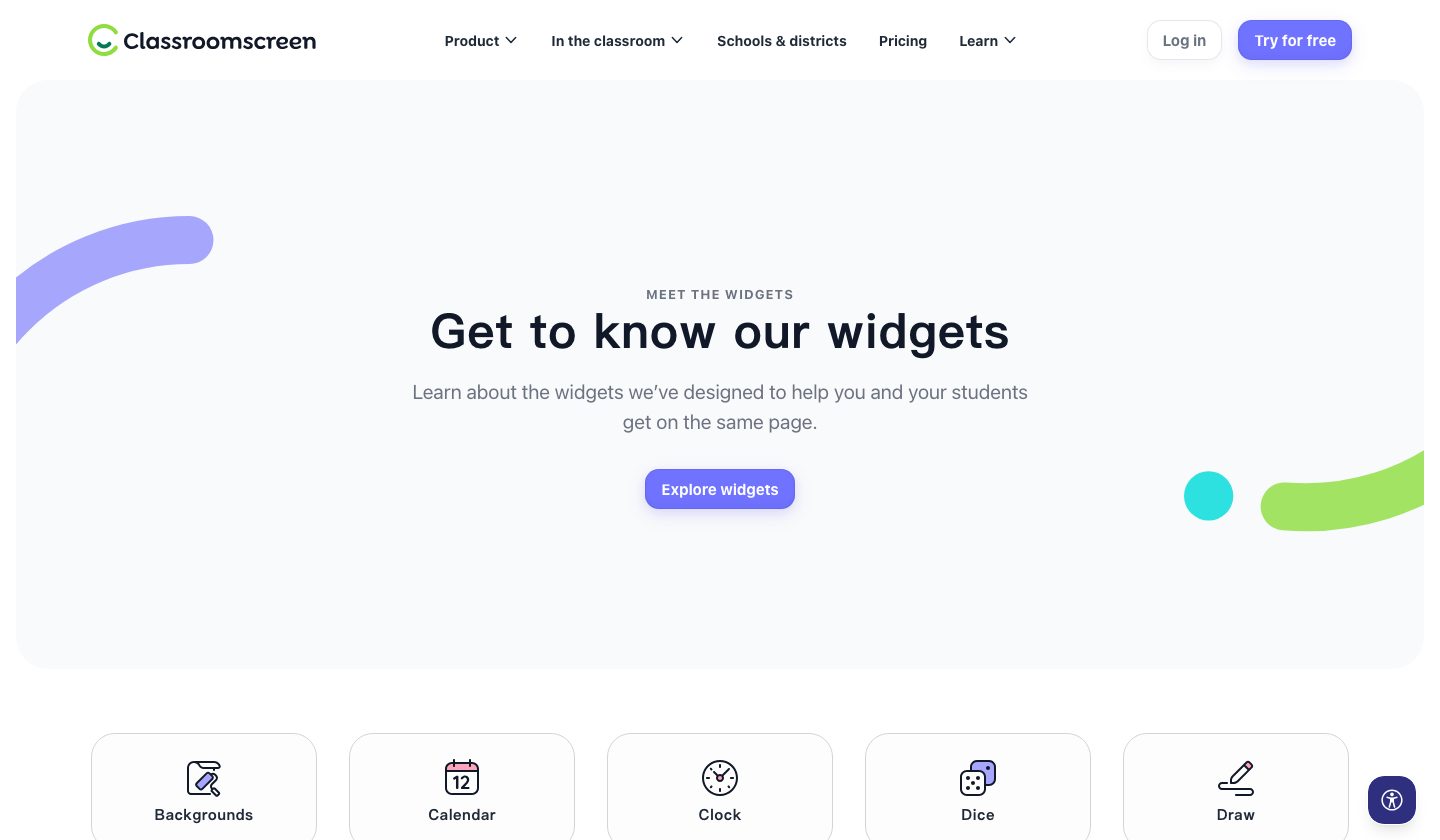
Four widget groups carry most daily lessons:
- Pacing & Visual Cues: Place a visual
TimerorStopwatchbeside one of fourWork symbols(Silence, Whisper, Ask neighbor, or Work together) and aTraffic light. Students glance up once and know both the time left and the expected voice level. - Live Sound Level Check: Grant browser mic access, and the
Sound levelbar tracks room noise against a sensitivity slider you pick. Optional bell chimes nudge loud tables before you raise your voice. - Fair Cold-Calling & Grouping: Paste a roster into
Randomizerto call on students without repeats. Need table groups? OpenGroup makerto sort 30 names into balanced teams in two seconds. - Instant Instructions & Polls: Drop a
Textagenda onto the canvas, paste any URL to show a scannableQR code, or run a quick exit-ticketPollbefore class ends.
The Real Difference Between Free Basic and Pro
Many freemium teacher tools hide half their features behind a paywall. Classroomscreen takes a fairer approach on its official pricing page: all 26 widgets work at $0 on the Basic plan.
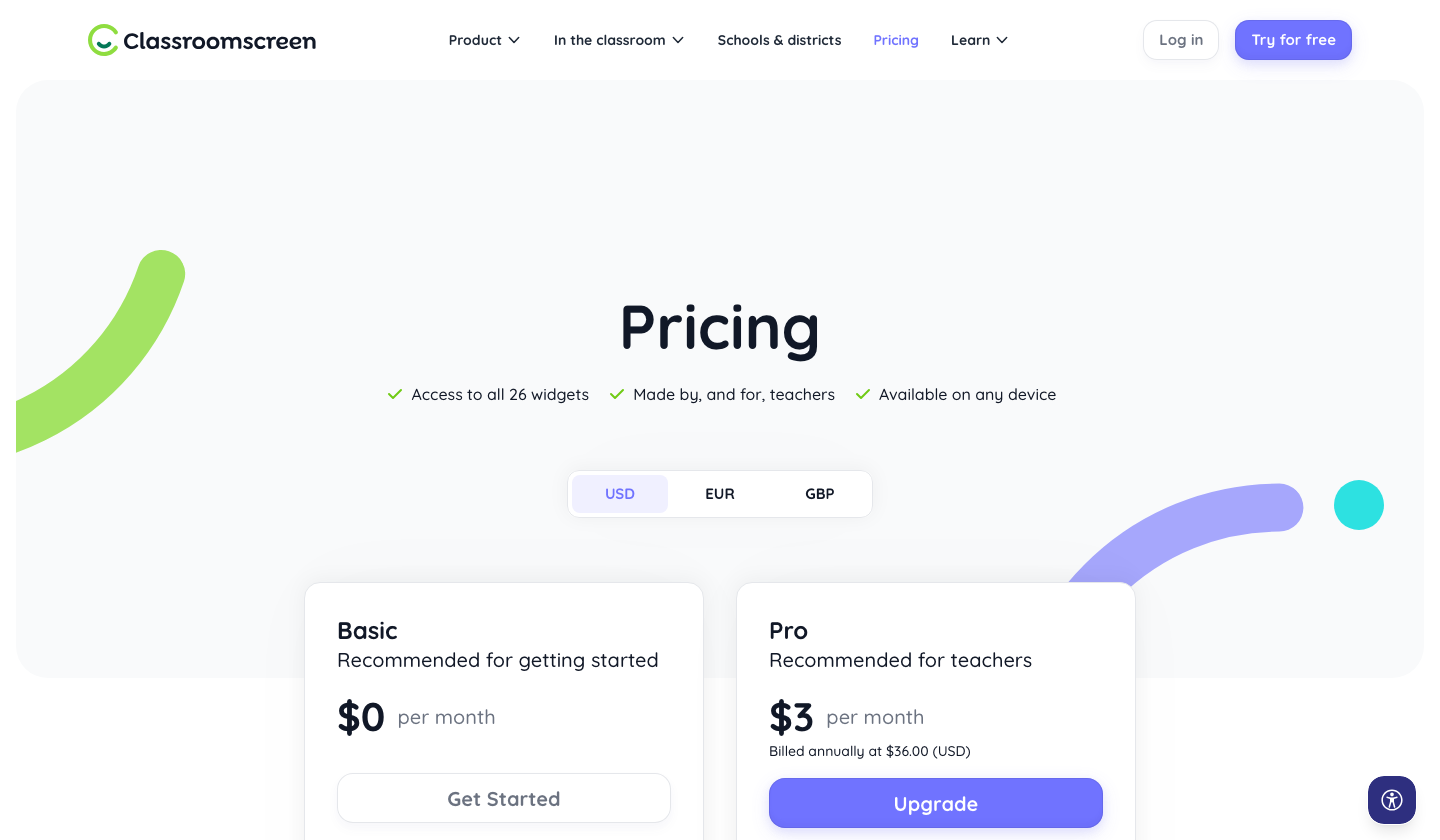
What you pay for on Pro ($36/year) is memory between school days:
- Free Basic (
$0): Open a blank board with no login, or sign up at no cost to store up to 3 student name lists and 1 countdown event. Once you close the browser tab, your custom widget layout resets. - Pro (
$3/monthbilled yearly): Saves unlimited boards, sorts screens into subject workspaces, stores unlimited rosters, and unlocks custom school backgrounds. High school teachers rotating through five class periods save the most time here.
Pairing Classroomscreen With Review Games and Focus Tools
Classroomscreen runs the front projector, so it pairs well with student review sites and quiet focus tools:
- Whole-Class Trivia: Project Classroomscreen's
ScoreboardandTimernext to games from our classroom quiz websites guide, like Baamboozle or Wordwall. - Elementary Centers: Run station timers while K–5 groups practice on picks from our free elementary math and reading websites, such as Toy Theater.
- Calm Study Backdrops: Pair quiet reading time with scenic window views on WindowSwap. Solo workers wanting a personal Mac or iPhone focus timer can try Cat on Chair.
Practical Trade-Offs & Limitations
- Free Boards Reset on Close: Build a detailed morning board on Basic and close Chrome by mistake, and you'll have to lay those widgets out again.
- Display Tool, Not a Grading LMS: Students don't log in to submit homework here. You'll still use Google Classroom, ReadWorks, or Khan Academy for graded work.
- Laptop Mic Placement Matters: The
Sound levelbar reads your computer's mic. Sitting right beside a noisy projector fan means turning the sensitivity slider down first.
Classroomscreen vs. Google Slides, Toy Theater Timers, and Flippity
| Tool | Core Strength | Saves Layouts at $0? |
Cost & Login |
|---|---|---|---|
Classroomscreen (classroomscreen.com) |
Live board with 26 combinable widgets | No ($36/year Pro saves boards) |
Freemium · Launch with no login |
| Google Slides + YouTube Timers | Reusable daily slide decks in Drive | Yes | Free · Google account needed |
Toy Theater Teacher Tools (toytheater.com) |
Simple standalone timers, spinners & dice | No | Free · Ad-supported · No login |
Flippity (flippity.net) |
Turns Google Sheets into name pickers | Yes (via Sheet link) | Free · Google account needed |
Stick with Google Slides if you want reusable daily slide decks saved at $0. Open Classroomscreen when you want live noise tracking, fast group sorting, and timers side by side without clunky video embeds.
Questions About Classroomscreen
Can I use Classroomscreen without creating an account?
Opening classroomscreen.com lets you launch a live board right away in Chrome, Safari, or Edge with zero signup. Creating a $0 Basic account is only needed when you want to store up to three student rosters.
Are any widgets locked behind Classroomscreen Pro?
All 26 widgets—including Sound level, Randomizer, Group maker, Timer, QR code, and Poll—work on the free Basic tier. Upgrading to Pro ($36/year) unlocks saved boards, custom backgrounds, and unlimited rosters rather than locking core tools.
Do students need devices to use Classroomscreen?
Almost everything runs on one teacher laptop connected to a projector or smart board. Students only touch their own Chromebooks if you choose to project a scannable QR code or live Poll.
Does Classroomscreen record or store classroom audio for the noise meter?
Turning on Sound level measures mic volume locally inside your browser to move the visual bar. According to its official data and privacy guidance, microphone data stays local to the browser and is not stored on Classroomscreen servers.
Source review: Checked on November 17, 2026, against Classroomscreen's homepage (classroomscreen.com), workspace (app.classroomscreen.com), pricing page, and TCEA's review.
Websites in this guide
Open each Reemo listing for its purpose, access details, and official website.
- ClassroomscreenCombine visual classroom timers, live noise meters, random name pickers, group generators, and QR codes onto one ad-free projector canvas.
- BaamboozleRun Jeopardy-style team review games on a single classroom projector from 1M+ teacher-made question grids with zero student devices.
- WordwallSearch 30M+ interactive smartboard games or convert a single vocabulary list into Spin the Wheel, Match Up, Anagram, and PDF printables.
- Toy TheaterPlay free elementary math games, reading puzzles, and virtual classroom manipulatives directly in your browser with no login.
- ReadWorksAssign thousands of free K–12 leveled reading passages with audio narration, vocabulary widgets, and comprehension questions.
- Khan AcademyStudy 100% free, ad-free courses and step-by-step practice exercises across K–12 math, reading, science, and test prep.