

Screen Studio for Mac: Auto-Zoom Screen Recorder, Transcript Editing & 2026 Pricing
Record polished macOS product demos with automatic cursor zoom, transcript editing ("um/uh" removal), iPhone frames, and 4K 60fps or 9:16 exports.
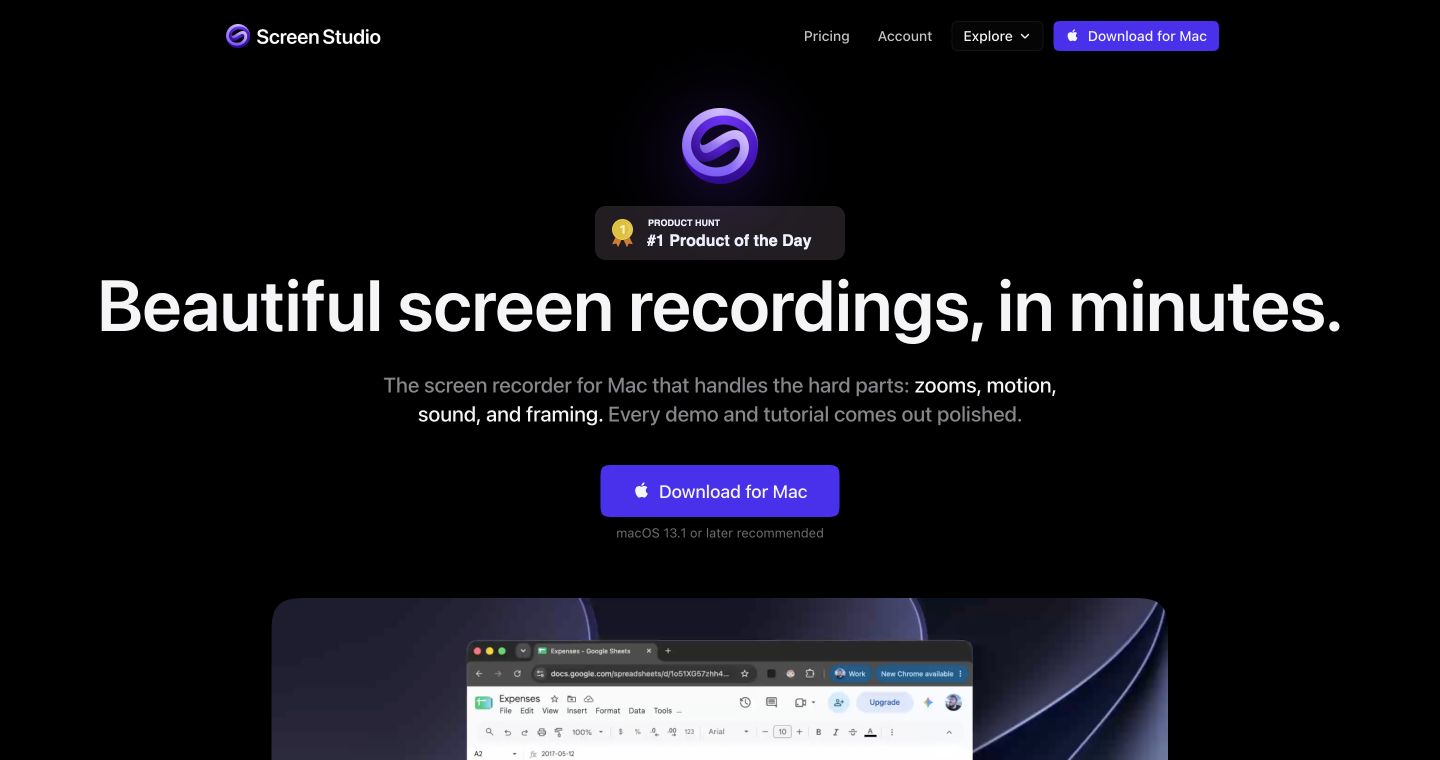
What is Screen Studio and how does its cursor engine work?
Screen Studio (screen.studio) is a native macOS screen recorder built by Adam Pietrasiak for software walkthroughs, launch videos, tutorials, and vertical social clips. Most recorders bake your mouse pointer right into raw video pixels. Screen Studio captures clean display frames separately from high-frequency cursor movement data. After you stop recording, it redraws sharp vector cursors, smooths out shaky hand paths, and adds automatic zooms around clicks with zero manual key framing. In 2026, Screen Studio retired new one-time perpetual licenses. Every feature now comes in one subscription at USD 9/month billed yearly (USD 108/year) or USD 29/month billed monthly, with 40% off for students and educators.
How to record, clean up & export a Mac demo in Screen Studio
- Install Screen Studio on macOS and pick what to capture: a full display, one app window, a screen region, or a wired iPhone or iPad inside a device frame.
- Turn on optional webcam cutout with background blur, mic voiceover with noise reduction, and Mac system audio. Walk through your app at normal speed.
- Stop recording to generate automatic click zooms. Adjust timing on the timeline, pixelate private URLs, and use Screen Studio 4.0 transcript editing to cut "um" and "uh" pauses.
- Flip aspect ratios in one click (16:9 widescreen for docs or 9:16 vertical for Reels, Shorts, and X). Export up to 4K 60fps MP4 or GIF locally, or copy a shareable cloud link.
Auto-zoom, 4.0 transcript filler cuts, iPhone frames & URL pixelation
Detached cursor capture, automatic zoom & motion blur
Records screen video without the raw pointer, then re-renders high-resolution cursors with smoothed trajectories, click animations, cursor-size scaling, and natural camera motion blur.
Screen Studio 4.0 transcript editing & "um/uh" filler removal
Generates synchronized captions from your voiceover so you can trim takes by deleting text, automatically cut awkward silences or "um" and "uh" fillers, or toggle captions off before export.
Wired iPhone/iPad device mockups & 9:16 vertical presets
Connects an iPhone or iPad to your Mac to record mobile app walkthroughs framed inside clean Apple hardware bezels, with instant layout presets for 16:9, 1:1, and 9:16 vertical video.
URL pixelation, webcam background blur & offline-first cloud links
Masks localhost ports, customer emails, or address-bar URLs with blur/pixelation overlays, frames your presenter camera with background blur, and keeps core editing offline while offering optional cloud share links.
Screen Studio $9/mo Yearly vs $29/mo Monthly & discontinued one-time license
On narrow screens, scroll the table sideways, or focus it and use the arrow keys.
| Plan / capability | Yearly Personal ($9/mo) | Monthly Personal ($29/mo) | Discounts & legacy rules |
|---|---|---|---|
| Billing & upfront price | USD 9/mo billed yearly (USD 108/yr, saves 69%) | USD 29/mo billed monthly (cancel anytime) | 40% off for verified students & educators via team@screen.studio |
| One-time license availability | Subscription (new features ship continuously) | Subscription (same full feature set) | New one-time licenses discontinued; past one-time buyers keep their license |
| Export resolution & free tier | Up to 4K at 60 fps MP4/GIF + custom aspect presets | Up to 4K at 60 fps MP4/GIF + custom aspect presets | No $0 free export plan (macOS QuickTime covers free raw screen capture) |
| Transcript cuts & cloud sharing | Edit by transcript, filler removal, shareable links & shared projects | Included in full on monthly billing | Offline-first app; cloud transcript & share links are optional |
| Supported operating systems | macOS desktop + wired iPhone/iPad device-frame capture | macOS desktop + wired iPhone/iPad device-frame capture | macOS only — no Windows or Linux version planned near-term |
Use cases
- Ship SaaS changelog and Product Hunt launch demos where cursor paths and UI clicks stay readable on mobile feeds
- Record narrated developer courses or customer onboarding videos and strip "um/uh" pauses via transcript cuts
- Reframe one desktop or iPhone walkthrough into both a 16:9 help-center embed and a 9:16 social clip using saved presets
Who is it for?
macOS founders, indie developers, design engineers, and course creators who publish frequent UI walkthroughs and want automatic cursor polish without keyframing in After Effects or Final Cut Pro.
Before you choose
- What to bring
- A macOS desktop workflow, browser web app, or wired iPhone/iPad screen plus optional microphone narration and webcam feed.
- What you get
- A smoothly zoomed, background-framed MP4/GIF (up to 4K 60fps in 16:9 or 9:16) or an instant shareable cloud playback link.
- What to check
- Confirm you are on macOS and comfortable with subscription billing ($108/yr or $29/mo), since Screen Studio no longer sells new one-time licenses and has no free export tier.
Pick Screen Studio when cinematic auto-zoom, smoothed cursor motion, and 4.0 transcript filler cuts save hours on customer-facing demos. If you mainly need quick annotated screenshots, scrolling capture, and lightweight clips on Mac, compare CleanShot X or ultra-fast Shottr; if your team works across both Windows and Mac for internal SOP documentation, choose Snagit in Productivity tools.
macOS-only boundary, subscription shift & editing limits to check first
- Strictly macOS-only: Screen Studio does not run on Windows or Linux, and the official FAQ confirms there are no near-future plans to build a Windows edition.
- New one-time perpetual licenses are discontinued: older online reviews still cite legacy pay-once prices, but new customers must subscribe at USD 9/month billed yearly (USD 108/year) or USD 29/month monthly.
- No permanent $0 free export tier: unlike async tools with watermarked free links or macOS QuickTime Player, exporting finished videos requires an active paid plan (students and teachers can request 40% off).
- Purpose-built for single-flow screen walkthroughs rather than multi-track cinema editing: complex B-roll layering, multi-cam podcast switching, or color grading still require Final Cut Pro, Premiere, or DaVinci Resolve.
Screen Studio pricing, Windows support & 4.0 workflow FAQ
Did Screen Studio discontinue its one-time license in 2026?
Yes. Purchasing a one-time license was available in earlier years but is no longer offered to new customers. Current plans include every feature at USD 9/month billed yearly (USD 108/year) or USD 29/month billed monthly, while past one-time license holders keep access to their purchased license.
Is there a Screen Studio version for Windows?
No. Screen Studio relies deeply on native macOS display and cursor capture APIs and has no near-term roadmap for Windows. Windows users needing annotated screen recordings and step-by-step visual guides can consider cross-platform tools like Snagit.
How do you remove "um" and "uh" filler words or pixelate URLs in Screen Studio?
In Screen Studio 4.0+, enable transcript generation on your recorded voiceover to cut pauses and strip "um" and "uh" filler words directly from the text transcript (and toggle captions off before exporting if you want a clean frame). To hide localhost URLs or private data, apply a pixelation or blur mask layer over the region on the timeline.
When should I choose Screen Studio over Loom or CleanShot X?
Choose Screen Studio for public-facing launch videos, landing-page embeds, and tutorials where smooth auto-zoom and 4K 60fps polish drive conversions. Use Loom for quick internal team updates where raw one-take speed matters more than visual polish, and pick CleanShot X when 80% of your daily Mac work is annotated screenshots, scrolling capture, OCR, and quick clips.
Official & primary sources: Screen Studio Official Homepage & FAQ ↗ · Screen Studio Official Pricing ($9/mo Yearly · $29/mo Monthly) ↗ · Screen Studio Educational Discount Request ↗ · Checked Nov 24, 2026
Related website guides



Have a website to share?
See how listing works ↗