

Shottr: Lightweight Mac Screenshot App for Scrolling Capture, OCR & Pixel Measurement
Capture instant Mac screenshots, stitch scrolling web pages, extract OCR text, measure pixel spacing, and redact details in a tiny native app.
What is Shottr?
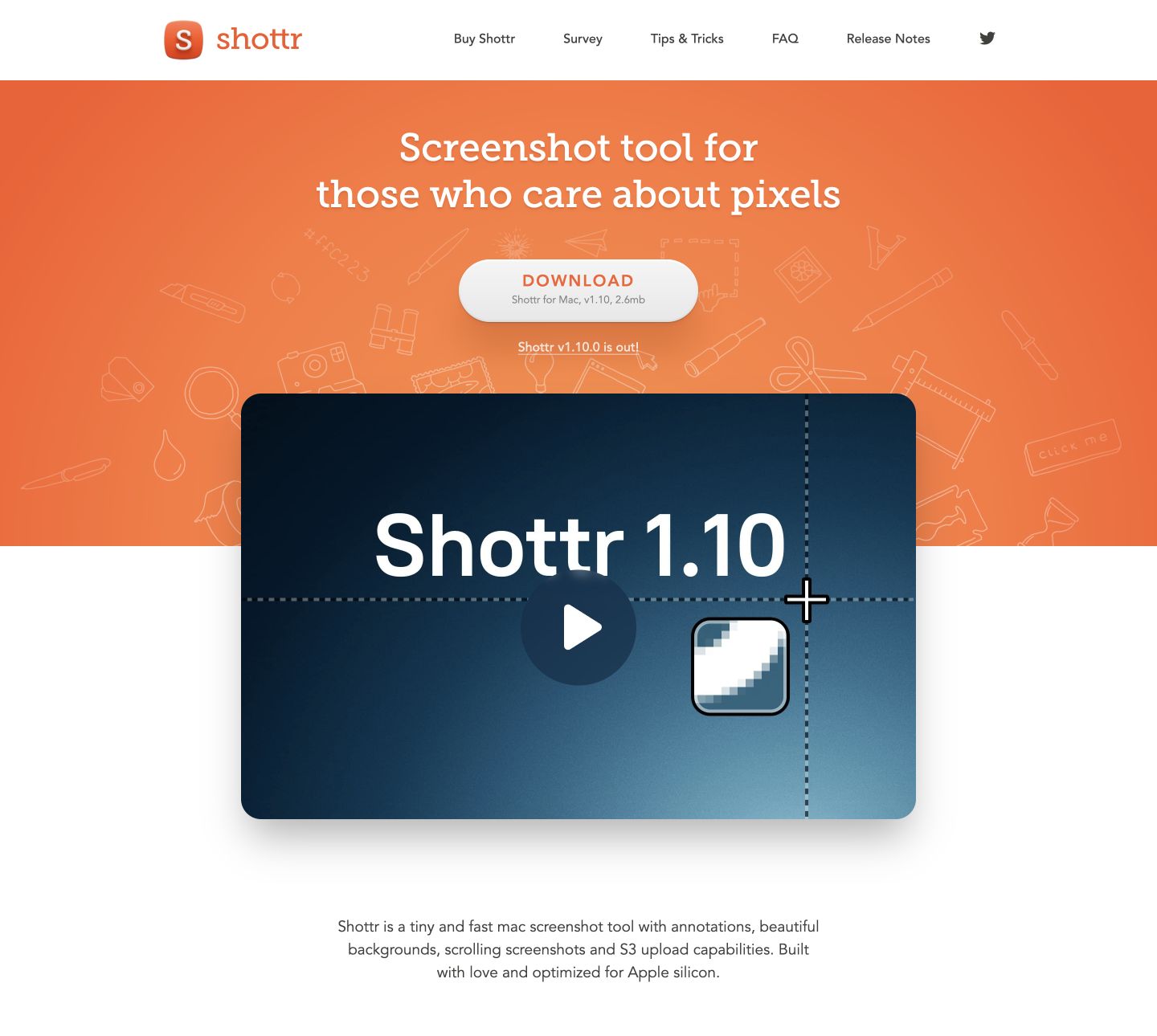
Shottr (shottr.cc, built by Electric Endeavors LLC) is a native macOS screenshot and pixel-inspection app weighing roughly 2.6 MB on disk and optimized for Apple Silicon and Intel Macs. Built for frontend engineers, UI designers, and everyday Mac users who care about speed (~17 ms capture, ~165 ms preview), it combines automatic scrolling screenshots, on-device OCR text and QR recognition, arrow-key pixel rulers, HEX/RGB color picking, floating pinned reference windows, gradient backgrounds, and smart text redaction. Personal users can run Shottr free without watermarks or a hard expiration date (occasional upgrade reminders appear after 30 days), while a USD 12 one-time Basic license covers commercial work across up to five Macs.
How to capture scrolling screenshots & OCR text on Mac
- Download the ~2.6 MB DMG from shottr.cc (or run brew install shottr on macOS 12+), then grant Screen Recording and Accessibility permissions in System Settings.
- Trigger a region, window, scrolling screenshot, or OCR shortcut; press arrow keys inside the editor to measure pixel gaps, Tab to copy a pixel color, or erase/pixelate sensitive text.
- Copy straight to clipboard, auto-save clean PNG/JPEG files to a dedicated folder on Cmd+S, pin the capture as a floating window, or add a gradient background before sharing.
Scrolling capture, OCR, pixel ruler & smart redaction
Scrolling screenshot on Mac (up or down)
Automatically scroll and stitch long web pages, Slack or Discord threads, and code diffs into one crisp vertical image—or combine multiple separate captures onto one canvas with Add Capture.
Instant OCR text extraction & QR code reader
Hotkey-select any unselectable video frame, PDF scan, or image to copy recognized text or decoded QR URLs straight to your Mac clipboard.
Pixel ruler, zoom loupe & HEX/RGB color picker
Zoom into Retina or logical pixels, press arrow keys between UI elements to measure exact spacing (click to stamp dimensions onto the shot), and tap Tab or Shift+Tab to copy surface or text colors.
Smart text erase, annotations, pins & backgrounds
Conceal secrets using pixelation or Text Erase mode (wipes text cleanly while keeping the UI background intact), pin floating reference windows, overlay semi-transparent before/after frames, and add styled backgrounds.
Shottr Free vs Basic ($12) vs Friends Club ($30)
On narrow screens, scroll the table sideways, or focus it and use the arrow keys.
| Tier / rule | Free (Unactivated) | Basic Tier | Friends Club |
|---|---|---|---|
| Price & billing model | USD 0 (no subscription or card) | USD 12 one-time purchase (seasonal promos such as Black Friday list USD 9) | USD 30 one-time purchase (cannot upgrade/discount from Basic later) |
| Watermarks & time limit | No watermarks; usable indefinitely, with occasional upgrade prompts after 30 days | No watermarks, zero upgrade prompts | No watermarks, zero upgrade prompts |
| Commercial use & Mac allowance | Personal / evaluation use only | Commercial use authorized · 1 user on up to 5 Macs (EU VAT invoice available) | Commercial use authorized · 1 user on up to 5 Macs |
| Cloud / S3 link upload & extras | Local clipboard & file save included; web/S3 upload requires activation | Full v1.10 feature set including S3 / custom upload options | Full feature set + early experimental features & priority support |
Use cases
- Capture tall scrolling web pages, Figma specs, or chat threads on Mac without stitching images manually.
- Measure exact pixel padding and copy HEX colors during frontend UI QA, imprinting dimensions straight onto bug reports.
- Erase private emails, API keys, or account balances cleanly before posting product screenshots online.
- Pin reference specs or QR codes as borderless floating windows while coding on a single laptop screen.
Who is it for?
Mac developers, UI/UX designers, QA testers, and writers who want a zero-bloat still-screenshot and pixel-measurement tool without recurring subscriptions. Personal users can stay on the free build if occasional post-30-day reminders do not bother them; anyone using Shottr at work gets up to five Macs covered for a single USD 12 payment.
Before you choose
- What to bring
- A Mac running macOS 12 Monterey or newer for Shottr v1.10 (Shottr 1.9.1 remains available for macOS 10.15/11), plus macOS Screen Recording permission.
- What you get
- Watermark-free PNG or JPEG screenshots, stitched scrolling captures, clipboard OCR text, pixel-stamped QA specs, or optional S3/cloud links.
- What to check
- Confirm you do not need video or GIF screen recording—Shottr only captures still and scrolling images (plus two-frame overlays). Also pick Basic vs Friends Club upfront, as licenses cannot be upgraded later.
Need video or GIF screen recording alongside built-in Cloud link hosting on Mac? Compare CleanShot X (USD 35 once for 1 Mac). Want automatic cursor-zoom product demo videos? Look at Screen Studio. If you only style social screenshots and want to compare free watermarks vs paid licenses, check Xnapper, or compare Snagit inside productivity tools if your team works across both Windows and Mac.
Limitations & what Shottr leaves out by design
- No video or GIF screen recording: Shottr intentionally omits screen-video and audio recording (beyond simple two-frame before/after image animations), keeping its binary around 2.6 MB.
- macOS only—no Windows, Linux, or iOS version: Windows or mixed-OS support teams need a cross-platform tool such as Snagit instead.
- Post-30-day reminders & commercial license rule: Free users never get watermarks on images, but upgrade prompts appear periodically after 30 days and workplace use requires at least the USD 12 Basic license.
- No license tier upgrade path: Official checkout rules state that a USD 12 Basic license cannot later be discounted or upgraded into the USD 30 Friends Club tier.
Questions about Shottr
Is Shottr really free forever, and does the free version add a watermark?
For personal use, Shottr can be used free for as long as you want and never stamps a watermark onto your screenshots (unlike Xnapper’s free tier). After 30 days, the app occasionally asks you to consider buying a license, and commercial workplace use requires the USD 12 one-time Basic license.
Shottr vs CleanShot X: which Mac screenshot app is better?
Pick Shottr if you want the fastest lightweight tool (~2.6 MB) for still screenshots, scrolling capture, pixel rulers, OCR, and smart text erasing—either free personally or USD 12 once across up to 5 Macs. Pick CleanShot X (USD 35 once for 1 Mac, or Pro subscription) when you also need video/GIF screen recording, webcam overlays, and integrated 1-click Cloud link sharing.
How many Macs does one Shottr license cover?
One Shottr license (Basic at USD 12 or Friends Club at USD 30) covers a single user on up to five Mac computers, with no annual renewal required.
Why are my Shottr screenshots capturing an empty desktop wallpaper on macOS?
macOS blocks window capture until Screen Recording permission is granted to the exact Shottr.app binary you launched. Open System Settings → Privacy & Security → Screen Recording, enable Shottr (removing duplicate app copies if you previously ran it from Downloads), and restart the app.
Official & primary sources: Shottr features, shortcuts & FAQ ↗ · Shottr one-time pricing & 5-Mac license terms ↗ · Checked Nov 21, 2026
Related website guides


Have a website to share?
See how listing works ↗