

Snagit (Camtasia Snagit): Windows & Mac Scrolling Capture, Step Guides & $39/yr Pricing
Capture panoramic scrolling screenshots, auto-numbered step-by-step SOP guides, and screen videos across Windows 10/11 and macOS 14+ from $39/year.
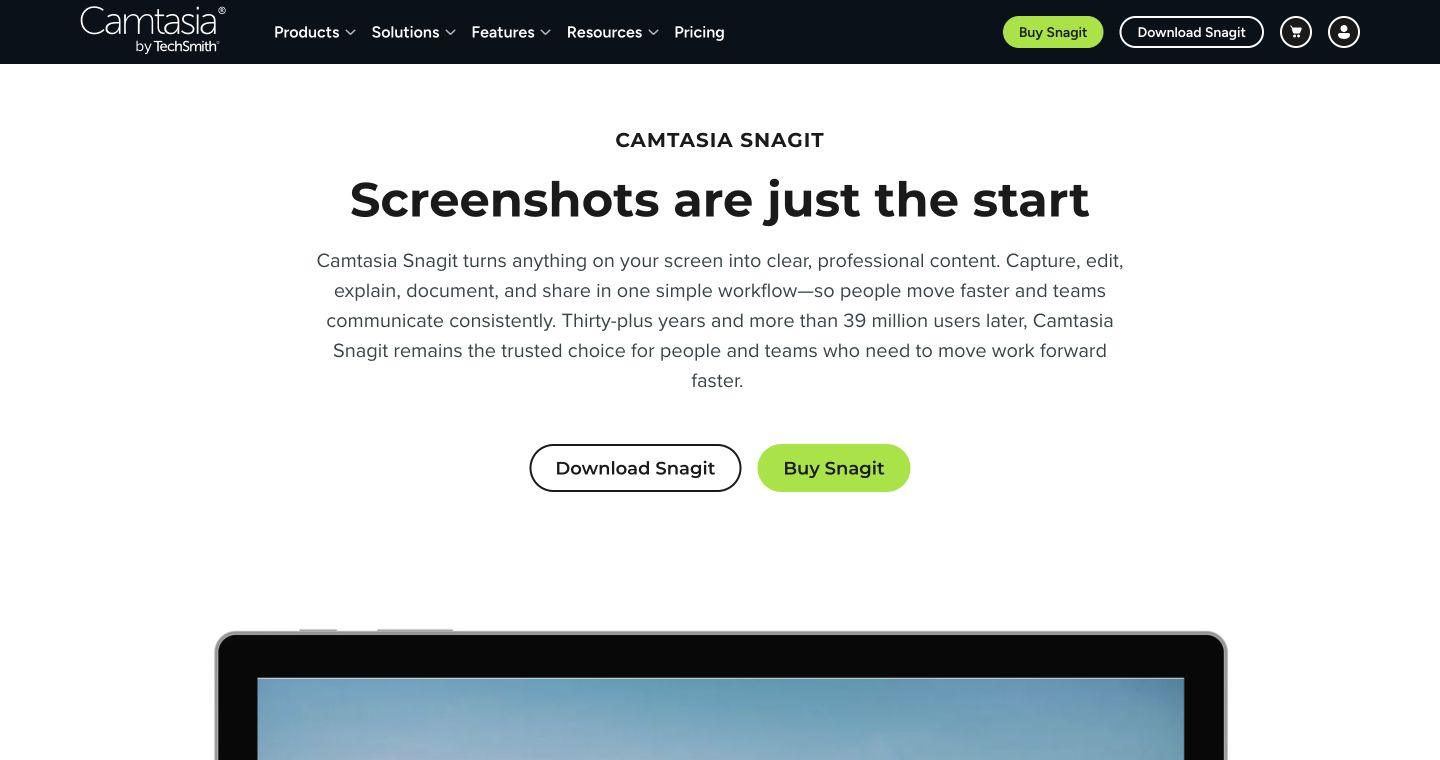
What is Camtasia Snagit and how is standalone pricing structured in 2026?
Snagit, now branded by TechSmith as Camtasia Snagit (techsmith.com/snagit), is a cross-platform screen capture, scrolling screenshot, and visual documentation tool for Windows 10/11 and macOS 14+. Built over three decades for support teams, IT admins, and trainers, Snagit goes far beyond basic region grabs. Its Step Capture mode watches your clicks and turns a live workflow into an editable, numbered SOP guide automatically. Watch out for one checkout trap on TechSmith's website. Clicking the top "Pricing" link often sends visitors to $198+/year Camtasia video bundles. Instead, open the dedicated Snagit store page (techsmith.com/store/snagit) to buy standalone Snagit at USD 39.00/year for Individuals, USD 48.00/user/year for Business, or USD 19.99/year for Students.
How to capture scrolling pages & auto-build SOP guides in Snagit
- Download the card-free trial on Windows 10/11 or macOS 14+. Sign in with a free TechSmith Account and choose Image, Video, All-in-One, or Step Capture.
- Use Panoramic Scrolling Capture to stitch wide spreadsheets and tall web pages. Or click through an app once so Step Capture builds numbered callout frames.
- Open Snagit Editor to drop frames into SOP templates. Run Smart Redact on private fields, or toggle Simplify UI to turn busy text into clean mockups.
- Export PNG or PDF guides and MP4 or GIF clips. Your $39/year plan also hosts up to 25 videos on Screencast for timestamped team comments.
Step Capture, Panoramic Scrolling, Smart Redact & cross-OS library
Step Capture & reusable SOP guide templates
Records up to a series of screen clicks and converts them straight into a multi-panel visual instruction sheet with editable step numbers, magnified callouts, and arrows.
Panoramic & scrolling screenshot stitching on Windows and Mac
Captures tall web pages, horizontal timelines, and wide data tables that extend past your monitor edges—even when auto-scroll struggles on complex nested panels.
Smart Redact, Simplify UI & Grab Text (OCR)
Detects sensitive data for quick redaction, extracts editable text via OCR (even letting you edit text inside a flat screenshot), and turns cluttered screens into simplified graphics.
Quick screen recorder, GIF maker & 25 Screencast cloud slots
Records screen + picture-in-picture webcam walkthroughs, trims clips into lightweight animated GIFs, and bundles 25 hosted Screencast video slots plus Camtasia Online 1080p access.
Snagit Free Trial vs $39/yr Individual, $48/yr Business & Camtasia Suite
On narrow screens, scroll the table sideways, or focus it and use the arrow keys.
| Plan / licensing detail | Evaluation Trial ($0) | Snagit Individual ($39/yr) | Business ($48/yr), Edu & Camtasia Bundles |
|---|---|---|---|
| Annual price & billing | USD 0 download — no card required (TechSmith Account sign-in) | USD 39.00/user/year billed yearly (14-day money-back guarantee) | Business: $48/user/yr; Educators: $39.36/yr; Students: $19.99/yr; Camtasia bundles $198+/yr |
| Perpetual vs subscription & transfer | Time-limited evaluation only (non-commercial EULA) | Annual subscription only (perpetual retired); named-user, non-transferable | Business & Educator keys are transferable across staff; volume discounts at 10+ seats |
| Supported operating systems | 1 computer for trial evaluation (Windows 10/11 or macOS 14+) | Windows 10/11 & macOS 14+ (1 named-user sign-in activation) | Windows 10/11 & macOS 14+ with offline key / MSI deployment options |
| Cloud & bonus apps included | Core desktop capture & editor preview | Up to 25 hosted videos on Screencast + Starter Assets + Camtasia Online (1080p) | Same cloud extras + phone support (Business) & locked 3-yr enterprise pricing |
| Multi-track video editor | Not included (basic trim & GIF only) | Not included in standalone Snagit ($39/yr) | Included only if you upgrade to Camtasia Essentials/Create/Pro bundles |
Use cases
- Standardize IT helpdesk, HR onboarding, and customer support answers across mixed Windows 11 and MacBook teams
- Capture wide financial spreadsheets, analytics dashboards, and scrolling admin panels on Windows where Mac-only capture tools do not run
- Convert a 3-minute SME software walkthrough into a permanent step-by-step PDF guide before key staff rotate roles
Who is it for?
Customer support leads, IT administrators, L&D trainers, and mixed Windows + Mac teams who write repeatable step-by-step visual documentation every week and want an affordable $39/year standalone standard.
Before you choose
- What to bring
- Any Windows 10/11 or macOS 14+ app workflow, scrolling webpage, wide spreadsheet, or narrated support walkthrough.
- What you get
- Numbered step-by-step SOP graphics (PNG/PDF), stitched panoramic captures, redacted screenshots, or quick MP4/GIF clips.
- What to check
- Buy from techsmith.com/store/snagit ($39/yr) if you only want Snagit rather than a $198+ Camtasia video suite, and choose the $48/yr Business tier if you need transferable employee seats.
Pick Snagit when your workflow spans Windows and Mac or centers on repeatable, numbered SOP guides via Step Capture. If your entire team runs macOS and wants a lower-friction daily screenshot/clip utility, compare CleanShot X or fast free Shottr; if you want 2-second social screenshot backgrounds on Mac, see Xnapper; and if you want cinematic auto-zoom product launch videos on Mac, choose Screen Studio in Productivity tools.
Retired perpetual license, non-transferable individual tier & video limits
- Perpetual one-time licenses are gone: TechSmith retired Snagit's legacy pay-once perpetual license + maintenance model, so all current Snagit tiers require an active annual subscription.
- Store navigation easily steers buyers into pricier Camtasia bundles: TechSmith's top "Pricing" link highlights Camtasia Suite tiers ($198+ Business), so solo buyers must navigate to techsmith.com/store/snagit to find the $39/year standalone plan.
- $39/year Individual subscription is non-transferable: personal seats bind to one named TechSmith Account and cannot be reassigned when an employee leaves (companies need the $48/user/year Business key).
- Heavier footprint & raw video recorder: Snagit installs a larger editor library than lightweight utilities like Greenshot or Shottr, and its video recorder lacks Screen Studio's automatic cursor-zoom choreography.
Snagit standalone $39/yr vs Camtasia bundle, Windows/Mac & Greenshot FAQ
How much does standalone Snagit cost in 2026 vs Camtasia Suite?
You do not have to buy a full Camtasia bundle. On TechSmith's dedicated Snagit store page (techsmith.com/store/snagit), standalone Snagit Individual costs USD 39.00/year, Snagit Business costs USD 48.00/user/year (transferable), Educators pay USD 39.36/year, and verified Students pay USD 19.99/year. Snagit is also bundled inside all higher-tier Camtasia video-editing plans.
Can I still buy Snagit as a one-time perpetual license?
No. TechSmith transitioned Snagit fully to annual subscription licensing so every subscriber stays on the latest Windows and macOS release continuously, backed by a 14-day money-back guarantee. If you require a pay-once macOS screenshot tool, consider alternatives like CleanShot X, Xnapper, or Shottr.
How does Snagit's free trial work, and does it need a credit card?
Downloading the Snagit trial on Windows 10/11 or macOS 14+ requires no credit card upfront—you simply sign in with a free TechSmith Account. Note that TechSmith's trial EULA restricts evaluation installs to a single computer for non-commercial testing until you activate a paid subscription.
How does Snagit compare to free Greenshot on Windows or CleanShot X on Mac?
Greenshot is free on Windows for basic region grabs, and CleanShot X feels faster and more native on macOS, but neither matches Snagit's cross-platform parity plus Step Capture—which automatically converts a series of mouse clicks into formatted, multi-step training handouts with callouts, Smart Redact, and Panoramic scrolling capture across both OSes.
Official & primary sources: Camtasia Snagit Official Product Overview ↗ · Buy Snagit Standalone Store ($39/yr Individual · $48/yr Business · $19.99 Student) ↗ · Snagit Free Trial Download & Evaluation EULA ↗ · Checked Nov 25, 2026
Related website guides





Have a website to share?
See how listing works ↗