

Screeen Overview
Record Mac screen demos with automatic zoom, cursor effects, webcam layouts and styled backgrounds.
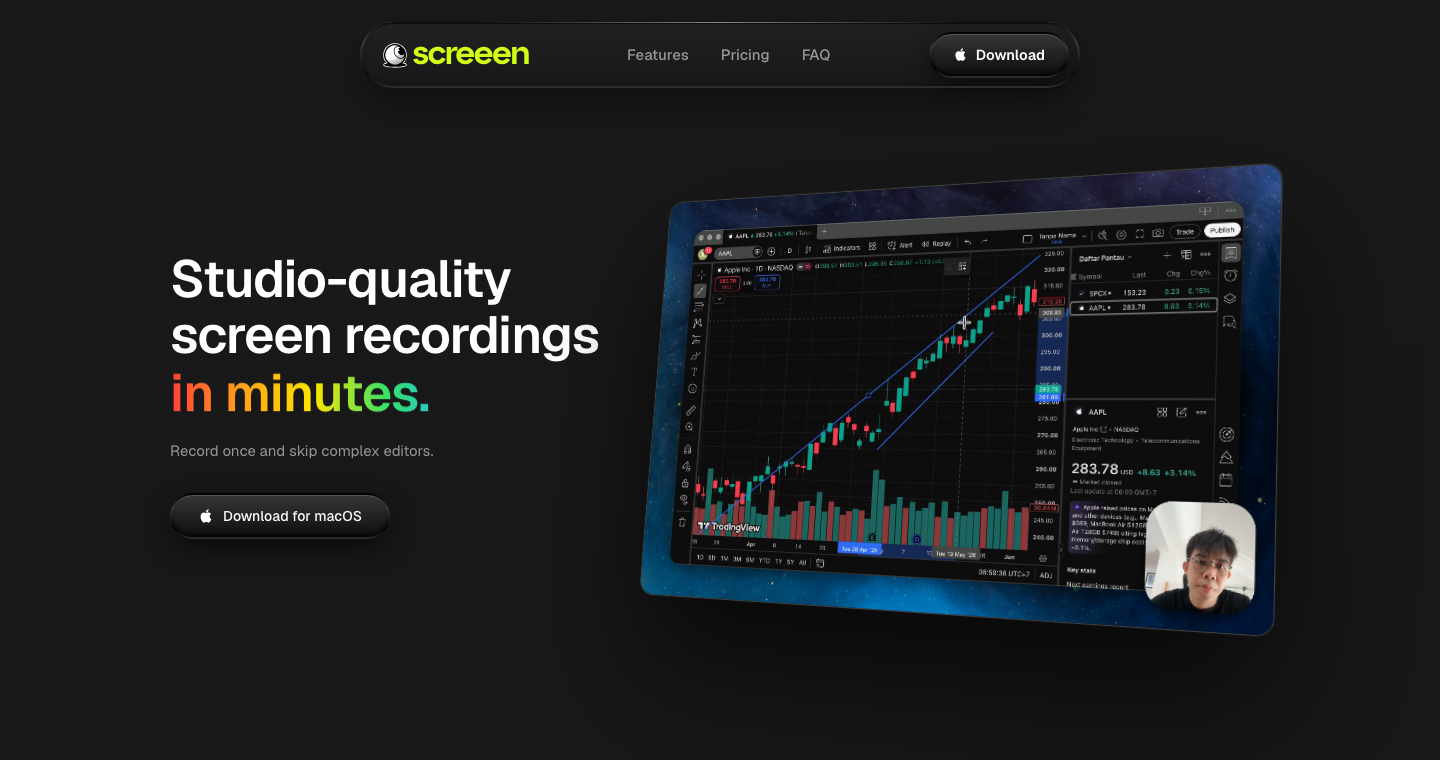
What is Screeen?
Screeen is a macOS recorder for turning screen activity into presentation clips. Capture a source with optional camera and audio, then adjust the framing and export a video or GIF.
How to use Screeen
- Choose the screen source, camera and audio inputs.
- Record, then trim clips and adjust zoom, cursor and background.
- Export as MP4 or GIF with the desired quality.
Core features
Automatic zoom
Emphasize clicks with generated zoom movements.
Presentation styling
Set cursor highlights, webcam placement and canvas backgrounds.
Clip adjustments
Trim recordings and change playback speed before export.
Use cases
- Explain a software workflow.
- Record a product demonstration.
- Share a visual bug report.
Who is it for?
For Mac users making tutorials, demos and team clips. The advertised license is a one-time purchase for one Mac; it is not a free recording service.






















Have a website to share?
See how listing works ↗