

CleanShot X Overview
Productivity
Capture and annotate Mac screenshots, record screen demos, and optionally share them through CleanShot Cloud.
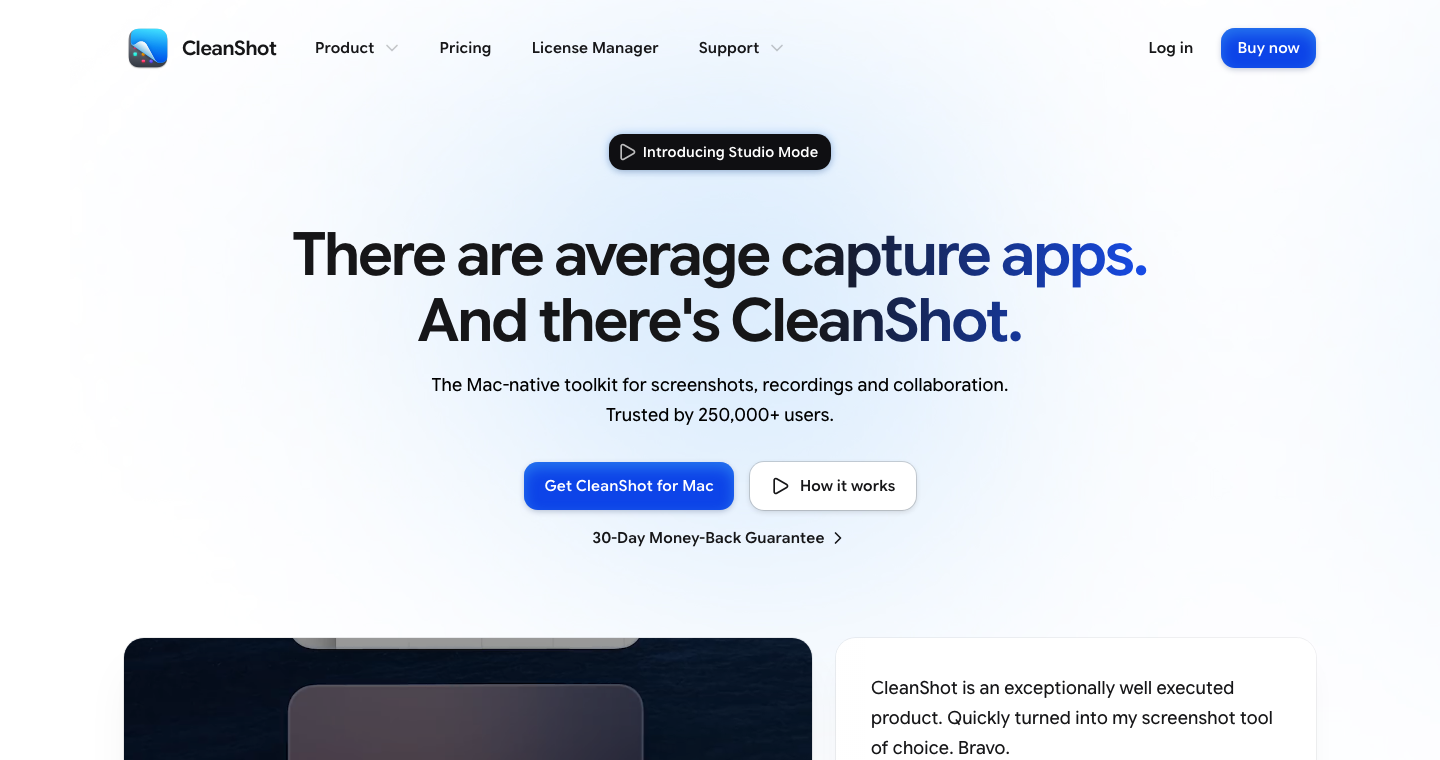
What is CleanShot X?
CleanShot X combines screenshots, scrolling capture and screen recording in a Mac app. Add annotations, redact details, extract text or edit a recording before saving it locally or sharing a Cloud link.
How to use CleanShot X
- Capture an area, window, scrolling page or screen recording.
- Annotate or redact screenshots; trim and refine recordings.
- Save, copy or drag the capture, or upload it for sharing.
Core features
Screenshot tools
Combine scrolling capture, annotations, backgrounds and text recognition.
Recording editor
Create video or GIF demos with zooms, camera and audio options.
Optional Cloud sharing
Share links and collect feedback, with storage and team features varying by plan.
Use cases
- Prepare illustrated bug reports.
- Explain a design change with annotations.
- Record a short onboarding tutorial.
Who is it for?
For Mac users who regularly document or explain work. Basic is a one-time app purchase with one year of updates; Pro is a subscription with expanded Cloud features. Cloud upload is optional.
























Have a website to share?
See how listing works ↗