
Mac buyers usually waste money on screen capture in one of two ways. Some pay $240/year for Loom Business + AI just to cut "um" and "uh" pauses from demos. Others buy three overlapping screenshot apps when one pay-once license covers daily work.
No single Mac app wins every capture job. A video recorder built for smooth cursor zooms feels clumsy for pixel rulers. Meanwhile, a fast screenshot app won't turn raw clicks into a sharp launch clip. On November 25, 2026, we checked current pricing, license rules, OS limits, and fair-use caps across six options. Five are listed on Reemo: Screen Studio, CleanShot X, Shottr, Xnapper, and Snagit. We also benchmarked them against Loom.
6 Mac Screen Capture & Recording Tools Compared at a Glance
Checked on November 25, 2026, from official product, pricing, and FAQ pages (USD before tax). Check device counts and checkout terms before you buy.
| Tool & Primary Job | OS Support | Free Tier or Trial | 2026 Paid Pricing | Video & Auto-Zoom | Scrolling & OCR |
|---|---|---|---|---|---|
| Screen Studio · Auto-zoom demo video | macOS 13.1+ rec. | Record preview; paid plan needed to export | $9/mo billed yearly ($108/yr) or $29/mo monthly |
4K + auto-zoom + AI transcript cuts | No still screenshot suite |
| CleanShot X · All-in-one Mac capture | macOS 13.0+ | No free trial; 30-day refund policy | $35 once (1 Mac, Basic) or $10/user/mo yearly (Pro) |
Quick MP4 & GIF clips (no auto-zoom) | Yes (scrolling + OCR + pins) |
| Shottr · Fast free pixel & scrolling tool | macOS 12+ | $0 free for personal use (no watermark) |
$12 once (Basic, up to 5 Macs commercial) |
None (stills only) | Yes (2-way scroll + OCR + rulers) |
| Xnapper · 2-second social screenshot cards | macOS 10.15+ (iOS separate) | $0 evaluation with watermark |
$29.99 once (1 Mac, Basic) or $54.99 (2 Macs) |
None (stills only) | OCR + 1-click email/key redact (no scroll) |
| Snagit · Win + Mac step-by-step SOPs | Windows 10/11 + macOS 14+ | Card-free trial (TechSmith Account needed) | $39.00/yr standalone ($48.00/user/yr Business) |
Standard MP4 + 25 Screencast slots |
Yes (Step Capture + Panoramic scroll) |
| Loom · Async team video links | Mac, Win, Web, iOS, Android | $0 Starter (25 videos, 5-min cap, 720p) |
$15/user/mo yearly (Business) · $20/user/mo yearly (+ AI) |
Instant link + comments (no auto-zoom) | None |
Here is the quick way to split them up. Pick Screen Studio for public product videos, and keep Loom for quick Slack check-ins. Use CleanShot X or Shottr for daily Mac screenshots, or grab Xnapper for instant social cards. If your team writes SOPs across Windows and Mac, go with Snagit.
Product Demos & Video Recording: Screen Studio vs Loom vs CleanShot X
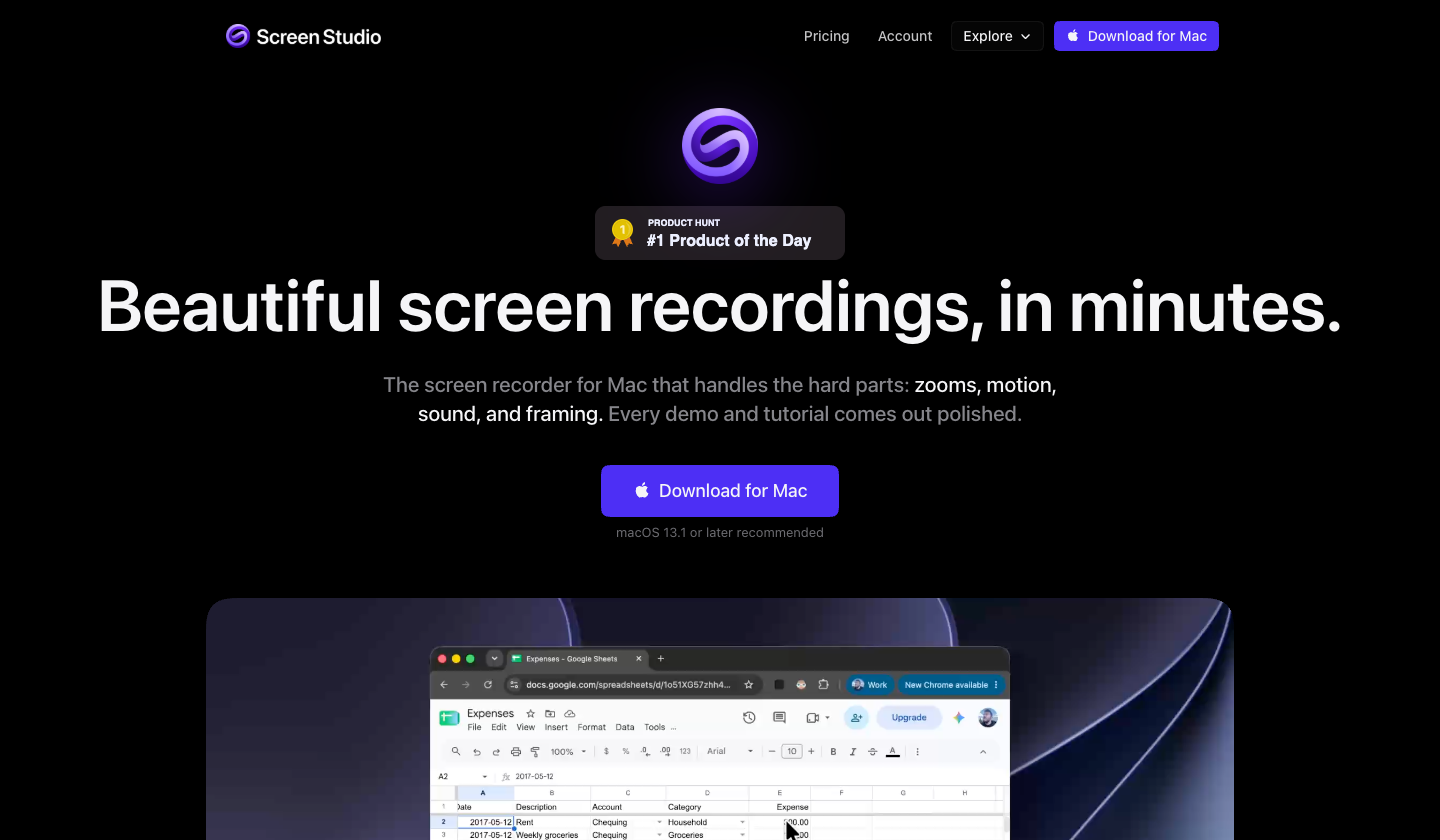
Screen Studio: Polished 4K Demos Without Timeline Keyframes
Raw screen recordings look flat on laptop and phone feeds. Viewers squint at tiny menus, and manual zoom keyframes in Final Cut eat an entire afternoon.
Screen Studio fixes that right inside macOS. Click a button or type in a box, and the app tracks your cursor automatically. It smooths shaky hand motion and adds clean zoom-ins without manual timeline work. In Screen Studio 4.0, it also transcribes your voiceover locally or in the cloud, so you can cut bad takes and "um" pauses by deleting text.
- 2026 pricing reality: Screen Studio retired new standalone pay-once licenses. One plan covers 4K/60fps local exports, wired iPhone and iPad capture, 9:16 social presets, URL blurring, and cloud links. It costs
$9/monthbilled yearly ($108/year) or$29/monthbilled monthly, with40%off for students and educators. - Where it falls short: It runs on macOS only, has no
$0watermark-free export tier, and doesn't take still screenshots.
When Loom Still Wins, and Why Loom Business + AI Costs Twice as Much
Mac users searching for a Loom alternative usually hit fuzzy video or seat creep. Loom's $0 Starter plan stops at 25 total videos, 5 minutes per clip, and a soft 720p video cap.
Sharp 4K recording without a 5-minute cutoff takes Loom Business at $15/user/month billed yearly ($18 monthly). Want automatic filler-word and silence cuts? Loom puts those inside Business + AI at $20/user/month billed yearly ($240/year), or $24/month monthly.
- Keep Loom if: Ten teammates on Windows, Mac, and Chrome send quick bug recaps that need an instant Slack link.
- Switch to Screen Studio if: You work on a Mac and publish external product demos, YouTube guides, or X launch clips. At
$108/year, Screen Studio costs less than half of Loom Business + AI and adds auto-zoom motion that Loom lacks.
CleanShot X for Quick Bug Clips & GIFs (Not Cinematic Zooms)
Maybe you only record 20-second clips to show an engineer a CSS bug. You don't need $108/year camera motion for that. CleanShot X records crisp MP4s and GIFs right next to its screenshot editor.
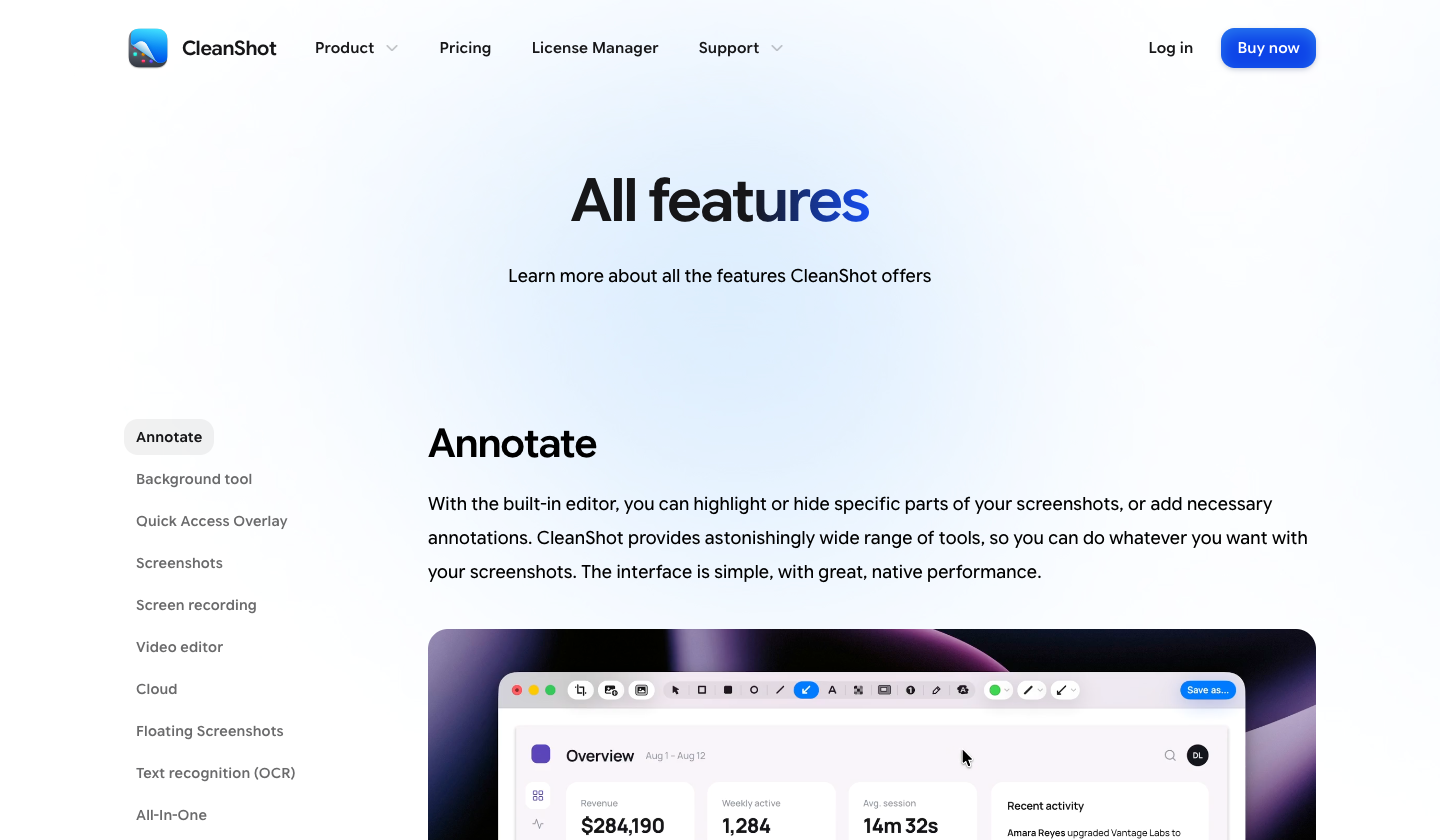
CleanShot X shows your webcam bubble, highlights clicks, captures Mac system audio with your mic, and trims dead air. It won't zoom in on your cursor automatically. That's why many Mac founders pair CleanShot X ($35 once) for daily bug clips with Screen Studio ($108/year) for public launches.
- Basic vs Pro license check: CleanShot X Basic costs
$35once for1 Mac($59for 2,$139for 5, or$269for 10 Macs). You get the full Mac app (macOS 13.0+) and one year of updates. After Year 1, keep your build at$0or renew updates for$19/year. Basic also includes1 GBof CleanShot Cloud storage, with soft fair-use guidelines of5 GBmonthly bandwidth and300 uploads/month. - When Pro makes sense: CleanShot Pro (
$10/user/monthbilled yearly, or$12monthly) uses the exact same desktop app. Only pay for Pro if you rely on shared Cloud links (100 GBbandwidth and3,000 uploads/monthfair-use) plus ongoing updates. Direct orders have no free trial, backed instead by a 30-day refund window.
Mac Screenshots, Pixel Rulers & Social Cards: CleanShot X vs Shottr vs Xnapper
Shottr: The 2.6 MB Free-for-Personal-Use Speed Champion
If you hate heavy Electron apps in your menu bar, Shottr feels instant. Built natively for Apple Silicon and Intel (~2.6 MB on disk, macOS 12+), it snaps a screen in 17 ms and opens its preview in 165 ms.
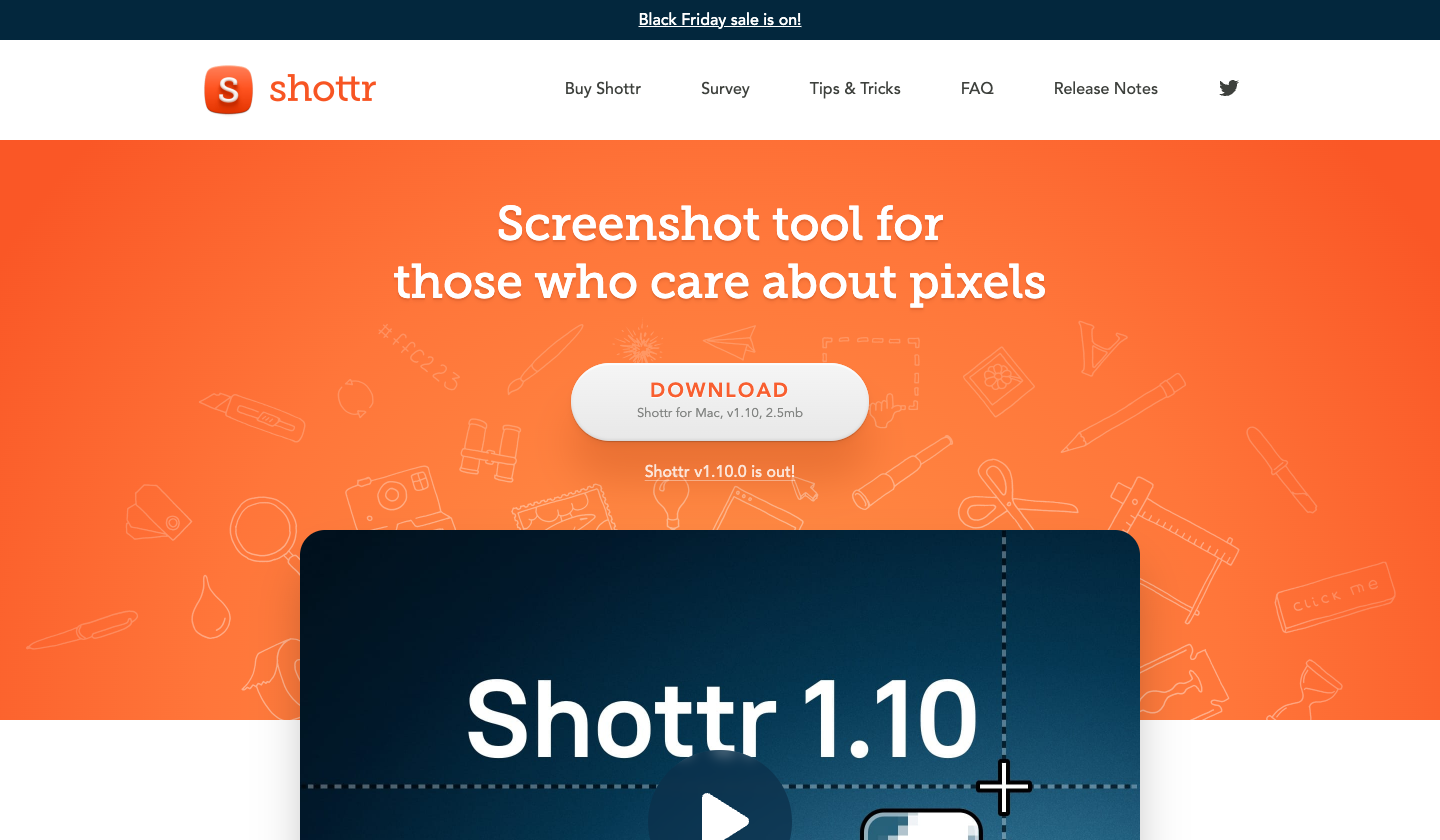
Frontend builders and UI designers pick Shottr for two tools CleanShot X skips. First, arrow-key pixel rulers measure padding right inside a screenshot. Second, a built-in HEX/RGB loupe grabs exact color codes. You also get two-way scrolling capture, pinned floating windows, on-device OCR and QR reading, and smart text erase.
- 2026 pricing reality: Personal users get Shottr at
$0with zero watermarks and no hard cutoff date. A polite upgrade note pops up now and then after 30 days. Commercial work costs$12once for Shottr Basic, covering up to 5 Macs per user ($30once for Friends Club). - Where it falls short: Shottr captures still images only. If you want GIF and MP4 recording in the same menu-bar icon, spend
$23more on CleanShot X Basic.
Xnapper: 2-Second Social & Changelog Cards With Smart Redaction
Both CleanShot X and Shottr have background tools, yet indie makers who post daily on X or LinkedIn still buy Xnapper. The reason comes down to speed and optical centering.
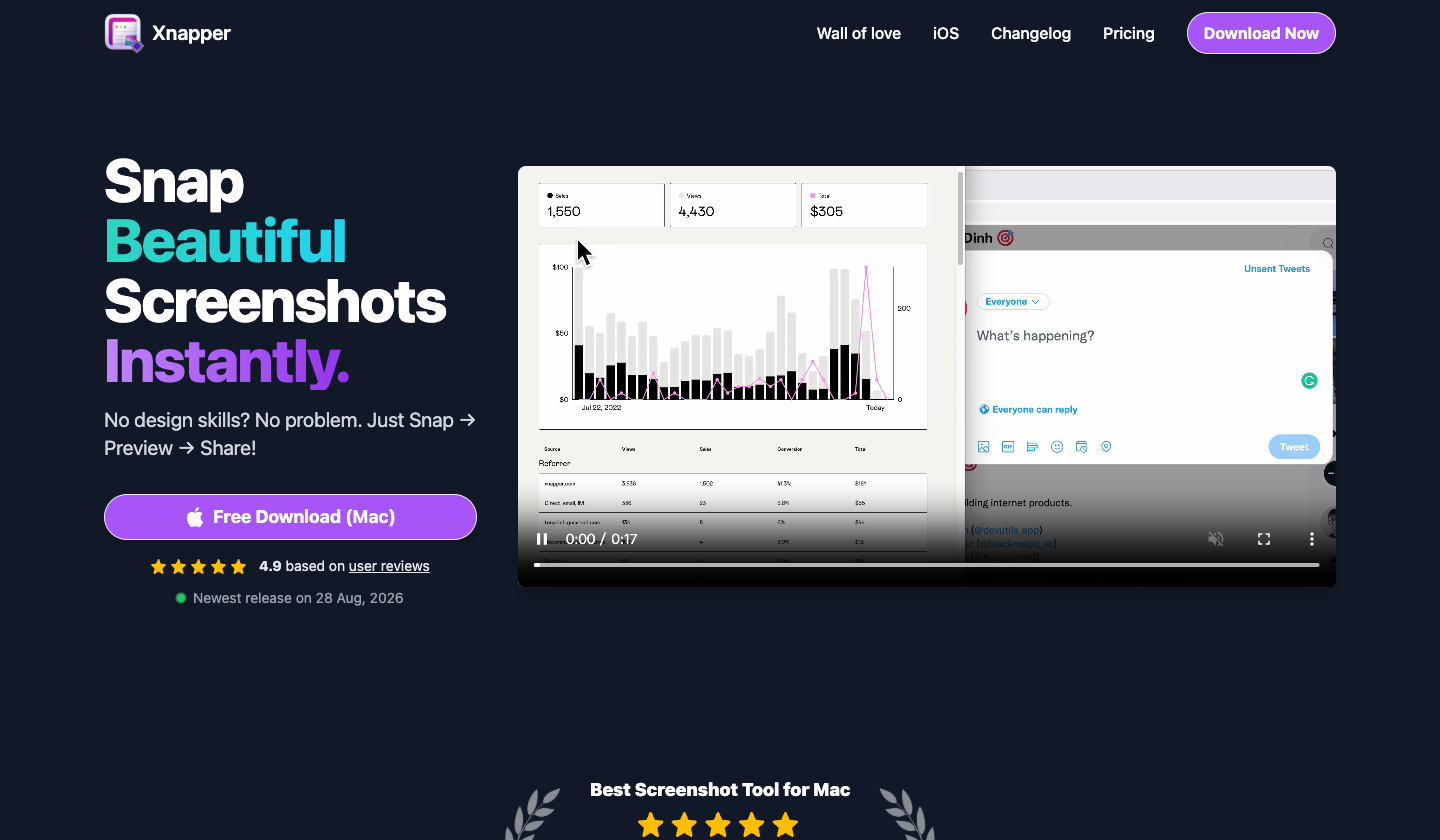
Drop an uneven window into Xnapper, and its auto-balance engine centers the card optically in two seconds. It samples the window edge color to hide harsh seams and snaps to 16:9, 4:3, X, or LinkedIn ratios. One click also scans text on-device to blur emails, credit cards, IPv4 addresses, and API keys before you post.
- 2026 pricing reality: Xnapper's free download works for testing with a watermark. Removing the watermark costs
$29.99once for1 Mac(Basic),$54.99for2 Macs(Personal), or$79.99for3 Macs(Standard). Each tier includes 1 year of updates, a locked40%renewal discount, and a 30-day refund window. Team plans cost$5/device/monthbilled yearly, and iOS is sold separately. - Where it falls short: No video recording and no scrolling capture. Treat Xnapper as a fast social finisher rather than an all-in-one utility.
Cross-Platform SOPs & Step Guides: Snagit vs Mac-Only Utilities
Snagit: Auto-Numbered Step Capture Across Windows 10/11 and macOS
Screen Studio, CleanShot X, Shottr, and Xnapper all center on macOS. Once an IT, QA, or support lead needs one standard tool across Windows 10/11 PCs and macOS 14+, those four drop out.
That mixed-OS gap is where Snagit shines. Its signature tool is Step Capture. Click through a workflow once, and Snagit logs each cursor click, numbers the steps, and builds an editable handout for Notion, Confluence, or Zendesk. Its Panoramic capture also lets you scroll stubborn web dashboards by hand when auto-scroll breaks.
- Skip the
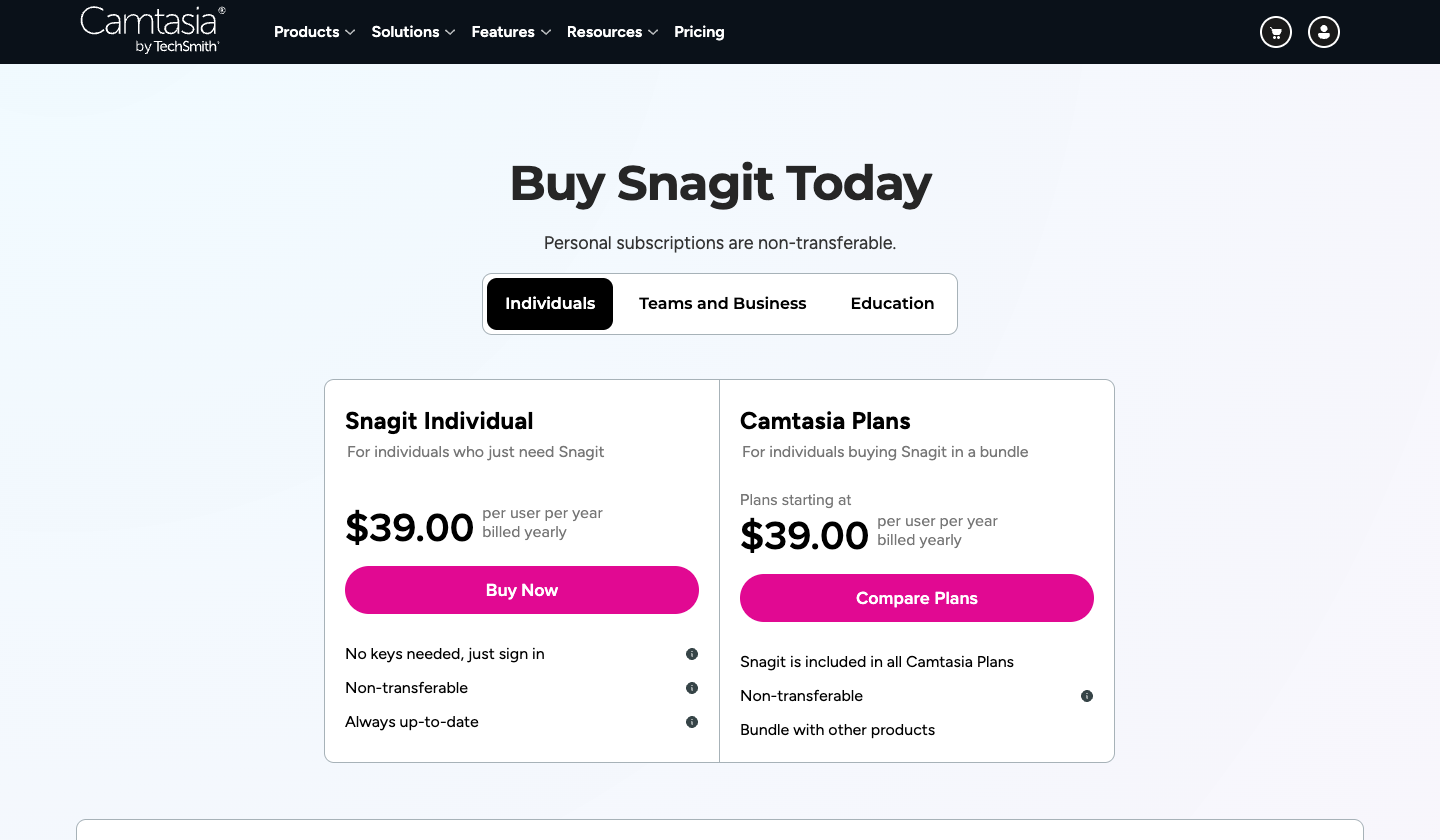
$198/yearbundle trap: TechSmith retired pay-once Snagit licenses and rebranded its top menu around Camtasia (Camtasia Essentialsstarts at$198/year). Don't overpay if you only need Snagit. On the standalonetechsmith.com/store/snagitpage, Snagit Individual costs$39.00/year(single-seat, non-transferable, with25Screencast video slots and Camtasia Online1080p). Transferable Snagit Business runs$48.00/user/year, with education plans at$19.99/yearfor students and$39.36/yearfor educators. - Trial note: Snagit offers a card-free evaluation trial. You must sign in with a TechSmith Account, and trial exports are restricted to non-commercial testing.
Which 1- or 2-Tool Mac Stack Should You Buy?
Skip overlapping subscriptions and match your workflow to one of these five clean stacks:
| Buyer Profile | Recommended Stack | Year-1 Cost | Ongoing Yearly Cost |
|---|---|---|---|
1. $0 Personal / Student Mac Setup |
Shottr Free + built-in macOS Cmd+Shift+5 |
$0 |
$0/yr |
| 2. Solo Mac Daily Workhorse | CleanShot X Basic (1 Mac, local files) |
$35 once |
$0/yr (optional $19/yr updates) |
| 3. Build-in-Public Indie Maker | Xnapper Basic ($29.99) + Shottr Basic ($12) |
$41.99 once |
$0/yr (perpetual builds) |
| 4. SaaS Founder Demo + Daily Stills | Screen Studio ($108/yr) + CleanShot X Basic ($35) |
$143.00 |
$108/yr (saves $97 vs Loom + AI) |
| 5. Mixed Windows + Mac SOP Team | Snagit Standalone (Individual or Business) |
$39–$48/seat |
$39–$48/seat/yr |
Frequently Asked Questions
Can Screen Studio replace CleanShot X or Shottr on a Mac?
No. Screen Studio only records and edits demo videos. It doesn't capture annotated screenshots, scrolling web pages, pixel rulers, or OCR text. Pair it with Shottr ($0 personal / $12 commercial) or CleanShot X ($35 once) for daily stills.
Can I still buy CleanShot X once without a subscription in 2026?
Yes. CleanShot X Basic is still a $35 one-time license for 1 Mac ($59 for 2 Macs). It includes the full macOS app, 1 GB of Cloud storage, and one year of updates. After 12 months, keep using your build at $0 or renew updates for $19/year.
What is the best Loom alternative for Mac demos without a $24/month bill?
For polished product demos, tutorials, and launch clips on macOS, Screen Studio at $9/month billed yearly ($108/year) is the top Loom alternative. You get 4K exports, auto-zoom motion, and text-based filler cuts for less than half the $240/year cost of Loom Business + AI.
Can I buy Snagit without paying $198/year for a Camtasia bundle?
Yes, as an annual plan rather than a perpetual key. Open TechSmith's standalone Snagit store (techsmith.com/store/snagit) to get Snagit Individual at $39.00/year (non-transferable) or Snagit Business at $48.00/user/year (transferable team key) without paying for Camtasia.
Source & Editorial Review
Checked on November 25, 2026, from official product pages, pricing stores, OS FAQs, and fair-use docs. We did not buy paid seats for every tier or test enterprise deployment. Taxes, student discounts, and regional offers may vary at checkout.
Sources: Screen Studio pricing, CleanShot X pricing, CleanShot X fair-use policy, Shottr license page, Xnapper pricing, TechSmith standalone Snagit store, and Loom pricing.
Websites in this guide
Open each Reemo listing for its purpose, access details, and official website.
- Screen StudioRecord polished macOS product demos with automatic cursor zoom, transcript editing ("um/uh" removal), iPhone frames, and 4K 60fps or 9:16 exports.
- CleanShot XCapture and annotate Mac screenshots, record screen demos, and optionally share them through CleanShot Cloud.
- ShottrCapture instant Mac screenshots, stitch scrolling web pages, extract OCR text, measure pixel spacing, and redact details in a tiny native app.
- XnapperSnap auto-balanced Mac screenshots with instant gradient backgrounds, 1-click email/key redaction, and OCR—free with watermark or $29.99 once.
- SnagitCapture panoramic scrolling screenshots, auto-numbered step-by-step SOP guides, and screen videos across Windows 10/11 and macOS 14+ from $39/year.