

NovelToScreenplay Overview
Adapt a novel or short story into a screenplay draft with scenes and dialogue, then revise and export it.
What is NovelToScreenplay?
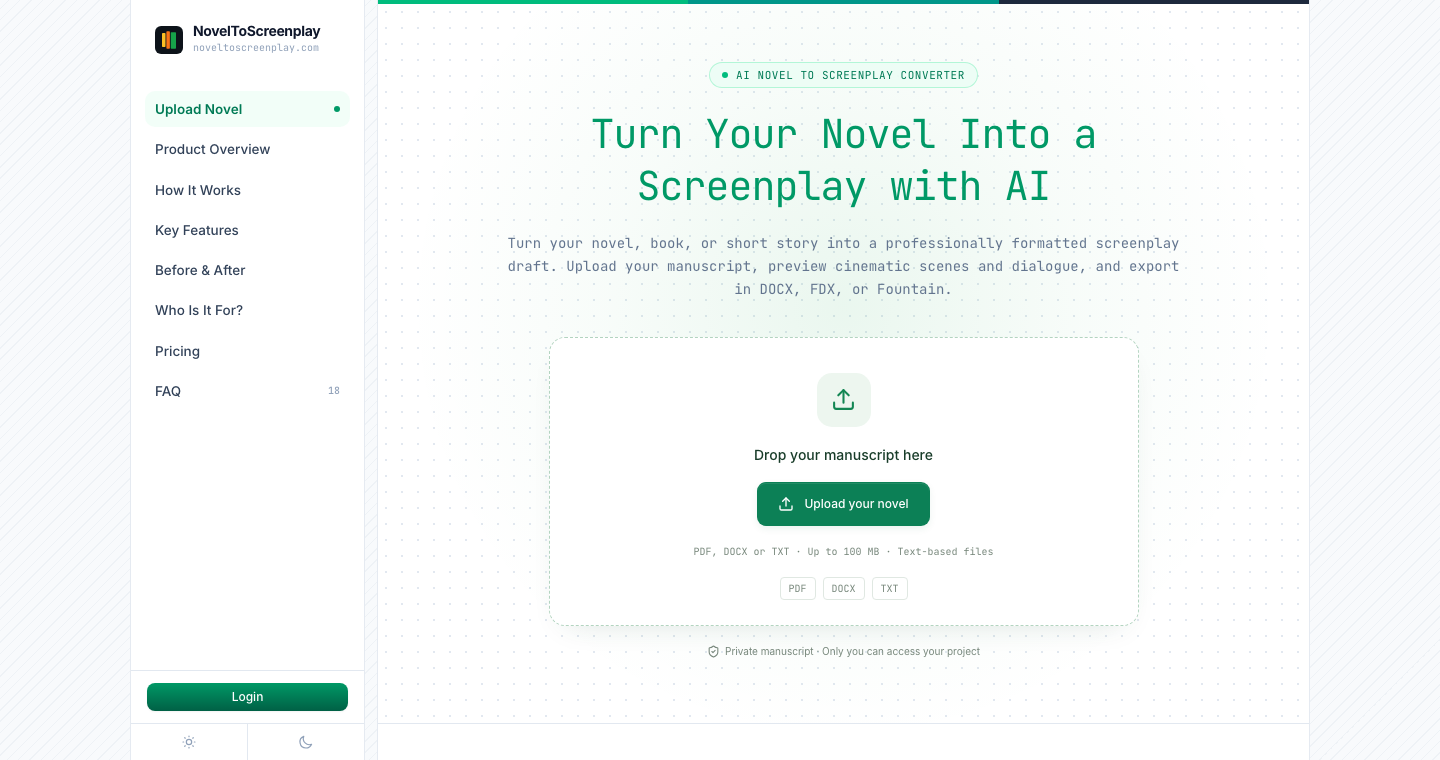
NovelToScreenplay adapts prose into screenplay scenes, visible action and character dialogue. Upload a manuscript or paste a story, preview an adapted opening, and use the editor to revise generated chapters. Paid adaptations can be exported as DOCX, FDX or Fountain files.
How to use NovelToScreenplay
- Upload a text-based PDF, DOCX or TXT manuscript, or paste a story you have the right to adapt.
- Review the free opening preview before deciding whether to unlock the full adaptation.
- Revise scenes and dialogue in the editor, then export chapters separately or together.
Core features
Prose-to-scene adaptation
Turn descriptive passages into scene headings, action and spoken dialogue.
Chapter revisions
Request changes to tone, dialogue or pacing within the plan’s revision allowance.
Screenplay exports
Download DOCX for document editing, FDX for screenwriting software or plain-text Fountain.
Use cases
- Explore how an original novel could work as a film adaptation.
- Develop a short-film draft from a short story.
- Compare prose narration with a scene-based draft during a writing exercise.
Who is it for?
Authors, screenwriters and filmmakers working with stories they may adapt. The opening preview is free; a full adaptation is a one-time purchase with a plan-specific number of AI revisions. The result remains a draft for human review and editing.





















Have a website to share?
See how listing works ↗